





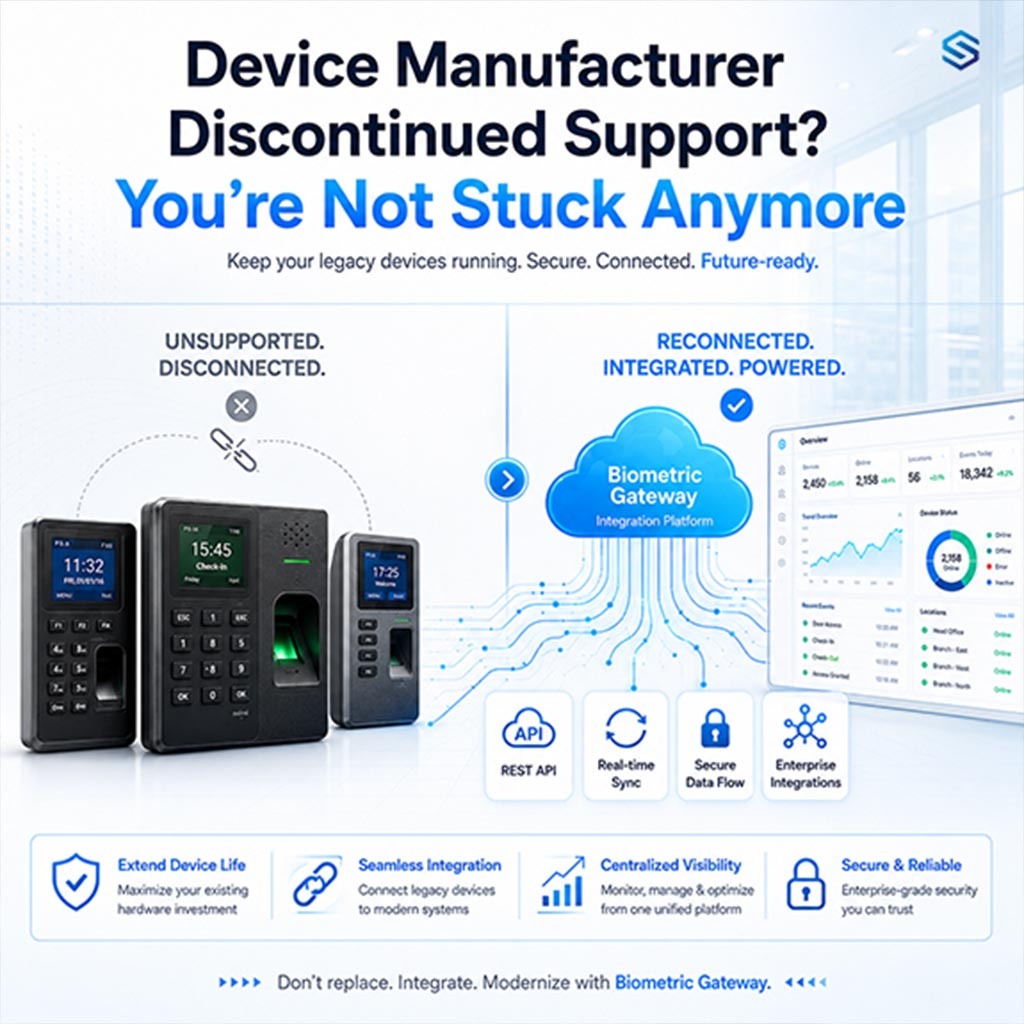
Thousands of businesses rely on fingerprint scanners, face recognition terminals, and access control hardware that will hit end-of-life this year. When your manufacturer walks away, your attendance records, door access, and workforce data don’t have to be left behind. Here’s your practical roadmap.
What “Discontinued Support” Means for Your Biometric System
When a biometric device manufacturer announces end-of-life (EOL) or end-of-support (EOS), it’s not a kill switch, your fingerprint reader or face recognition terminal keeps working on day one. What stops is everything that keeps it safe and functional over time: firmware patches, security updates, SDK compatibility fixes, and vendor technical support.
For businesses running time and attendance systems, door access control, or visitor management on these devices, that matters enormously. A biometric device stores or processes sensitive identity data. An unpatched vulnerability in that device doesn’t just affect the hardware, it can expose your HR systems, payroll integration, and physical premises to risk.
Know the difference:
End-of-sale means the manufacturer stops selling the product. End-of-support is the critical one, it’s when firmware updates and security patches stop entirely. Your device may still be available on the grey market long after support has ended.
The Real Risks of Running EOL Biometric Hardware
Staying on discontinued biometric hardware isn’t just a technology inconvenience, it creates compounding risks across security, compliance, and operations.
1. Security Vulnerabilities
Unpatched firmware leaves biometric data exposed to known exploits. No patch means the gap stays open permanently.
2. Compliance Failures
GDPR, and sector-specific regulations require supported, secure systems for biometric data processing.
3. Integration Breakdown
New HR software, payroll platforms, and OS updates may stop communicating with unsupported device SDKs.
4. No Technical Support
When something breaks, there’s no vendor to call. Your team absorbs all troubleshooting risk.
5. Physical Access Gaps
Access control vulnerabilities can become physical security risks, not just IT problems.
6. Hardware Deterioration
Replacement parts, sensors, and peripherals become increasingly difficult to source as the device ages.
“A biometric device that stores fingerprint templates or facial data without active security patches is not just a tech risk, it’s a data protection liability. Regulators don’t accept ‘the manufacturer stopped supporting it’ as a defence.”
Your Options When Biometric Device Support Ends
Here’s a clear breakdown of the paths available to you, from buying more time to a full, clean migration.
1. Migrate to a Supported Biometric System (Recommended)
The cleanest long-term answer. Replace EOL hardware with actively supported devices, ideally with a provider who can migrate your existing employee enrolment data, preserving templates, user records, and access configurations without a complete restart.
Best long-term security/ Full compliance/ Minimal disruption with planning
2. Extended Support Contract
Some manufacturers or specialist third parties offer paid extended support windows. This buys you time, typically 1–2 additional years of security patches, but at a premium, and it doesn’t address the underlying hardware end-of-life trajectory.
Short-term bridge/ Higher cost/ Compliance-limited
3. Network Isolation (Stopgap Only)
For devices that cannot be immediately replaced, isolating them from external networks reduces exposure. This means placing them on a segmented VLAN, removing internet access, and adding enhanced monitoring. Recognised by NIST and ISO 27001 as a compensating control, but not a permanent fix.
Temporary only/ Needs IT expertise/ Not standalone compliant
4. Planned Phased Replacement
If you have 50+ devices or multiple sites, a full cutover may not be practical. A phased replacement, highest-risk or highest-traffic devices first, lets you spread cost and disruption across a structured 3–12 month window.
Scalable/ Budget-friendly pacing/ Multi-site friendly
Don’t wait for a failure event
The most common mistake organisations make is treating EOL as a future problem. By the time a breach or compliance audit forces action, options are limited and costs spike. Start planning the moment your manufacturer announces an end-of-support date.
How Cams Biometrics helps?
We Handle the Transition, So You Don’t Have to Start from Scratch
When your existing biometric device manufacturer walks away, Cams Biometrics steps in. Our team has migrated hundreds of sites from discontinued hardware, including devices from manufacturers like ZKTeco, Suprema, Hikvision, and others, with zero data loss.
Full employee template migration
Access level and schedule transfer
Payroll & HR software integration
Multi-site rollout support
GDPR-compliant handling
On-site and remote installation
Attendance history preservation Ongoing firmware and support
Step-by-Step: Building Your EOL Response Plan
Whether you have four weeks or four months, here is a proven framework for handling biometric device end-of-support without disruption.
1. Audit every biometric device in your environment
List every reader, terminal, and controller, its model, firmware version, location, and what systems it connects to (payroll, access software, HR platforms). You can’t plan a migration without knowing the full scope.
2. Confirm the exact end-of-support date
Check the manufacturer’s official product lifecycle page. Note the difference between end-of-sale and end-of-support, the latter is what triggers your planning clock.
3. Prioritise devices by risk level
A fingerprint reader controlling access to a server room is higher priority than a clock-in terminal in a break room. Triage by data sensitivity, physical access risk, and integration criticality.
4. Apply interim controls to high-risk devices immediately
While the full migration plan is built, isolate your most exposed devices. Restrict network access, increase audit logging, and document the controls you’ve applied for compliance records.
5. Choose your replacement hardware and migration partner
Not all biometric hardware is equal, and not all suppliers can migrate your existing data. Verify that your chosen provider can transfer employee enrolment templates, access configurations, and attendance history before committing.
6. Plan the rollout site by site or device by device
For organisations with multiple locations, a phased rollout minimises disruption. Define a clear schedule, communicate changes to staff, and run parallel systems briefly where possible to catch issues early.
7. Document everything for compliance
Record what devices were affected, when support ended, what interim controls were applied, and when replacements were completed. If you’re ever audited, this paper trail is your protection.
Compliance and Biometric Data: What the Law Says
Biometric data, fingerprints, facial geometry, iris patterns, is classified as special category data under GDPR. Processing it on unsupported, unpatched hardware creates a direct regulatory exposure.
- GDPR (EU): Data minimization, secure transmission, and no unauthorized data storage.
- CCPA/CPRA (California): No personal data collection, selling, or profiling by Cams Biometrics.
- LGPD (Brazil): Compliance with lawful processing and data minimization principles.
- PDPA (Singapore, Malaysia, Thailand): Alignment with consent-based processing and transparency.
- ISO 27001-aligned controls: While not formally certified, our practices reflect ISO 27001 guidelines around encryption, access control, and security readiness.
Regulatory note:
In the event of a data breach involving biometric data processed on EOL hardware, regulators will examine whether you took reasonable steps after the support cutoff. “We didn’t know” and “we were planning to migrate” are not defences, documented action is.
Frequently Asked Questions
1. Will our device stop working on the end-of-support date?
No, end-of-support is not a shutdown. Your biometric devices will continue operating exactly as before. What stops is the manufacturer releasing firmware updates, security patches, or providing technical assistance. The risk grows over time as new vulnerabilities emerge with no patch available.
2. Can Cams Biometrics migrate our existing employee fingerprint data?
In most cases, yes. Our team specialises in migrating biometric templates, user records, access levels, and attendance history from discontinued devices, including models from ZKTeco, Suprema, Hikvision, Anviz, and others. Contact us with your device model and we’ll confirm compatibility before any commitment.
3. How long does a typical biometric system migration take?
For a single site with up to 20 devices, a planned migration typically takes 2–5 business days including enrolment data transfer and integration testing. Multi-site rollouts are scoped individually based on the number of locations, devices, and integration complexity.
4. Is it illegal to keep using an EOL biometric device?
Not inherently, but for organizations in regulated industries or processing sensitive data under GDPR, running unsupported biometric hardware without compensating controls creates compliance exposure. Consult your legal or compliance team with the specific regulatory framework that applies to your organization.
5. We have 200+ devices across multiple branches. Where do we start?
Start with a risk-tiered audit: identify your highest-exposure devices first (server room access, payroll terminals, executive areas) and prioritise those for early replacement. Cams Biometrics can assist with the audit and build a phased migration plan that fits your budget and operational timeline.
Conclusion: End-of-Support Is a Signal, Act on It Early
A manufacturer ending support for your biometric hardware is not a catastrophe. But it is a deadline, and the earlier you treat it that way, the more control you have over what comes next.
Whether your challenge is a handful of fingerprint readers in a single office or 500 access control terminals across a national operation, the same principle applies: planned transitions are fast, smooth, and cost-effective. Reactive ones are not.
Cams Biometrics exists precisely to make this transition simple. We bring the hardware, the migration expertise, the compliance knowledge, and the ongoing support that keeps your workforce management and physical security infrastructure running, long after other manufacturers have walked away.