

Biometric Device Deployment: Native Push vs. Hybrid Push
Compare Native Push and Hybrid Push deployment for connecting biometric devices to HRMS and ERP systems, with four hybrid modes and network requirements.






Compare Native Push and Hybrid Push deployment for connecting biometric devices to HRMS and ERP systems, with four hybrid modes and network requirements.
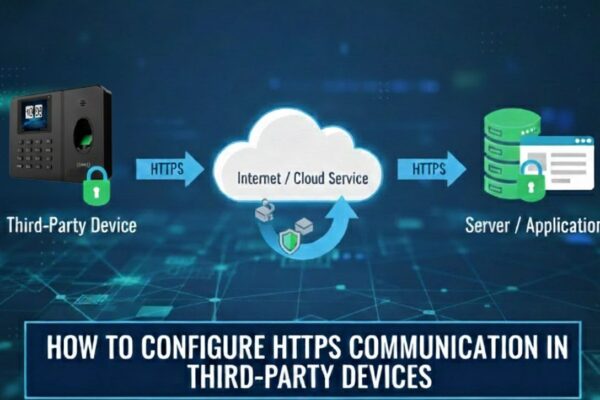
First, ensure that the device supports HTTPS by configure the vendor’s HTTPS server URL and confirm if it works properly. Then, update the server settings as described below. ✅Server configuration for an HTTPS Domain Name Configuration Steps: Note: If your device has the HTTPS option, Enable HTTPS by navigate to: Menu → Comm → PC…

How to regain admin access on a locked biometric attendance machine: remote unlock for Cams devices, options for ZKTeco, eSSL and Identix, and prevention.
Steps to connect a biometric device to Razorpay, for Cams Biometrics devices and existing devices such as ZKTeco, using the Cams Biometrics API.
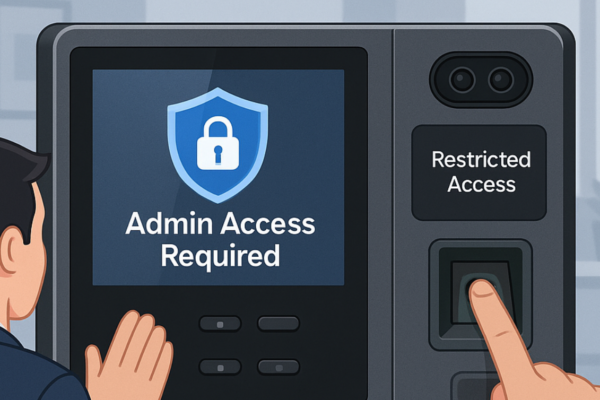
Step-by-step guide to locking a biometric device menu so only admin users can change settings, while everyone else can still mark attendance.

How to connect ZKTeco biometric attendance devices to a cloud application with the Cams Biometrics API: verify the device, set up the network, callbacks.














