
Fix Biometric Integration Blocked by Enterprise Networks
Why firewalls and segmented networks block biometric device integrations, and four deployment options: direct cloud, local gateway, secure API and hybrid.






Why firewalls and segmented networks block biometric device integrations, and four deployment options: direct cloud, local gateway, secure API and hybrid.
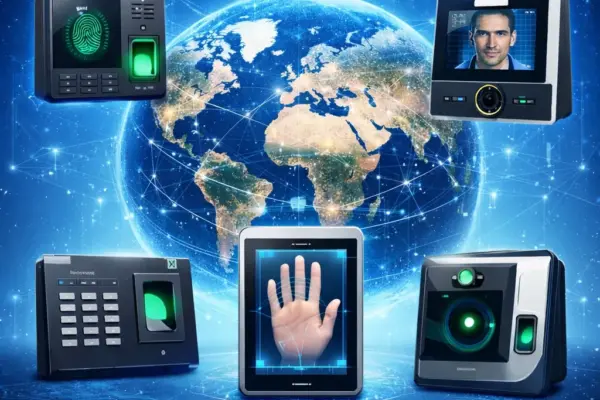
Compare Native Push and Hybrid Push deployment for connecting biometric devices to HRMS and ERP systems, with four hybrid modes and network requirements.
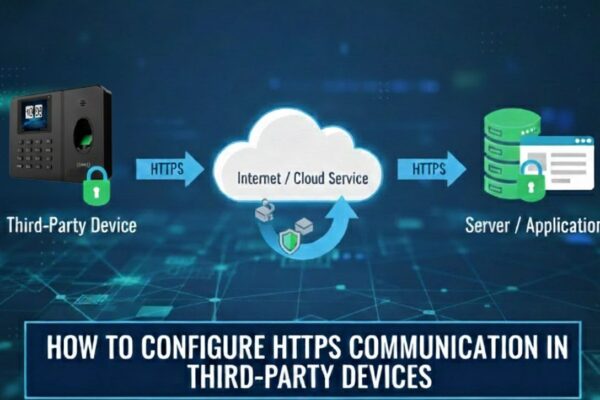
First, ensure that the device supports HTTPS by configure the vendor’s HTTPS server URL and confirm if it works properly. Then, update the server settings as described below. ✅Server configuration for an HTTPS Domain Name Configuration Steps: Note: If your device has the HTTPS option, Enable HTTPS by navigate to: Menu → Comm → PC…

Step-by-step server settings for Cams Biometrics and other-brand biometric devices to connect online: menu path, domain, port and approval options.
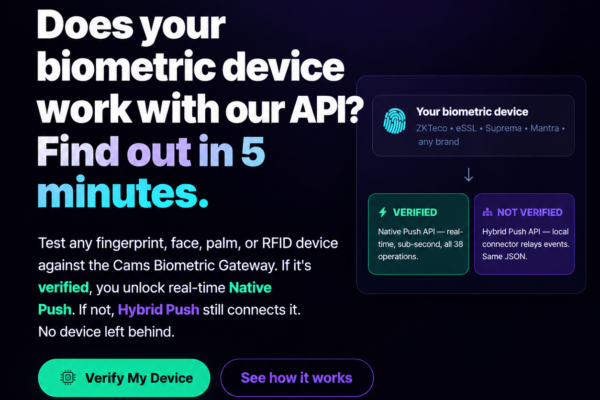
This page helps you configuring your biometric machines to connect with the web server. The following screens are taken from Cams biometric machines. Some of the machines of ZKTeco will also same as Cams machines. In the following examples we have shared has screens of two different versions. If you have different software than what…
Learn what a callback URL (webhook) is, how to create and secure an endpoint that accepts HTTP POST requests, and how to test it with Postman or cURL.














