
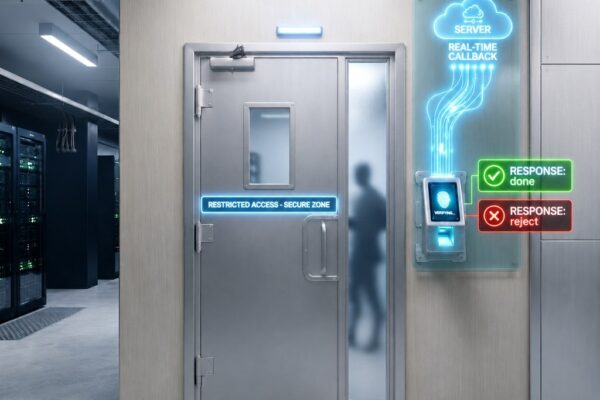
Case Study: One-Person Room Access with Server Approval
How a restricted room enforced one-person-at-a-time entry: the device verifies identity and your software approves or rejects each punch via callback.






How a restricted room enforced one-person-at-a-time entry: the device verifies identity and your software approves or rejects each punch via callback.
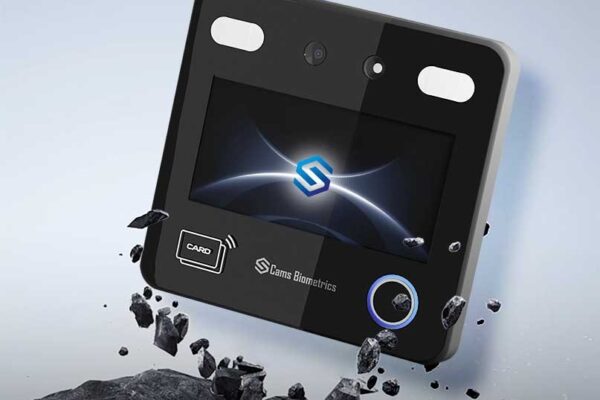
Most organizations don’t struggle with biometric devices. They struggle with making them work together. Here’s the solution. The Real Problem with Biometric Systems Today Walk into any enterprise today and you’ll find biometric devices installed at every entry point: face scanners, fingerprint readers, card swipe terminals. On the surface, it looks connected. But beneath it,…
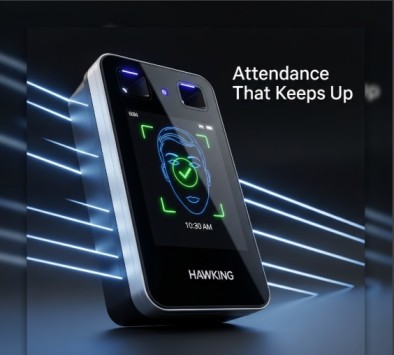
Features and specs of the Cams Hawking F38+ face and fingerprint terminal, and how it connects to HR and ERP systems through the Cams Biometric Gateway.

Explains Native Push and Hybrid Push, API Activation, Hybrid Push Setup and API License options, and when platform integration charges apply.
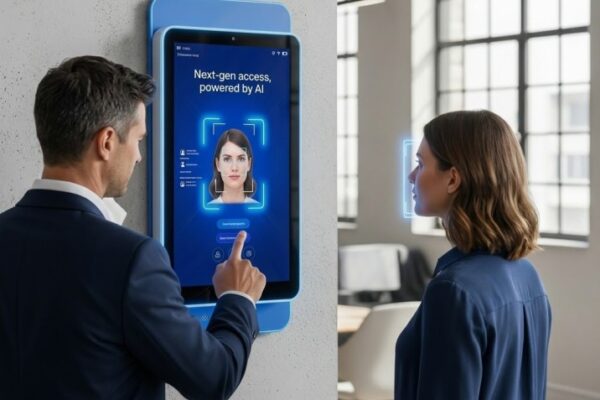
One touch. Instant trust. Your identity, verified in seconds, and synced to your HR system automatically. “What if your attendance system could verify identity, push punch data to your HR software, and eliminate manual exports, all in real time, with a single touch?” Modern workplaces demand more than a swipe card or a PIN. They…
The $50,000 Compatibility Crisis You spent $50,000 on ZKTeco devices… and now your software vendor says they’re “incompatible.” Do you really need to replace everything? Many HR and IT teams get stuck here. The hardware works perfectly, but it is offline, siloed, and unable to connect with modern cloud or ERP systems. The devices accurately…
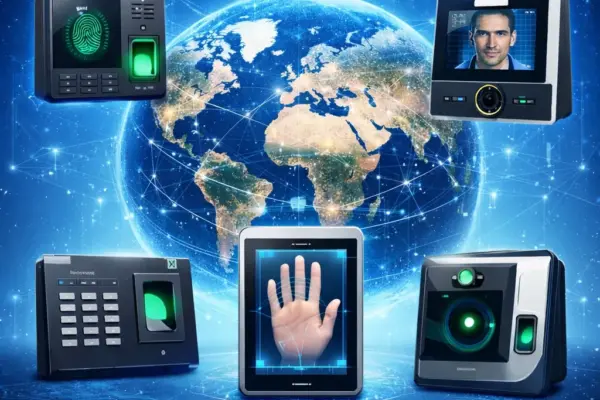
Compare Native Push and Hybrid Push deployment for connecting biometric devices to HRMS and ERP systems, with four hybrid modes and network requirements.
Managing 50, 100, or 500 biometric devices has always been a dashboard marathon – login, scroll, filter, check logs, repeat. For partners handling multiple client accounts, it’s even worse. That changes today. With our new MCP (Model Context Protocol) integration, clients and partners can now monitor devices from anywhere using any AI assistant, without even…
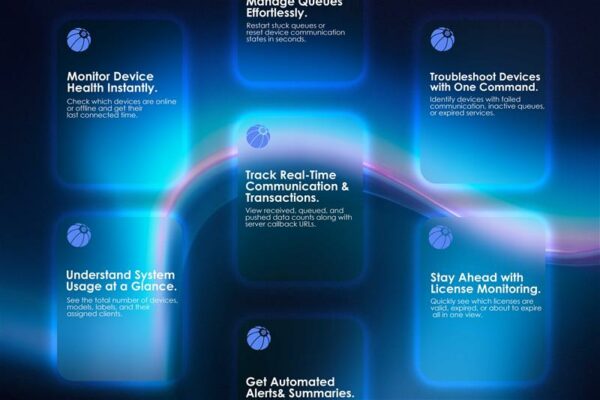
Step-by-step guide to add the Cams Biometrics custom connector in Claude AI, generate a Client Key and Password, and query device status in plain language.
Guide to common Cams device messages such as You Disabled and Verify Another, plus where to find key menu settings for users, logs, time and verification.














