





Support
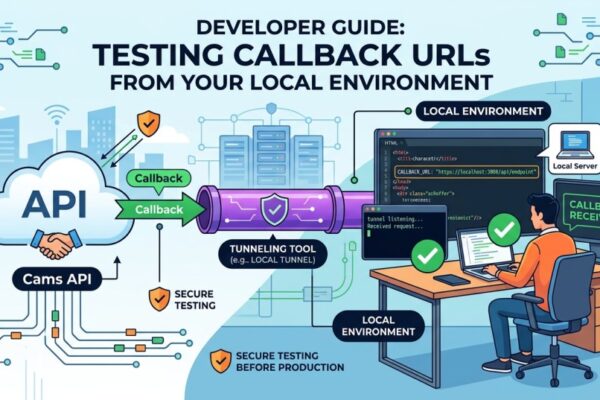
Testing Cams Callback URLs Locally with ngrok
Step-by-step guide to testing Cams API callbacks locally with an ngrok tunnel or the Cams callback testing tool plus best practices for testing.
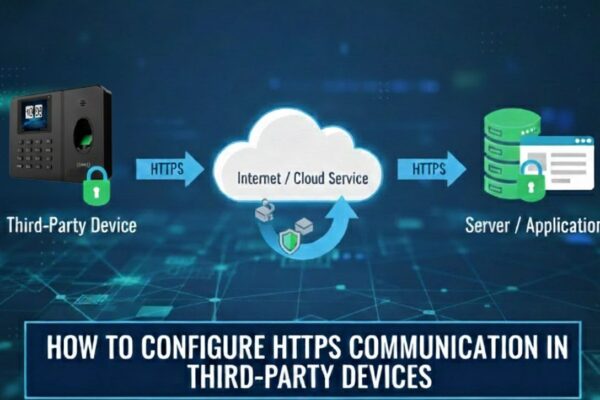
How to Configure HTTPS Communication in Third-Party Devices:
First, ensure that the device supports HTTPS by configure the vendor’s HTTPS server URL and confirm if it works properly. Then, update the server settings as described below. ✅Server configuration for an HTTPS Domain Name Configuration Steps: Note: If your device has the HTTPS option, Enable HTTPS by navigate to: Menu → Comm → PC…
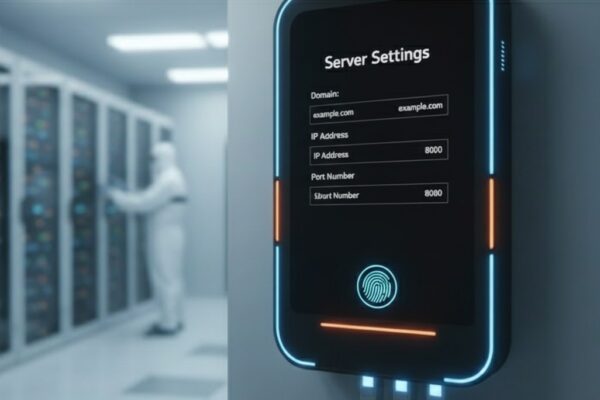
Update Biometric Device Server Settings (All Brands)
Step-by-step server settings for Cams Biometrics and other-brand biometric devices to connect online: menu path, domain, port and approval options.
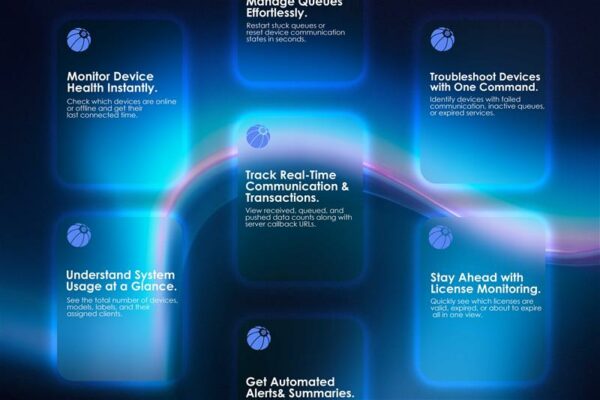
Connect Claude AI to Cams Biometrics with a Custom Connector
Step-by-step guide to add the Cams Biometrics custom connector in Claude AI, generate a Client Key and Password, and query device status in plain language.
Cams Device Menu Guide: Common Settings, Errors & Setup
Guide to common Cams device messages such as You Disabled and Verify Another, plus where to find key menu settings for users, logs, time and verification.
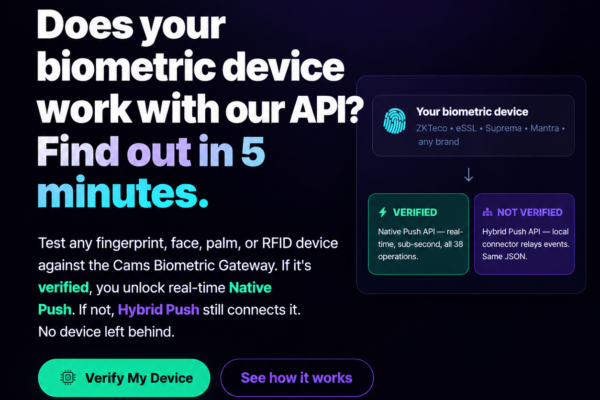
Network and Server Setup Guide to Verify Compatibility of Third-Party Biometric Devices
This page helps you configuring your biometric machines to connect with the web server. The following screens are taken from Cams biometric machines. Some of the machines of ZKTeco will also same as Cams machines. In the following examples we have shared has screens of two different versions. If you have different software than what…
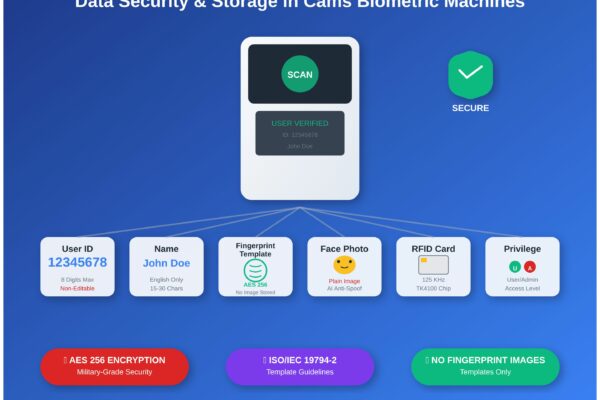
Understanding Cams Biometric Data Storage & Security
What Cams biometric machines store (user ID, name, fingerprint template, face photo, RFID card) and how that data is protected, enrolled and managed.
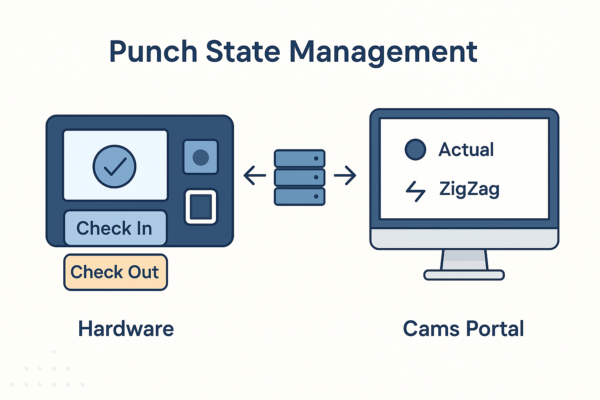
Biometric Punch State Automation: Check-In and Check-Out
How Cams Biometrics sets IN/OUT punch states: device-level selection, Actual, First In Rest Out and ZigZag modes, and limits such as 24-hour punch history.

Integrating Biometric Attendance with SAP SuccessFactors
How biometric attendance devices connect to SAP SuccessFactors Time Tracking through Cams Biometrics APIs: push-based data flow and best practices.

First-Time API Setup Guide for Cams Biometric Machines
Step-by-step first-time setup: prerequisites, the Device Status dashboard, callback URL, auth token and direction settings, and checking the data flow.