



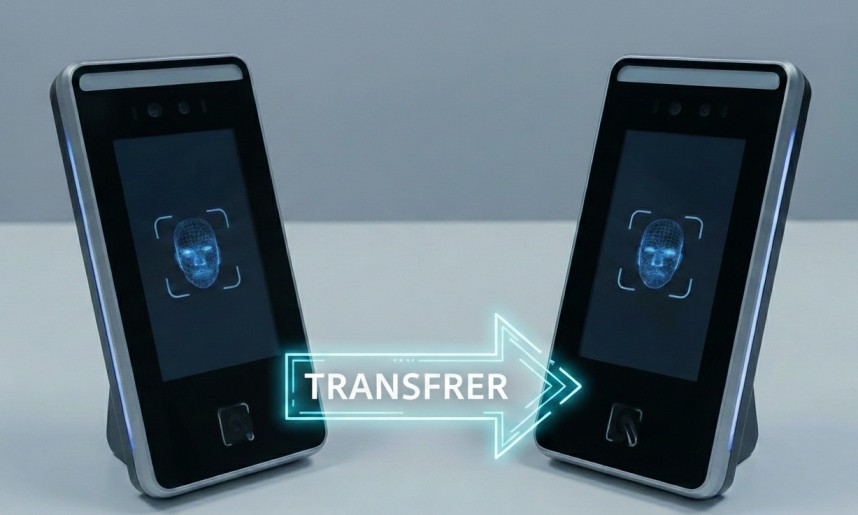
Understanding Device Migration in Cams Biometrics Platform
When working with biometric infrastructure, hardware failures are an inevitable reality. Understanding how to properly migrate your API license from a damaged device to a replacement unit is crucial for maintaining business continuity while ensuring compliance with the platform’s technical requirements.
Technical Prerequisites for Migration
Device Status Requirements
The Cams Biometrics platform architecture only supports license migration when the source device has sustained physical damage or hardware failure. This isn’t just a business rule—it’s a fundamental aspect of how the licensing system maintains integrity across the distributed API network.
Once a device is flagged as damaged in the system, that serial number is permanently retired from the active device pool. This ensures that:
- License tokens cannot be duplicated across multiple active endpoints
- API authentication remains secure and unambiguous
- Cloud synchronization maintains accurate device-to-license mapping
Critical Note: For devices that are still operational, migration is technically not supported. The system architecture requires each functioning device to maintain its own distinct license configuration.
Migration Scenarios: Technical Breakdown
Native Platform Migration (Cams → Cams)
When migrating between Cams Biometric devices, the process is streamlined because both endpoints operate on the same native protocol layer.
Technical Requirements:
Source Device: Marked as damaged (permanent deactivation)
Target Device: Fresh installation or factory reset
API Layer: Full activation required on new endpoint
Activation Components:
- Complete API activation setup on the target device
- Cloud endpoint registration and SSL certificate binding
- Device authentication key generation
License Calculation: The annual license operates on a validity-based system. When migrating, the remaining time from the source license is credited:
New License Duration = 12 months - Remaining Months from SourceExample: Source device has 5 months remaining → New device gets 7 months charged to complete the annual cycle.
Cross-Platform Migration (ZKTeco/Third-Party → ZKTeco/Third-Party)
Migrating between third-party devices involves an additional technical layer due to protocol translation requirements.
Technical Requirements:
Source Device: Marked as damaged (permanent deactivation)
Target Device: Compatible third-party hardware
Protocol Layer: Translation bridge required
API Layer: Full activation required on new endpoint
Activation Components:
- Protocol Update installation
- API activation setup on the target device
- Middleware configuration for brand-specific commands
- Cloud endpoint registration and authentication
License Calculation: Same pro-rated system applies as native migrations, but with additional one-time protocol setup costs.
PS: Cost of Protocol Update involves the monetary transaction between Cams and its respective manufacturer.
Migration Workflow: Step-by-Step
Phase 1: Source Device Deactivation
- Document the damaged device’s serial number and current license status
- Submit damage verification through the support portal
- System flags the device serial as permanently inactive
- Cloud endpoints associated with that serial are unbound
Phase 2: Target Device Preparation
- Obtain the replacement device serial number
- Ensure device firmware is up-to-date (critical for API compatibility)
- Perform factory reset if device was previously used
Phase 3: License Migration
- Calculate pro-rated charges based on remaining source license validity
- Process required activations:
- Cams devices: API Activation only
- Third-party devices: Protocol Update + API Activation
- Complete payment processing for activation and pro-rated license
Phase 4: Technical Activation
- Protocol update deployed (third-party devices only)
- API activation configured on target device