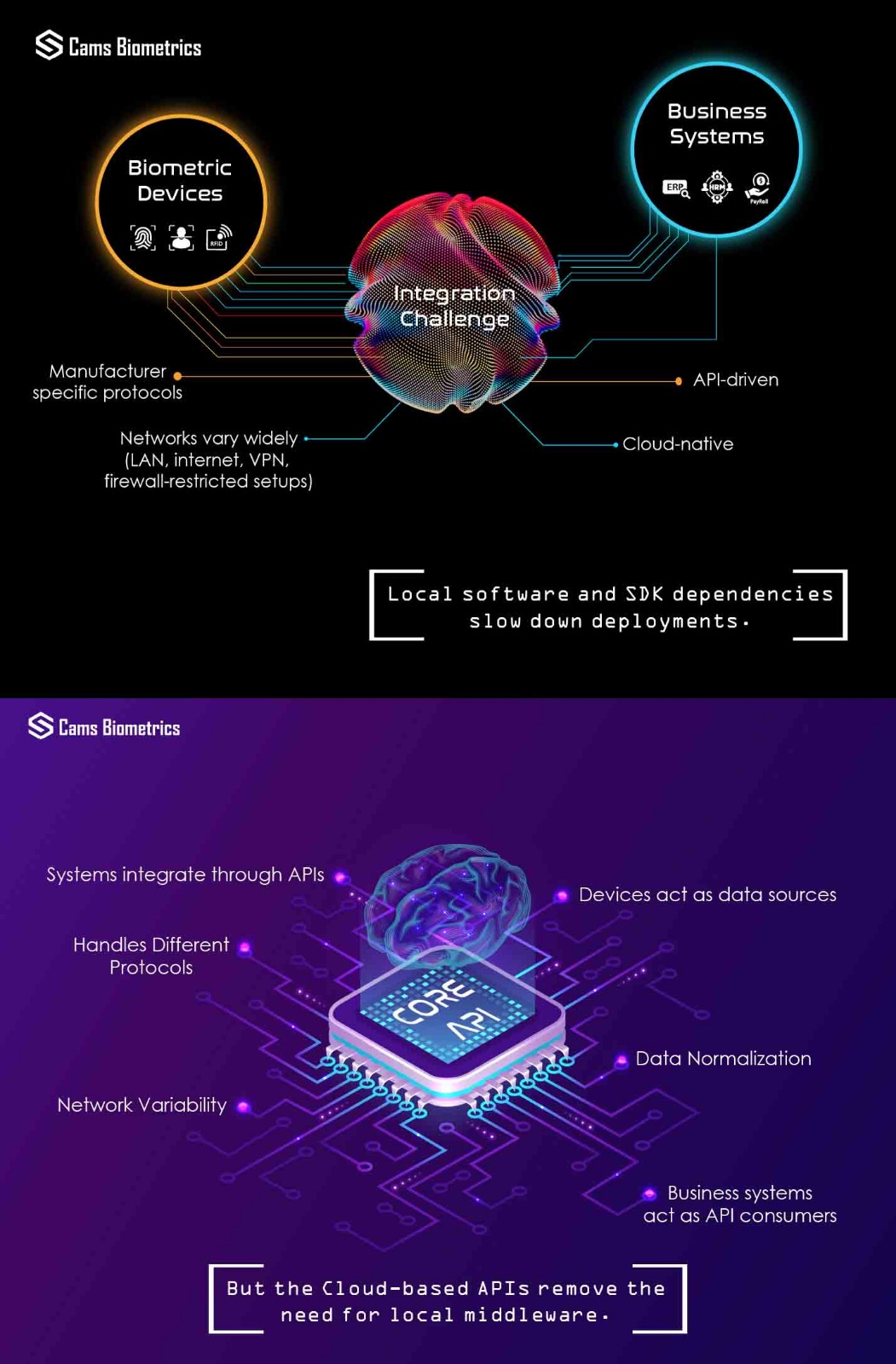



Connecting a biometric attendance device to any software platform — whether it is an ERP, HRMS, payroll system, access control application, or a custom built platform — requires communication through the Cams Biometrics Web API. Before deployment, you need to understand two things: how your device communicates, and what charges apply.
How Device Communication Works — Native Push vs Hybrid Push
The communication mode depends on your device. There are two modes.
Native Push
Native Push is the direct, real-time communication mode. The device itself pushes attendance punch data to the Cams Biometrics cloud API the moment a punch occurs — over HTTPS, with no intermediary software or server required.
Native Push is available for devices that have been verified at developer.camsbiometrics.com. The verification process confirms that the device’s firmware and communication protocol are compatible with the Cams Biometrics Universal Biometric Web API. Verified devices qualify for Native Push. All others use Hybrid Push.
Charges for Native Push:
- API Activation — one-time per device, no expiry
- API License — 1 year, multi-year, or lifetime
Hybrid Push
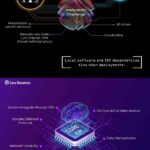
Hybrid Push is the mode for devices that are not verified for Native Push. Punch data is collected through one of the following methods and forwarded to the API:
SDK-based collection — the Cams Biometrics SDK communicates directly with the biometric hardware using the device’s native protocol and retrieves punch data. The SDK connects to the device either through a public IP address or through a push service installed on a local computer or within the local network.
Database-based collection — many biometric devices write punch records to a local database. The Cams Biometrics connector reads from that database and forwards the data to the API. The database is accessed either through a public IP or through a push service running on a local machine or server within the network.
Both methods deliver the same outcome — punch data reaches the Cams Biometrics API and is forwarded to your connected platform. The difference is only in how the data is collected from the device side.
Charges for Hybrid Push:
- Hybrid Push Setup — one-time per device, covers SDK or database connector configuration
- API License — 1 year, multi-year, or lifetime
API License — Same Model for Both Native Push and Hybrid Push
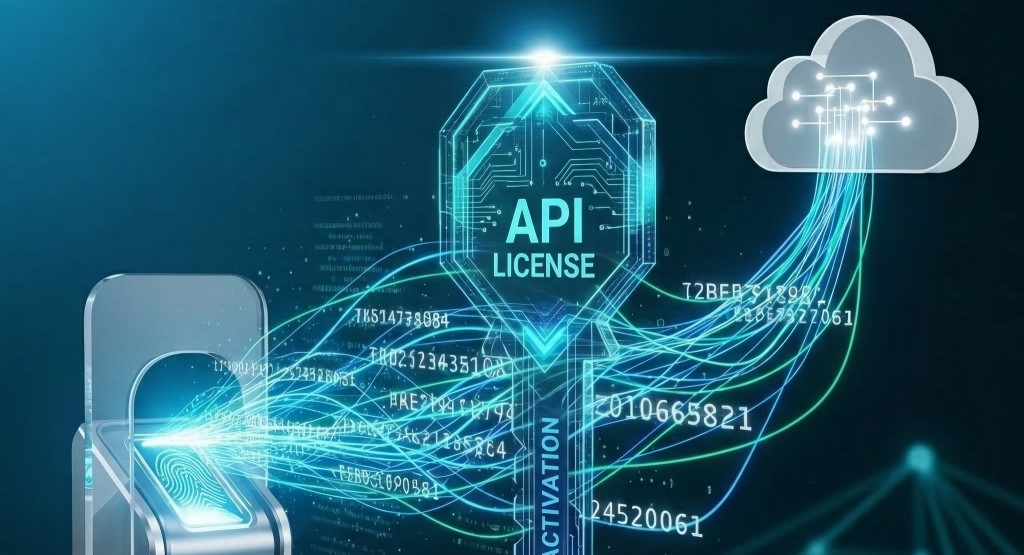
Regardless of whether your device uses Native Push or Hybrid Push, the API License works the same way. It is your ongoing right to use the Cams Biometrics cloud infrastructure — the relay servers, API endpoints, webhook delivery system, real-time data pipeline, and device management layer — that sits between your device and your connected platform.
Without an active license, a device cannot push data through the API regardless of push mode.
License validity options — choose what suits your deployment:
1 Year Standard rate. Suited for pilots, short-term projects, or organisations that prefer annual renewals.
Multi-Year (2, 3, or 5 years) Progressive discount per year. Suited for established deployments looking to reduce annual overhead. The longer the commitment, the lower the effective annual cost.
Lifetime Best value. Pay once, no renewal ever. Suited for permanent installations — factories, campuses, and long-term enterprise deployments.
Key facts:
- Per-device — each device requires its own license; fleet discounts available for bulk deployments
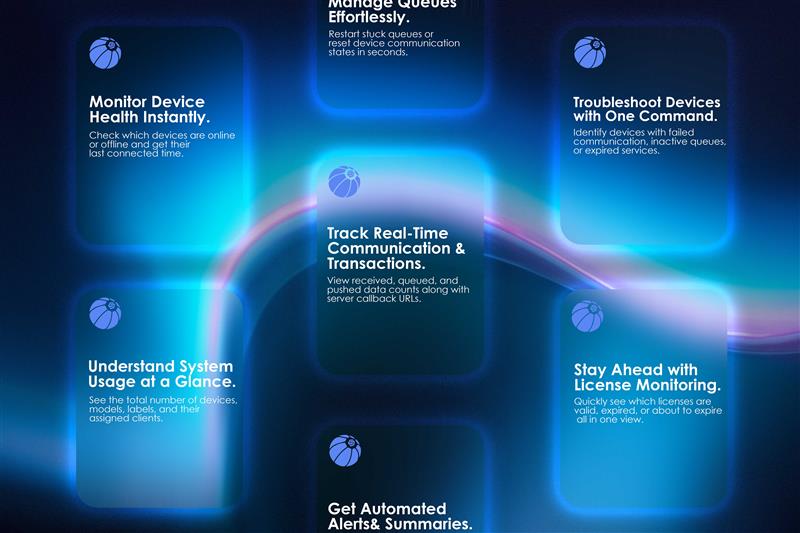
- Covers all API capabilities — real-time punch relay, offline sync, webhook delivery, remote user enrollment, device diagnostics, and access control management
- Expiry does not affect one-time setup — if a license lapses, the API Activation or Hybrid Push Setup remains intact; renewing immediately restores full data flow
- Upgrade anytime — remaining value of a current license is credited toward an upgrade
Integration Charges — When They Apply and When They Do Not
Whether an additional integration charge applies depends on whether your target software platform has already integrated the Cams Biometrics Universal Biometric Web API (https://camsunit.com/application/biometric-web-api.html).
No integration charge applies when: The ERP, HRMS, or software platform has already built its integration using the Universal Biometric Web API. The connection is standard and ready. You only pay the per-device charges above — API Activation or Hybrid Push Setup, plus the API License. Nothing more.
Integration charges apply when: The target platform has not integrated the Universal Biometric Web API. Custom development work is then required to connect that platform with the API. The scope, effort, and cost of that work is agreed separately between Cams Biometrics and the respective ERP or software vendor before any work begins. End customers are informed of any such charges upfront.
Quick Reference
Native Push — for devices verified at developer.camsbiometrics.com
- API Activation: one-time, no expiry
- API License: 1 year / multi-year / lifetime
Hybrid Push — for all other devices
- Hybrid Push Setup: one-time, covers SDK or database connector via public IP or local push service
- API License: 1 year / multi-year / lifetime
Connecting to a target platform:
- No extra charge if the platform has already integrated the Universal Biometric Web API
- Integration charges apply if custom development is needed — agreed separately before work begins
Frequently Asked Questions
Does every integration with a new platform require a fresh payment to Cams Biometrics? No. Once your device is set up and licensed, it can connect to any platform that has integrated the Universal Biometric Web API with no additional charge from Cams Biometrics. The per-device charges are tied to the device, not to any specific platform.
When would an integration charge apply? Only when the target platform has not integrated the Universal Biometric Web API and custom development work is required. The scope and cost is agreed with the respective ERP or software vendor before any work begins.
How do I know if my device qualifies for Native Push or Hybrid Push? Visit developer.camsbiometrics.com and enter your device model and serial number. Verified devices qualify for Native Push. All others use Hybrid Push via SDK or database collection.
If my API License expires, do I lose my activation or Hybrid Push setup? No. The one-time setup — whether API Activation or Hybrid Push configuration — is not affected by license expiry. An expired license simply pauses data flow until renewed.
Can I upgrade from a 1-year license to Lifetime? Yes. You can upgrade at any time and the remaining value of your current license is credited toward the upgrade. Contact the sales team for a prorated quote.
Do Cams Biometrics native devices need activation? No. Cams Biometrics manufactured devices come pre-activated. They still require a valid API License to use the cloud infrastructure.
Summary
- The Cams Biometrics Web API is the mandatory communication layer for connecting any biometric device to any platform
- Native Push — for verified devices; real-time direct push to the cloud; charges: API Activation + API License
- Hybrid Push — for all other devices; punch data collected via SDK or database, through public IP or local push service; charges: Hybrid Push Setup + API License
- API License is identical for both — choose 1 year, multi-year, or lifetime; longer commitment means better discount
- No integration charge when the target platform has already integrated the Universal Biometric Web API
- Integration charges may apply when custom development is needed — agreed separately before work begins
Note: Pricing, plans, and terms described in this article are for general understanding only and may change at any time. Always reach out to the Cams Biometrics sales team to get current and accurate pricing before proceeding with any purchase or deployment decision.
For pricing and fleet quotes, contact the sales team at support@camsbiometrics.com or WhatsApp +91-98409-41006.
To verify your device and begin the process, visit developer.camsbiometrics.com.