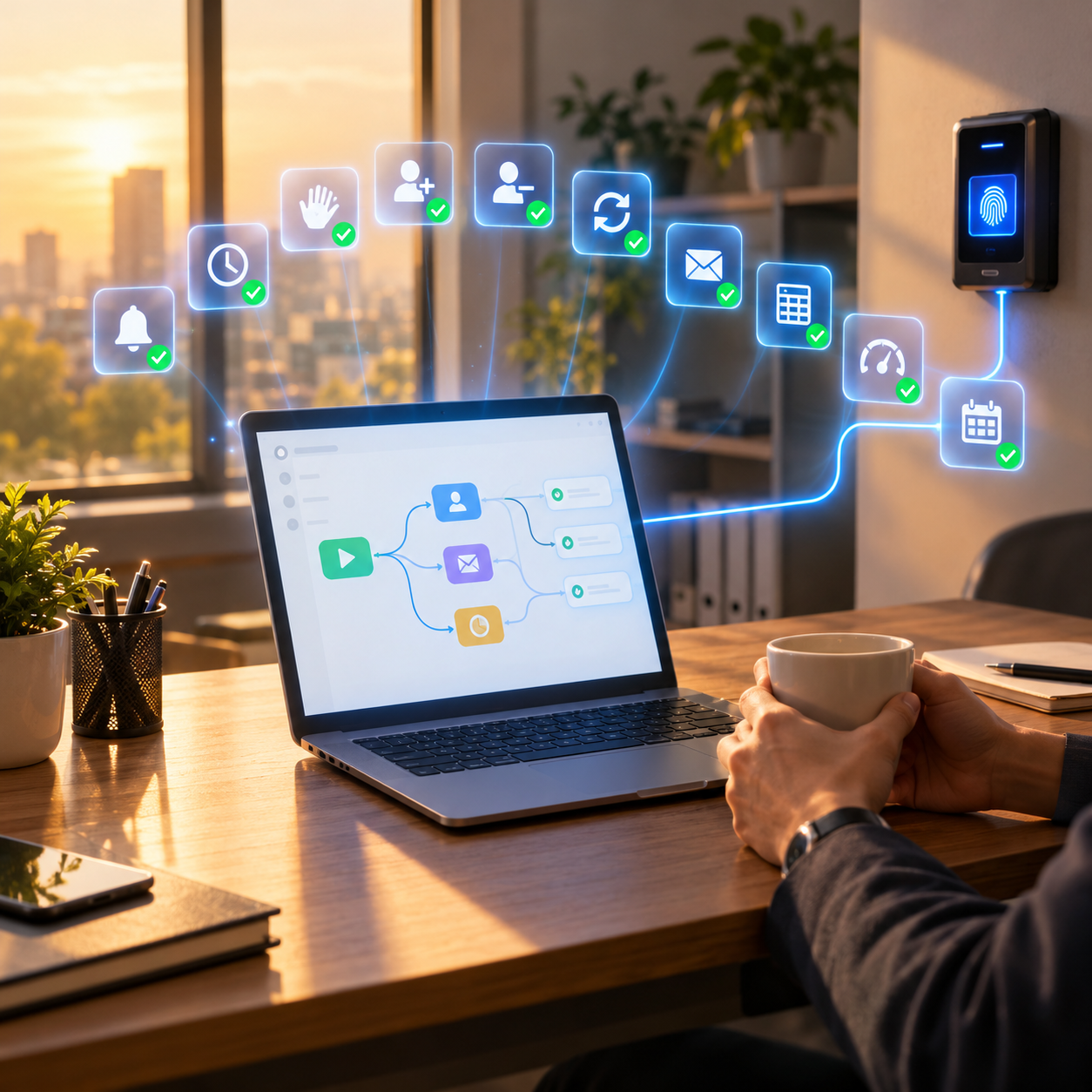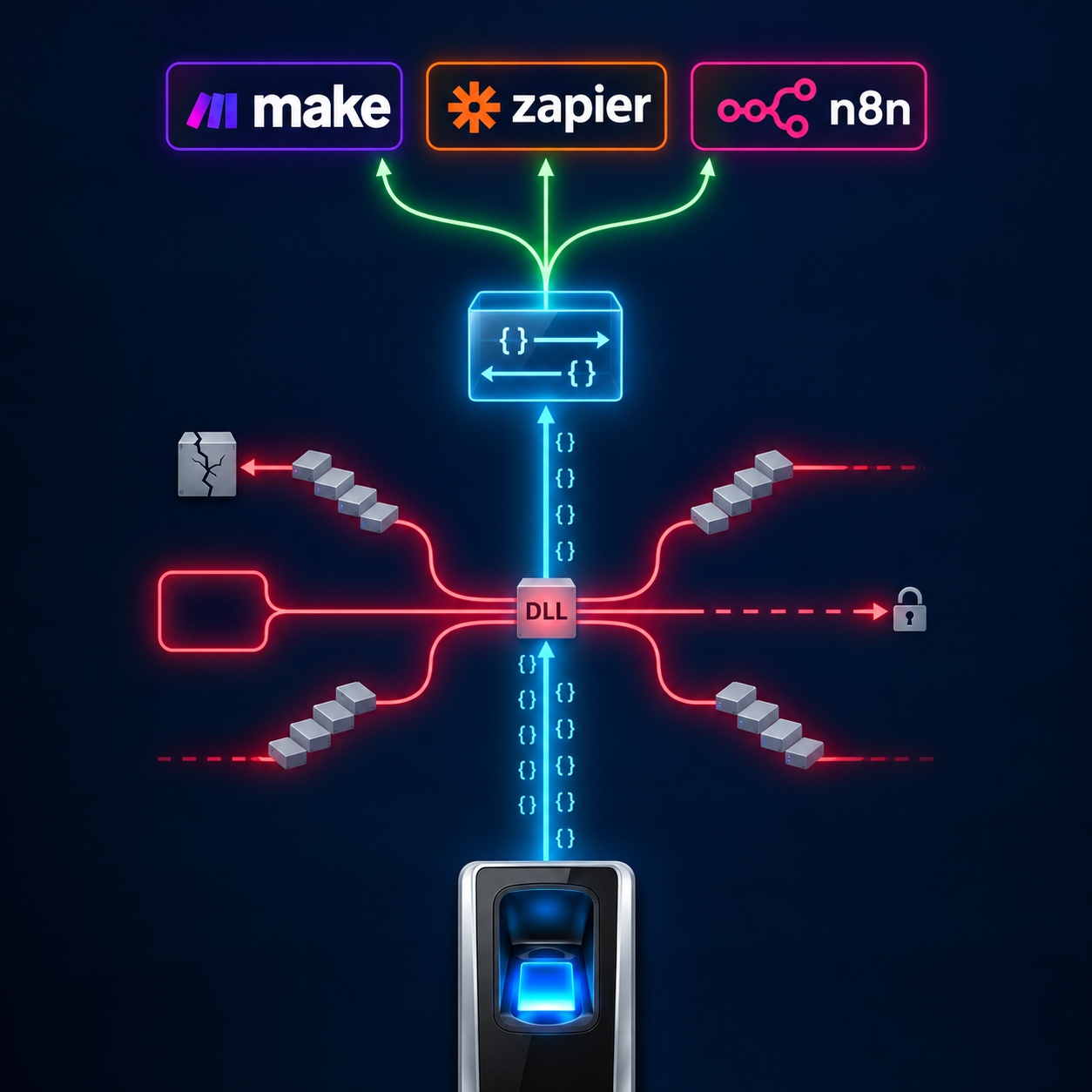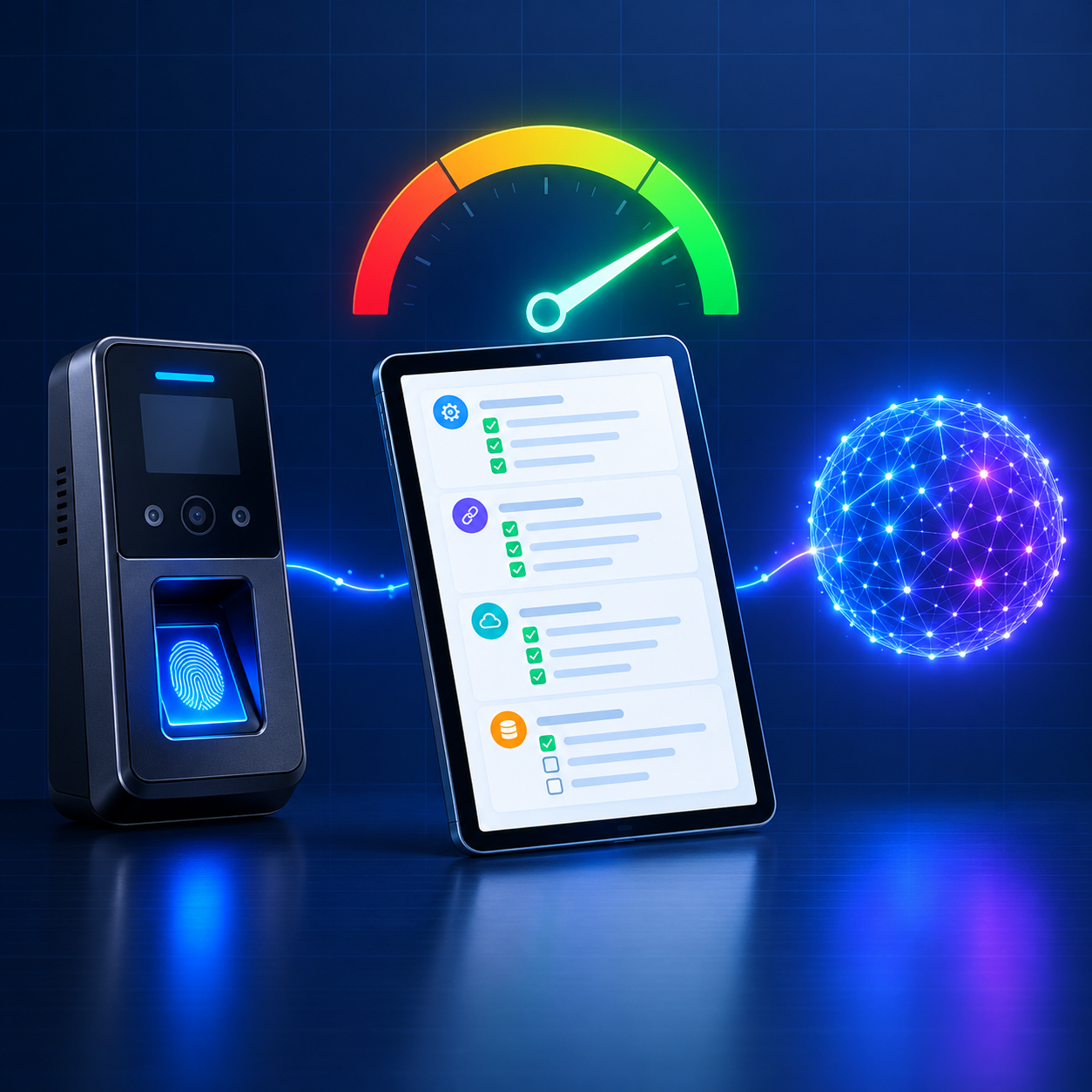
AI agents built on Claude, Gemini, and ChatGPT are starting to do real work inside organisations: answering questions, updating records, and carrying out routine tasks across business systems. Biometric systems are one of the most valuable places for them to work, because they hold verified data about who is actually present. But most biometric systems were built long before AI agents existed. This checklist gives you 15 simple yes-or-no questions to find out whether your biometric system is ready for AI agents, what your score means, and how to close the gaps.
Before You Start
Why AI Readiness Is Now a Buying Criterion
For years, biometric systems were judged on hardware: recognition speed, accuracy, sensor quality, and durability. Those still matter. But a new question is quickly joining the list: can the software and AI agents your organisation relies on actually use this system?
A biometric system that only works through desktop software and manual exports can still record attendance perfectly. What it cannot do is take part in the automated, AI-assisted way organisations are starting to work. An HR manager who can ask an AI assistant “who from the night shift has not checked in?” or “remove access for everyone who left this month” will expect their biometric system to support it. A system that cannot will feel outdated long before the hardware wears out.
|
How to use this checklist Answer each question with a simple yes or no for your current setup. Only count a yes if it is true today, across your main sites, without a manual workaround. Give yourself one point for every yes. When you finish, use the scoring table to see where you stand. |
Group A
Data Access
AI agents can only work with data they can reach. These questions check whether your biometric data leaves the device in a usable form.
| Yes? | # | Question and why it matters |
|---|---|---|
| 01 |
Does attendance data reach your other systems in real time? If data only arrives through daily or weekly exports, AI agents are always working with stale information. |
|
| 02 |
Is the data delivered in a standard structured format, such as JSON? AI agents read structured data reliably. Proprietary or binary formats need custom translation. |
|
| 03 |
Does each event include who, when, where, and how? A user ID, timestamp, device location, and input type are what turn a scan into an answerable question. |
Group B
Integration
These questions check whether connecting your biometric system to other software is simple, or a fragile custom project.
| Yes? | # | Question and why it matters |
|---|---|---|
| 04 |
Can you integrate without installing a vendor SDK on a dedicated machine? SDKs tied to one Windows machine cannot run in the cloud or alongside modern AI tools. |
|
| 05 |
Do all your device brands work through one interface? If each brand needs its own integration, every AI connection has to be built several times. |
|
| 06 |
Can devices at sites without a public IP still be connected? Many sites sit behind firewalls. An AI-ready system reaches them without complex network changes. |
Group C
Automation
AI agents often work alongside automation tools. These questions check whether your system can take part in automated workflows in both directions.
| Yes? | # | Question and why it matters |
|---|---|---|
| 07 |
Can your system push events to a webhook in tools like n8n, Make, or Zapier? Webhooks are how automation tools, and the AI agents that use them, react to events as they happen. |
|
| 08 |
Can other software add and remove users through an API? Without this, onboarding and offboarding still need someone to stand at each device. |
|
| 09 |
Can you sync users across multiple devices with a single command? Opening a new site should not mean re-entering every employee by hand. |
Group D
AI Connection
These questions check whether an AI assistant can actually connect to your biometric system and understand what it gets back.
| Yes? | # | Question and why it matters |
|---|---|---|
| 10 |
Does your system offer an MCP server or equivalent AI connection? The Model Context Protocol gives AI assistants a standard way to discover and use a system’s operations. |
|
| 11 |
Could an AI assistant answer a plain-language attendance question using your data? For example: “Who checked in late at the head office today?” |
|
| 12 |
Do API responses include a clear status an AI can read? An agent needs to know for certain whether an action succeeded before it reports back or takes the next step. |
Group E
Security and Governance
Giving AI agents access to biometric systems must be done safely. These questions check whether the right controls exist.
| Yes? | # | Question and why it matters |
|---|---|---|
| 13 |
Is every API request authenticated, for example with a token? Only authorised software and agents should be able to read data or make changes. |
|
| 14 |
Is data encrypted in transit? Attendance data is personal data. HTTPS and, where needed, additional encryption protect it. |
|
| 15 |
Are actions logged, so people can see what an agent did? When an AI agent adds or removes a user, there must be a record of it. |
What Your Score Means
Scoring Your Result
Count your yes answers. Each one is worth one point, for a maximum of 15.
| Score | Level | What it means |
|---|---|---|
| 0 to 5 | Not ready | Your biometric data is largely locked inside devices or desktop software. AI agents and automation tools cannot use it in a meaningful way yet. |
| 6 to 10 | Partly ready | Some data flows out and some integration exists, but gaps in automation, AI connection, or governance will limit what AI agents can safely do. |
| 11 to 15 | AI-ready | Your system can serve AI agents and automation tools in real time, in both directions, with the security controls needed to do it responsibly. |
Most organisations running traditional biometric systems score in the first band. That is not a criticism of their hardware. It reflects the fact that most systems were designed for a person sitting at a desk, not for software and AI agents working on their own.
|
A low score does not mean you need new hardware. In most cases, it means you are missing the layer between your devices and everything else. |
Common Reasons for a Low Score
Closing the Gaps
The same few causes explain most low scores. Each one has a clear fix, and none of them requires replacing devices that already work.
| What you see | The usual cause | How to fix it |
|---|---|---|
| Data arrives a day or a week late | Batch exports from device software | Real-time event delivery through a callback or webhook |
| Integration only works on one machine | A Windows-only vendor SDK | A gateway that handles device protocols so you do not have to |
| Every device brand needs separate work | Brand-specific software and protocols | One standard API across all brands |
| Users are added and removed by hand | No API for device management | API operations for adding, deleting, and syncing users |
| AI assistants cannot connect at all | No MCP server or structured API | MCP integration on top of a standard JSON API |
| Nobody knows what changed or when | No logging or audit trail | Authenticated requests with transaction logging |
|
Close the gaps in the right order Start with Groups A and B, because AI agents cannot do anything useful without real-time data and a stable integration. Then add Group C so automation can run in both directions. Group D comes next, connecting AI assistants. Group E is not a final step: build security and governance in from the start, and tighten it as AI agents are given more permissions. |
The Cams Approach
How Cams Gateway Scores on Its Own Checklist
Cams Biometrics Gateway was designed around the idea that AI agents and software are now real users of biometric systems. Here is how its features map to each checklist question.
| # | Checklist question | How Cams Gateway answers it |
|---|---|---|
| 01 | Real-time data | The Callback API pushes every verified scan with zero latency |
| 02 | Standard format | All communication is JSON over HTTP/HTTPS |
| 03 | Who, when, where, how | Every event includes UserId, LogTime, LabelName, SerialNumber, and InputType |
| 04 | No SDK installation | No SDK is installed in your infrastructure |
| 05 | One interface for all brands | 15+ device brands through one API |
| 06 | Sites without a public IP | The Hybrid Connector bridges local sites without a public IP |
| 07 | Webhooks | Callback events can be sent to n8n, Make, Zapier, or any HTTPS endpoint |
| 08 | Add and remove users | RESTful operations such as AddUser and DeleteUser |
| 09 | Sync across devices | Resend All Users synchronises users across a device group |
| 10 | AI connection | Native MCP integration for Claude, Gemini, and ChatGPT |
| 11 | Plain-language questions | AI assistants can work with verified attendance data through MCP |
| 12 | Clear status | Responses include Status, OperationID, and StatusCode |
| 13 | Authentication | Auth token validation on every request |
| 14 | Encryption | HTTPS with optional AES-256 encryption |
| 15 | Logging | Data transaction logging inside the Gateway’s protocol engine |
Item 12 is a good example of what AI-ready looks like in practice. When an AI agent asks the Gateway to make a change, the response is short, structured, and unambiguous:
|
RESTful API, response an AI agent reads { "Status": "done", "OperationID": "1jxpjeoasu8wl", "StatusCode": 0 }
|
The agent reads Status and StatusCode to confirm success, and OperationID to match the response to the request it sent. There is nothing to interpret and nothing to guess.
|
An honest note on connection modes Your score with Cams depends on how your devices connect. Cams devices and devices verified at developer.camsbiometrics.com connect via Native Push, with all 38 operations available. Non-verified devices connect through a Hybrid Push mode you choose. With Device SDK mode, full callback and RESTful features are available within the SDK’s limits. With DB Pull or File Processing modes, only attendance callbacks are supported, so questions 08 and 09 would not apply. Confirm your hardware with the Cams team to know exactly where you will land. |
Frequently Asked Questions
|
Do we need to be AI-ready if we are not using AI agents yet? Being AI-ready mostly means having real-time data, a clean API, and good security. Those deliver value today through automation and integration with your HRMS or ERP, even before you connect an AI assistant. When you are ready for AI, the foundation is already in place. |
|
Can we improve our score without replacing our devices? Usually, yes. Most low scores come from the software layer, not the hardware. Connecting existing devices through Cams Gateway can raise your score significantly, depending on your device models and connection mode. |
|
Is it safe to let an AI agent manage biometric access? It can be, with the right controls. Use authenticated access, log every action, give agents only the permissions they need, and require a person to approve changes to who can access your devices. Questions 13 to 15 in this checklist exist for exactly this reason. |
|
Which AI assistants can connect to Cams Gateway? Cams Gateway provides MCP integration for Claude, Gemini, and ChatGPT. Any AI platform or agent framework that supports MCP, or can call a standard JSON API over HTTPS, can also work with it. |
|
How often should we repeat this checklist? Run it whenever you add new sites, new device brands, or new business systems, and at least once a year. AI capabilities change quickly, and new requirements often appear in Groups D and E first. |
Conclusion: Ready for the Next Kind of User
Biometric systems have always served two kinds of users: the people who scan, and the administrators who manage them. A third kind of user has arrived. AI agents, and the automation tools around them, need to reach biometric data in real time, act on devices through an API, and understand exactly what happened. A system that cannot serve them will not stop working, but it will steadily fall behind everything around it.
The good news is that becoming AI-ready rarely means starting again. It usually means adding the missing layer between the devices you already own and the systems and agents that need them.
Cams Biometrics Gateway is that layer. It connects devices from more than 15 brands, pushes verified events in real time through the Callback API, lets software and AI agents manage devices through the RESTful API, and connects directly to Claude, Gemini, and ChatGPT through native MCP integration. Auth token validation, optional AES-256 encryption, and data transaction logging keep every action secure and accountable. Explore the platform at CamsBiometrics.com, read the documentation at developer.camsbiometrics.com.