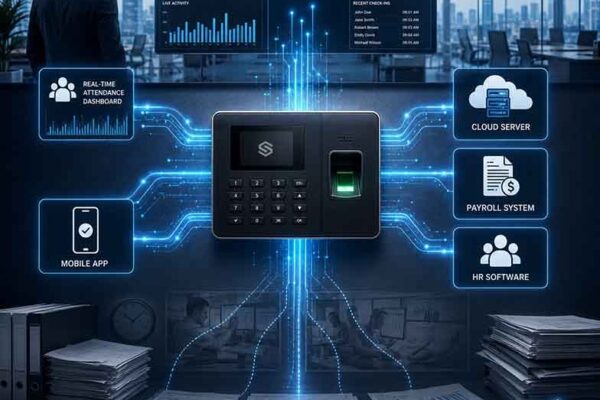
Upgrade Old Attendance Machines Without Replacing Hardware
How the Cams Biometrics Gateway adds real-time dashboards, payroll sync and multi-site reporting to existing attendance terminals without new hardware.
How the Cams Biometrics Gateway adds real-time dashboards, payroll sync and multi-site reporting to existing attendance terminals without new hardware.

What end-of-support means for biometric devices, the risks of running EOL hardware, your migration options, and a step-by-step plan to respond.
Managing 50, 100, or 500 biometric devices has always been a dashboard marathon – login, scroll, filter, check logs, repeat. For partners handling multiple client accounts, it’s even worse. That changes today. With our new MCP (Model Context Protocol) integration, clients and partners can now monitor devices from anywhere using any AI assistant, without even…
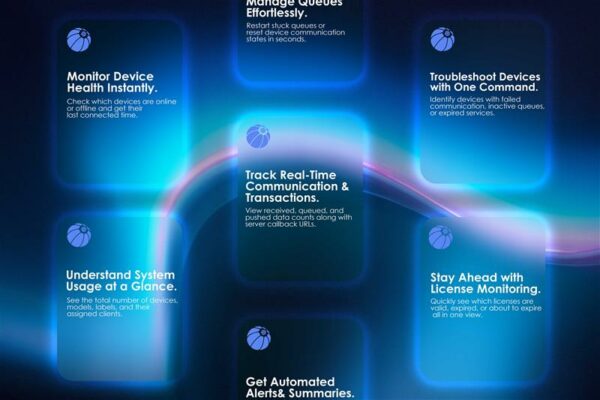
Step-by-step guide to add the Cams Biometrics custom connector in Claude AI, generate a Client Key and Password, and query device status in plain language.
Guide to common Cams device messages such as You Disabled and Verify Another, plus where to find key menu settings for users, logs, time and verification.
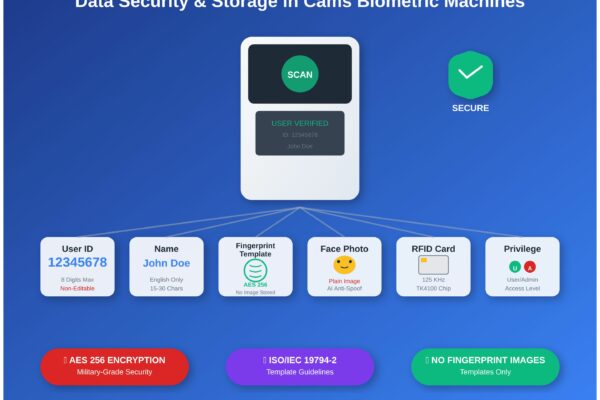
What Cams biometric machines store (user ID, name, fingerprint template, face photo, RFID card) and how that data is protected, enrolled and managed.
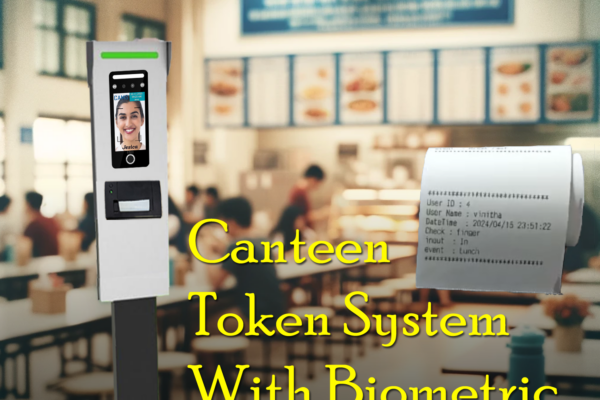
How the Cams Biometrics Web API links CAN10 canteen machines to a server in real time for food selection, token generation and user access control.
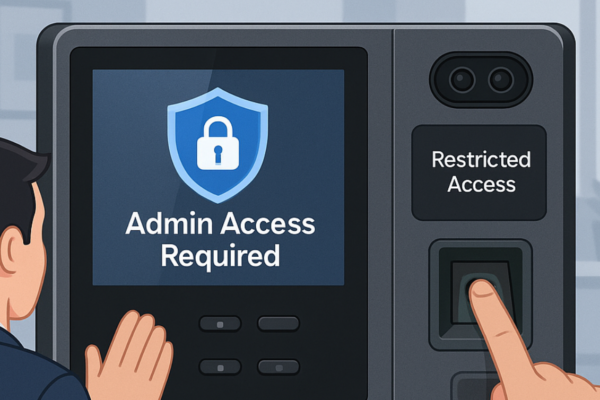
Step-by-step guide to locking a biometric device menu so only admin users can change settings, while everyone else can still mark attendance.