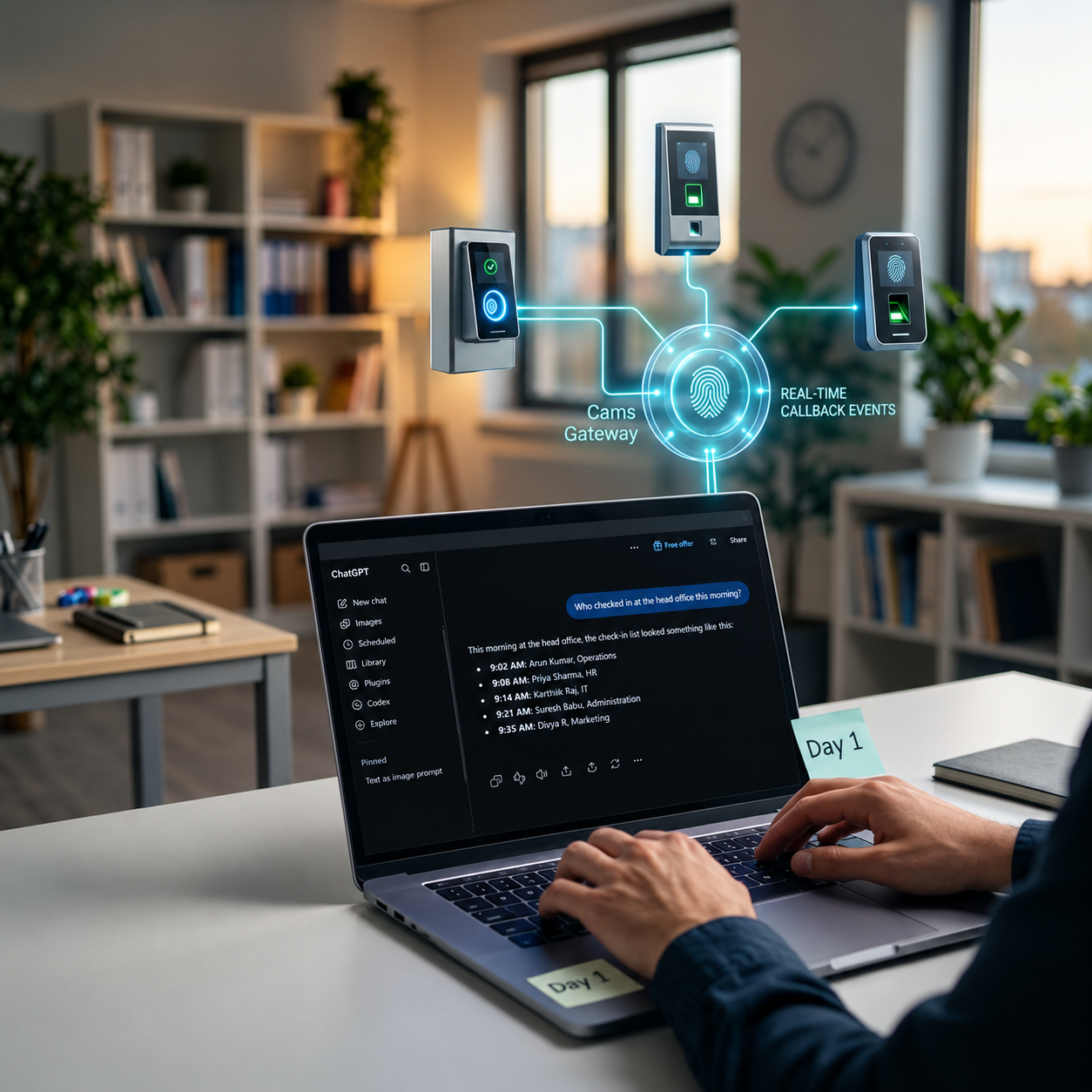
Attendance data has always been locked behind reports. To find out who was late this week, who is on site right now, or which contractor overstayed their hours, someone had to open the right software, choose the right filters, export a spreadsheet, and read it. With MCP, that changes. An HR manager can now ask Claude, Gemini, or ChatGPT a plain question, and the AI can answer it using live biometric attendance data. This article explains how natural language attendance queries work, gives real examples of questions you can ask, and covers the guardrails that keep it accurate and safe.
01 · The Old Way vs the New Way
From Report Requests to Plain Questions
Most attendance systems were built for one way of getting information out: reports. Someone who needs an answer either knows how to run the report themselves, or asks someone who does. For a simple question like “who from the night shift was late yesterday?”, that can mean opening the attendance software, selecting a date range, filtering by shift, exporting to a spreadsheet, and scanning the rows by eye.
Natural language attendance queries replace that whole process with a sentence. The person asks the question the way they would ask a colleague. The AI works out what data it needs, retrieves it, and answers in plain language.
|
Getting an answer the old way Open the attendance or device software Remember which report gives the answer Set date ranges, sites, and filters Export to a spreadsheet Read, sort, and interpret the rows Ask IT for help if the report does not exist |
Getting an answer with MCP Open your AI assistant Ask the question in plain language The AI retrieves the attendance data it needs The AI filters and summarises it You get a direct answer Ask a follow-up question to go deeper |
The biggest change is not speed. It is who can ask. Site managers, shift supervisors, and department heads who would never open a reporting tool can now get attendance answers on their own, without waiting for HR or IT.
02 · How It Works
How an AI Gets From Your Question to Your Devices
An AI assistant on its own knows nothing about your building. It cannot see your devices, your employees, or today’s attendance. To answer an attendance question, it needs a safe, structured way to reach your biometric data. That is what MCP provides.
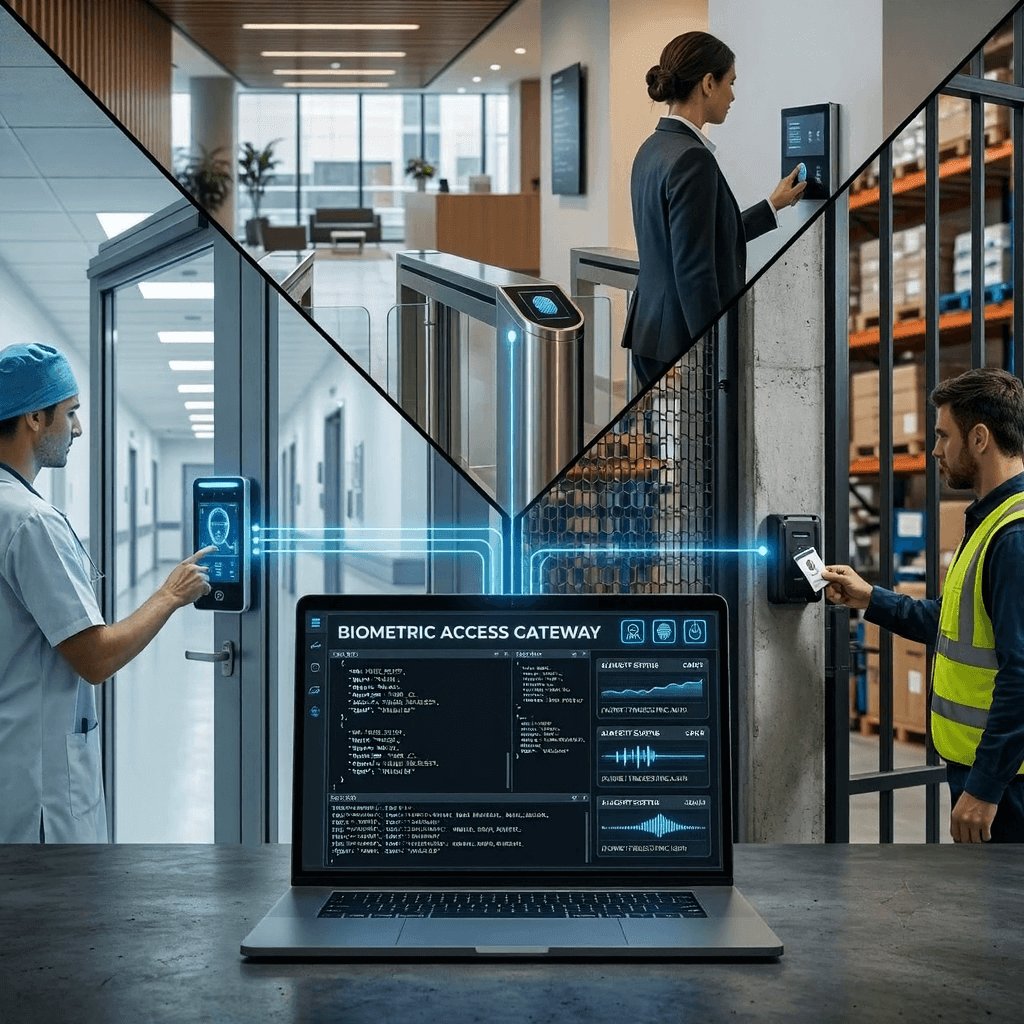
The Model Context Protocol (MCP) is an open standard that lets AI assistants connect to external systems in a consistent way. A system exposes its operations through an MCP server, and an MCP-compatible AI can discover those operations and use them when a question needs them. Cams Gateway provides native MCP integration, so AI assistants can work with the same biometric operations your other software uses.
| Layer | What it does |
|---|---|
| You | Ask a question in plain language |
| AI assistant (Claude, Gemini, or ChatGPT) | Understands the question and decides which operations it needs |
| MCP | Gives the AI a standard way to discover and call those operations |
| Cams Gateway | Runs the operation, such as loading attendance logs, across your devices |
| Biometric devices | Hold the verified punch records captured at each scan |
Where the answers come from
Every answer is only as good as the data behind it. In a Cams setup, attendance data comes from verified biometric scans. Each scan produces a punch record with a fixed set of fields, and those fields are what make natural language queries possible.
|
A verified punch record from Cams Gateway {
"RealTime": {
"OperationID": "9nu1wak5616p",
"LabelName": "Burj Khalifa",
"SerialNumber": "ZHM11xxxxxxxx",
"PunchLog": {
"Type": "CheckOut",
"Temperature": "36.8",
"FaceMask": false,
"InputType": "Fingerprint",
"UserId": "2",
"LogTime": "2020-09-17 07:48:22 GMT +0530"
},
"AuthToken": "COJJ7eiIPBGUfmIQPvh2PJWWDLX7OuKs",
"Time": "2020-09-17 04:19:03 GMT +0000"
}
}
|
| Field | What it lets the AI answer |
|---|---|
| UserId | Who scanned, matched to the person in your records |
| Type | Whether it was a check-in or a check-out |
| LogTime | Exactly when the scan happened, with the time zone |
| LabelName | Which site, door, or zone the scan happened at |
| SerialNumber | Which specific device recorded the scan |
| InputType | Whether the person used fingerprint, face, card, PIN, or another method |
A question like “who checked in late at Burj Khalifa today?” becomes a simple combination of these fields: Type is CheckIn, LabelName is Burj Khalifa, and LogTime is after the shift start. The AI does that translation for you.
03 · Real Examples
25 Attendance Questions You Can Ask Your AI
These are examples of natural language attendance queries that work well once your AI assistant is connected to your biometric data. They are grouped by the kind of person who would typically ask them.
Daily attendance, for HR and team leads
| Ask your AI | Why it is useful |
|---|---|
| “Who checked in at the head office this morning?” | Instant presence check without opening any software |
| “Who was late today, and by how many minutes?” | Late arrivals with exact times from verified scans |
| “Has Manu Mona checked in yet?” | Quick answer about one person |
| “Who checked in but has not checked out yet?” | Useful at the end of the day or before locking up |
| “List everyone who was absent yesterday.” | Absences without manually comparing lists |
Shifts and sites, for operations managers
| Ask your AI | Why it is useful |
|---|---|
| “How many people are currently checked in at each site?” | A live headcount across locations |
| “Who from the night shift checked in after 22:15?” | Shift punctuality in one sentence |
| “Which site had the most late arrivals this week?” | Spot patterns across locations |
| “Compare check-in times at the Dubai and Chennai sites this month.” | Cross-site comparison without building a report |
| “Who worked at more than one site this week?” | Track staff who move between locations |
Compliance and audit, for HR and finance
| Ask your AI | Why it is useful |
|---|---|
| “Show all scans for employee 2 between 1 and 15 September.” | A verified timeline for a dispute or audit |
| “Which employees checked in on the public holiday?” | Holiday pay and policy checks |
| “Who used a PIN instead of a fingerprint this week?” | Find scans that bypassed biometrics |
| “List contractors who were on site after their scheduled hours.” | Contractor time control |
| “Summarise working hours per person for last week.” | A starting point for payroll review |
Patterns and planning, for managers
| Ask your AI | Why it is useful |
|---|---|
| “Is anyone consistently late on Mondays?” | Patterns that are hard to see in raw logs |
| “What time do most people arrive at the warehouse?” | Plan shift start times around reality |
| “Which days had the lowest attendance this month?” | Workforce planning |
| “Who has not checked in at all in the last 7 days?” | Find long absences early |
| “Summarise this week’s attendance in three bullet points for my team meeting.” | Turn data into a ready-made update |
Actions, with human approval
| Ask your AI | Why it is useful |
|---|---|
| “Add Manu Mona to the biometric devices with his profile photo.” | New starters set up without visiting a device |
| “Remove access for employee 2, who left on Friday.” | Fast, consistent offboarding |
| “Sync all users from the head office device to the two new sites.” | Uses Resend All Users across a device group |
| “Load the latest logs from the warehouse device.” | Fetch fresh data on demand |
| “Show me what you are about to change before you do it.” | Keeps a person in control of every action |
What a real conversation looks like
|
|
|
|
|
|
|
Notice the follow-up. With a report, every new angle means running a new report. With a natural language query, you simply ask the next question, and the AI keeps the context of the conversation.
04 · Getting the Setup Right
How to Get Accurate Answers Every Time
An AI assistant can only be as accurate as the data and labels it is working with. A few simple setup choices make a large difference to the quality of the answers.
| Setup choice | Why it matters | Good practice |
|---|---|---|
| Clear device labels | The AI uses LabelName or Device serial number to understand locations | Use names people actually say, like “Warehouse Gate or AXYZ1234567” rather than “Device 7” |
| Matching user IDs | The AI must link a UserId to a real person | Use the same employee ID on the device as in your HRMS |
| Correct time zones | Late and early depend on local time | Make sure each device’s time and time zone are set correctly |
| Defined shift times | “Late” means nothing without a start time | Tell the AI the shift times, or keep them in your HRMS |
| Specific questions | Vague questions get vague answers | Include the site, date range, and shift when it matters |
|
Always sense-check important answers AI assistants are very good at summarising data, but they can still misread a question or make a mistake. For anything that affects pay, discipline, or legal matters, ask the AI to show the underlying scan records, and check them before acting. The verified punch records are the evidence. The AI’s summary is a convenience. |
Questions versus monitoring
It is worth being clear about what natural language queries are for. An AI assistant answers when you ask. It is not a monitoring system watching your doors around the clock. Continuous rules, such as alerting a manager the moment someone is late or flagging overtime automatically, belong in your HRMS or workforce software, using the real-time events the Cams Callback API delivers. Use the AI for questions, investigations, and quick actions. Use your business software for rules that must run every minute of every day.
05 · Security and Privacy
Guardrails: Keeping AI Attendance Queries Safe
Attendance data is personal data. Giving an AI assistant access to it should be done with the same care as giving access to a person. The good news is that the right guardrails are straightforward.
| Guardrail | What it means in practice |
|---|---|
| Limit who can ask | Only connect the biometric system to AI assistants used by people who are already allowed to see attendance data |
| Separate reading from changing | Answering questions is low risk. Adding or removing users should require a clear human confirmation |
| Ask before acting | Have the AI show what it is about to change, and approve it before it runs |
| Keep a record | Cams Gateway logs data transactions, so actions taken through it can be reviewed |
| Use secure connections | Cams Gateway uses auth token validation and supports optional AES-256 encryption |
| Respect data protection rules | Only ask for what you need, and follow your obligations under GDPR, CCPA/CPRA, LGPD, PDPA, and local law |
|
The principle behind every guardrail The AI should never be able to do more than the person using it is allowed to do. If a site supervisor can only see their own site’s attendance in your normal systems, their AI assistant should be limited in the same way. Natural language makes attendance data easier to reach. It should not make it easier to misuse. |
Frequently Asked Questions
|
Which AI assistants can answer attendance questions from Cams? Cams Gateway provides native MCP integration for Claude, Gemini, and ChatGPT. Any AI platform or agent framework that supports MCP or can call a standard JSON API over HTTPS can also work with it. |
|
Do we need to change our biometric devices to use natural language queries? Usually not. Cams devices and devices verified at developer.camsbiometrics.com connect via Native Push with full API support. Non-verified devices connect through a Hybrid Push mode you choose. The data available to the AI depends on what the connection mode and device support, so confirm your hardware with the Cams team. |
|
Can the AI see fingerprints or face images? Attendance questions are answered from punch records: who scanned, when, where, and how. Answering them does not require the AI to work with fingerprint templates. Apply the principle of least privilege and only give the AI access to the operations each use case needs. |
|
Can the AI make changes, like adding or removing employees? Yes, through the same RESTful operations your other software uses. We recommend requiring a human to confirm every change, and asking the AI to show what it will do before it does it. |
|
Does this replace our HRMS or attendance reports? No. Your HRMS remains the system of record and the place for payroll, rules, and automated alerts. Natural language queries are a faster way to ask questions and investigate, sitting alongside the systems you already use. |
Conclusion: The Best Report Is a Question
For years, attendance data has been accurate but hard to reach. The scans were verified, the records were stored, and the answers were in there somewhere, behind reports that only a few people knew how to run. Natural language attendance queries make that data available to anyone who is allowed to see it, in the time it takes to type a question.
It works because two things come together: verified biometric data that can be trusted, and a standard way for AI assistants to reach it. Without the first, the answers are guesses. Without the second, the AI cannot help at all.
Cams Biometrics Gateway provides both. It captures verified attendance from more than 15 device brands, delivers it in a consistent JSON format, and exposes it to Claude, Gemini, and ChatGPT through native MCP integration. The same Gateway runs the RESTful operations behind actions like adding users, removing access, and syncing devices, with auth token validation, optional AES-256 encryption, and data transaction logging. Explore the platform at CamsBiometrics.com, read the documentation at developer.camsbiometrics.com, or talk to our team about connecting your attendance data to AI.