


Replacing every biometric attendance terminal in your office sounds expensive, disruptive, and frankly , unnecessary. What if the machine already mounted on your wall could do far more than it does today, without you spending a rupee on new hardware? Here’s how modern software is turning legacy attendance devices into powerful workforce management tools.
- 70% of businesses delay upgrades due to hardware cost
- ₹0 hardware spend needed with a software-first upgrade
- 48 hrs average time to integrate legacy devices with Cams Biometrics Gateway
- 15+ device brands supported out of the box
The Problem with “Just Replace It” Thinking
When an attendance system starts showing its age , slow syncs, clunky reports, no mobile access , the instinct is to rip it out and start fresh. But for most businesses, that means replacing dozens of wall-mounted terminals, re-enrolling every employee, retaining new data, and spending weeks on installation. It’s expensive. It’s disruptive. And in most cases, it’s completely avoidable.
The truth is, the hardware is rarely the problem. Your fingerprint readers and face recognition terminals are still doing their core job just fine , capturing biometric data reliably. What’s holding your attendance system back is the software layer sitting on top of it. And software, unlike hardware, can be upgraded overnight.
The key insight
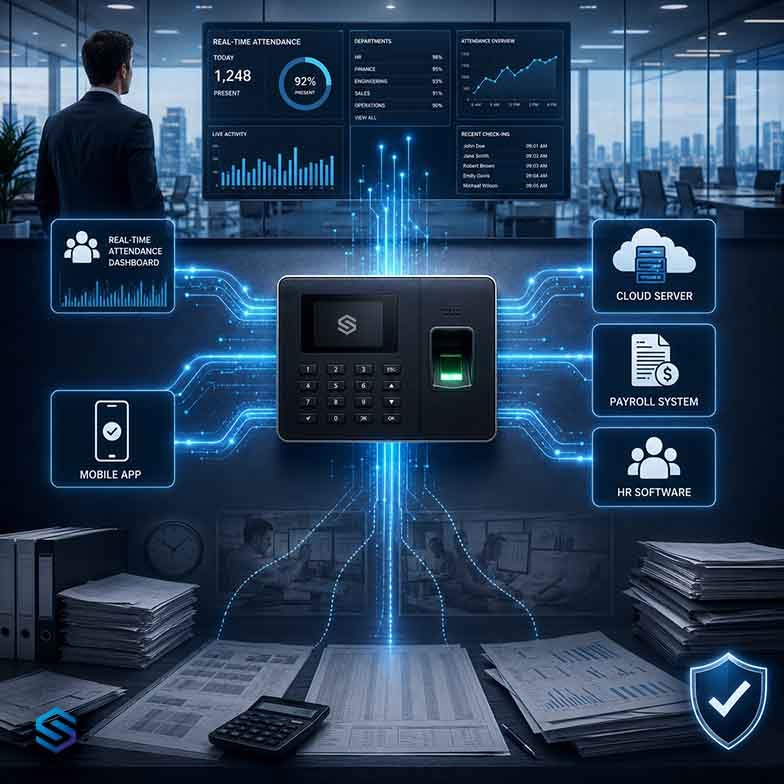
A biometric terminal is essentially a data collection point. What you do with that data , how it’s processed, reported, and integrated , is determined entirely by the software platform it connects to. Upgrade the platform, and you upgrade the capability of every device on your network.
What “Getting Smarter” Actually Looks Like
When we say your old attendance machines just got smarter, here’s what that means in practice , features that weren’t possible before, now available on the same hardware you already own.
Real-Time Attendance Dashboards
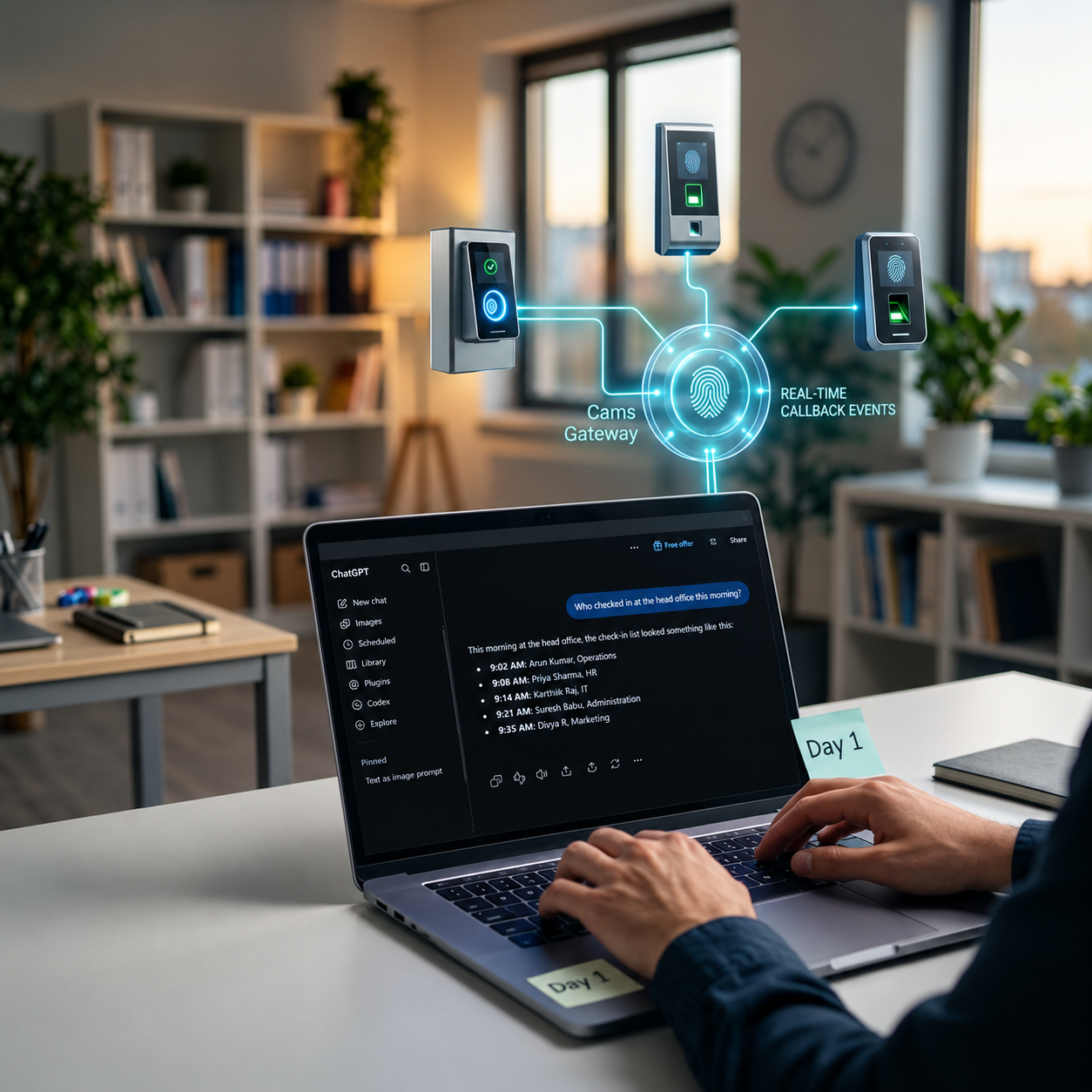
Instead of downloading reports at the end of the day, managers get a live view of who’s clocked in, who’s absent, and who’s running late , right now, on any device. Your old terminal is still doing its job at the door. The intelligence now lives in the cloud.
Automatic Payroll Integration
Attendance data flows directly into your payroll system , no manual exports, no spreadsheet reconciliation, no Friday afternoon headache. The same punch-in data that used to sit in a local database now automatically calculates overtime, late deductions, and shift differentials.
Mobile Access for Managers
Branch managers and HR teams can view attendance across all locations from their phone. Approve leave requests, flag anomalies, and generate compliance reports , without being in the building or touching the terminal.
Multi-Site Centralisation
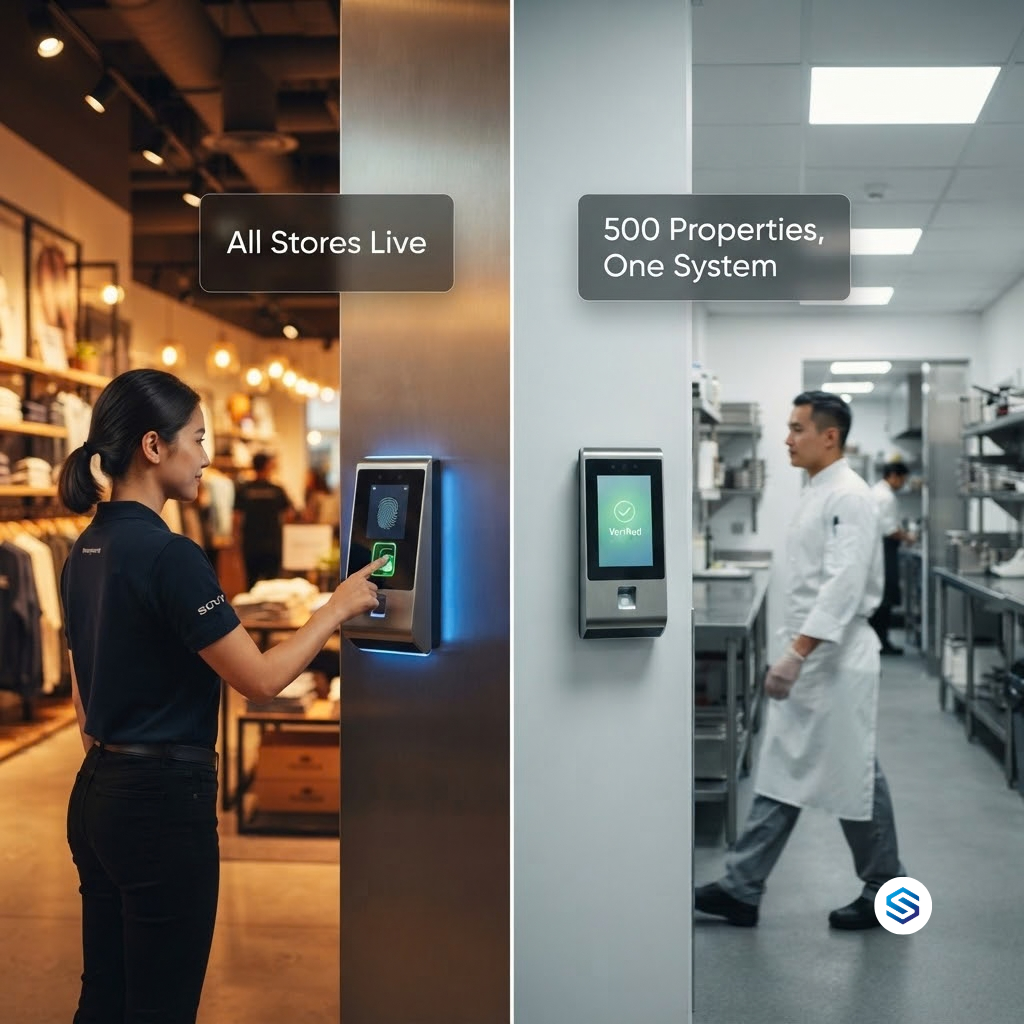
If you have five offices with five different attendance devices, they can all feed into a single dashboard. One view. One report. One source of truth , regardless of the device brand or model at each location.
Compliance-Ready Audit Trails
Every entry and exit is logged with a timestamp, device ID, and employee record , creating an automatic audit trail that satisfies GDPR, CCPA, LGPD, and PDPA requirements for data processing transparency. No additional configuration needed.
“The device on your wall hasn’t changed. But what it connects to , and what you can do with that data , has transformed completely. That’s the upgrade that actually matters.”
Legacy Device vs. Smart-Connected Device: What Changes?
Here’s a direct comparison of what your attendance terminal can do before and after a software-layer upgrade , without touching the physical hardware.
| Capability | Legacy Setup | With Cams Biometrics Gateway |
|---|---|---|
| Attendance visibility | End-of-day manual download | Real-time live dashboard |
| Payroll integration | Manual export & re-entry | Automatic sync |
| Multi-site reporting | Separate reports per location | Centralised single view |
| Mobile access | Not available | Full mobile & web access |
| Compliance audit trail | Basic logs only | GDPR/CCPA/LGPD/PDPA ready |
| Alerts & anomaly detection | None | Automated notifications |
| Hardware replacement needed | Much needed | No , works on existing devices |
How the Upgrade Actually Works
You don’t need an IT team, a week of downtime, or a capital expenditure approval. Here’s how Cams Biometrics Gateway connects your existing hardware to a modern intelligence layer , typically within 48 hours.
Device Compatibility Check:
We confirm your existing terminal model is supported. Most major brands work out of the box.
Gateway Connection:
Cams Biometrics Gateway connects to your device via your existing network , no new wiring, no hardware install.
Data Migration:
All existing employee records, attendance history, and templates are pulled in. Nothing is lost.
Integration Setup:
Connect to your payroll, HR, or ERP platform. We support most major systems used across India and globally.
Go Live:
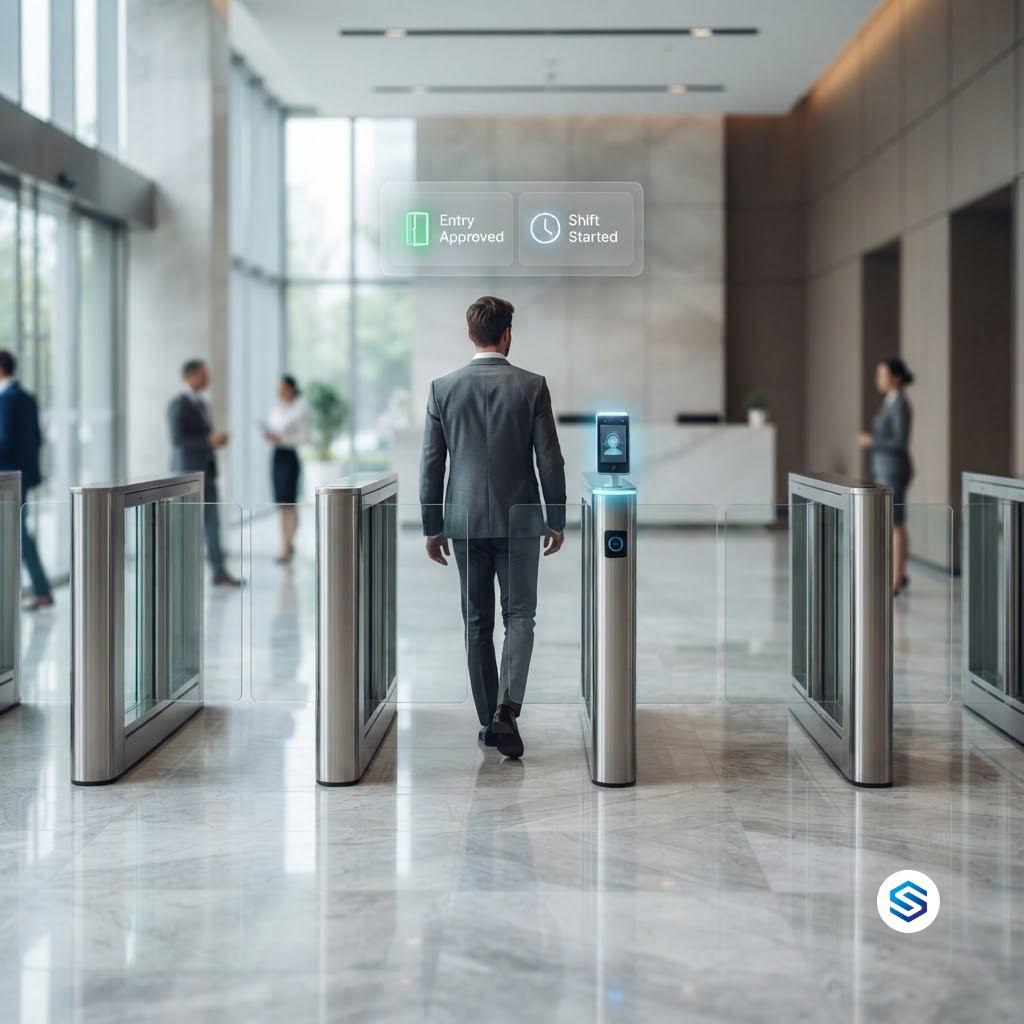
Your team starts using the new dashboard. Devices keep working exactly as before , just far smarter now.
Which Devices Does This Work With?
Cams Biometrics Gateway supports a wide range of legacy and current-generation attendance hardware. If your terminals are from any of these manufacturers, you’re likely already compatible:
- ZKTeco, including legacy and discontinued models
- Hikvision, face recognition and fingerprint terminals
- Suprema, BioStation, BioEntry, and related series
- Anviz, standalone and networked devices
- eSSL / ESSL, widely used across Indian enterprises
- Realtime, T300, T50, and related models
- Mantra, MFS and MIS series terminals
- Most other devices using standard ICLOCK / Push API protocols
Not sure about your model?
Send us your device model number and we’ll confirm compatibility before any commitment. Most devices are supported within 24 hours of enquiry.
Cams Biometrics Gateway
One Platform. Every Device. Zero Disruption.
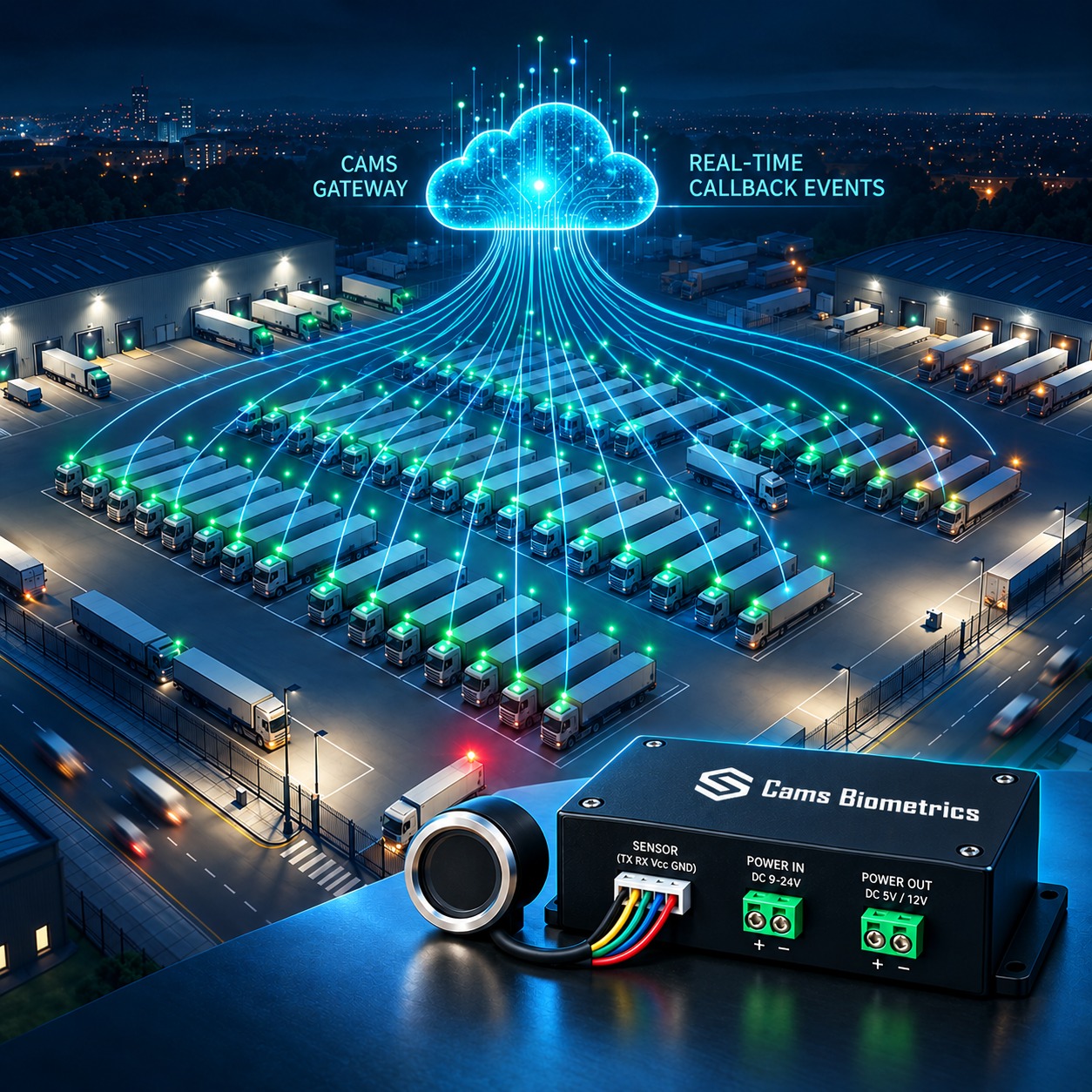
Cams Biometrics Gateway is our software layer that connects your existing biometric terminals to a modern, cloud-ready attendance and workforce management platform , without replacing a single device.
- Live attendance across all locations
- Automatic payroll & HR sync
- Leave & shift management
- GDPR, CCPA, LGPD & PDPA aligned
- ISO 27001-aligned security controls
- Encrypted data transmission
- No unauthorised data storage
- Mobile & web dashboard
- Multi-site centralised reporting
- Ongoing firmware & support
- Book a compatibility check →
Is This Right for Your Business?
A software-first upgrade makes the most sense when your attendance hardware is physically functional but your workflows feel stuck in the past. Here’s a quick self-check:
- Your terminals work reliably, but reports require manual download and processing
- Your HR or payroll team spends time re-entering attendance data every pay cycle
- You manage multiple sites with no centralised attendance view
- Managers have no visibility into attendance without being physically present
- You’re approaching a compliance audit and your audit trail is incomplete
- You want smarter features but don’t have budget for full hardware replacement
If two or more of those describe your situation, a software-layer upgrade will deliver immediate, measurable value , without the cost or disruption of new hardware.
Getting Started: What the Process Looks Like
1. Share your device models with us
Send the make and model of your existing attendance terminals. We’ll confirm compatibility and outline exactly what’s possible with your current setup.
2. Receive your no-cost upgrade assessment
We’ll map out which features can be unlocked, what integrations are available for your payroll and HR systems, and what the connection process looks like , no obligation.
3. Connect your devices to Cams Biometrics Gateway
Our team handles the configuration remotely or on-site. Your existing devices stay in place. Your employees experience zero change at the terminal.
4. Go live with your new dashboard
From this point forward, you have real-time visibility, automated payroll sync, and a compliance-ready audit trail , running on hardware you already own.
Frequently Asked Questions
Do our employees need to re-enrol their fingerprints or face?
No. All existing biometric templates stored on your devices are preserved and migrated. Your employees continue using the terminals exactly as before , they won’t notice any difference at the device level.
Will this work if we have different device brands across different offices?
Yes. Cams Biometrics Gateway is designed specifically for mixed-device environments. Devices from ZKTeco, Hikvision, Suprema, and others can all feed into the same centralized dashboard simultaneously.
Is our attendance data safe during and after the upgrade?
Absolutely. All data is transmitted via encrypted channels and handled in alignment with GDPR, CCPA/CPRA, LGPD, and PDPA requirements. Our platform applies ISO 27001-aligned security controls including access management and data minimization principles. Full terms at camsbiometrics.com/application/terms-and-conditions.html
How long does the upgrade take?
For most single-site deployments, connectivity and configuration is complete within 24–48 hours. Multi-site rollouts are scoped individually but typically follow a phased plan with minimal operational disruption.
What if our device isn’t on the supported list?
Contact us with your device model , many devices using standard push protocols can be integrated even if not explicitly listed. Our team assesses compatibility for free before any work begins.
Conclusion: The Upgrade You’ve Been Putting Off Is Easier Than You Think
The instinct to delay a workforce technology upgrade is understandable , change is disruptive, budgets are tight, and “it works well enough” is a real business calculation. But when the upgrade requires no new hardware, no employee re-enrolment, and no downtime, the calculation changes completely.
Your attendance terminals were built to last. Let the software catch up. With Cams Biometrics Gateway, the machines already on your walls become real-time workforce intelligence tools , feeding clean, compliant, integrated data into the systems your business runs on.
The smarter attendance system you’ve been waiting for isn’t in a box waiting to be installed. It’s already there. It just needs to be connected.
Get started today
Find Out What Your Existing Devices Can Do
Send us your device model and we’ll show you exactly what’s possible , at no cost and no commitment.