 Cams Support Hub
Callback URL Guide: What It Is and How to Set One Up
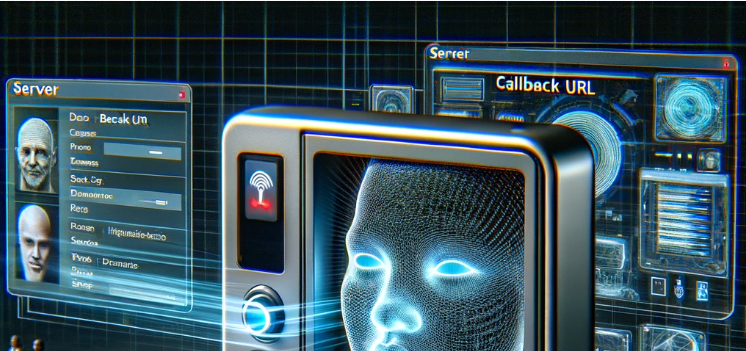
A callback URL, often called a webhook, is an address on your server that receives data automatically as events happen. For biometric attendance, it lets your system receive punches in real time.
How to set one up
- Create an endpoint. Developers: create an endpoint on your server, a specific URL that accepts HTTP POST requests.
- Secure it. Expose the endpoint safely. Use an SSL certificate so the URL works over HTTPS and the data is encrypted on the way.
- Test it before going live. Use a tool such as Postman or cURL to send POST requests to your callback URL. Check that it answers correctly and handles the data.
If you are not a developer
Setting up a callback URL needs backend development. Ask a developer or technical specialist to create and secure the endpoint for you.
Keep reading
- Building a biometric callback receiver in Python, Node.js and PHP
- Testing callback URLs from your local environment
- Punches not transmitting or queuing up (when data does not reach your URL)
Was this article helpful?