 Cams Support Hub
12 Questions to Ask Before Buying Any Biometric Device
On this page 16 sections
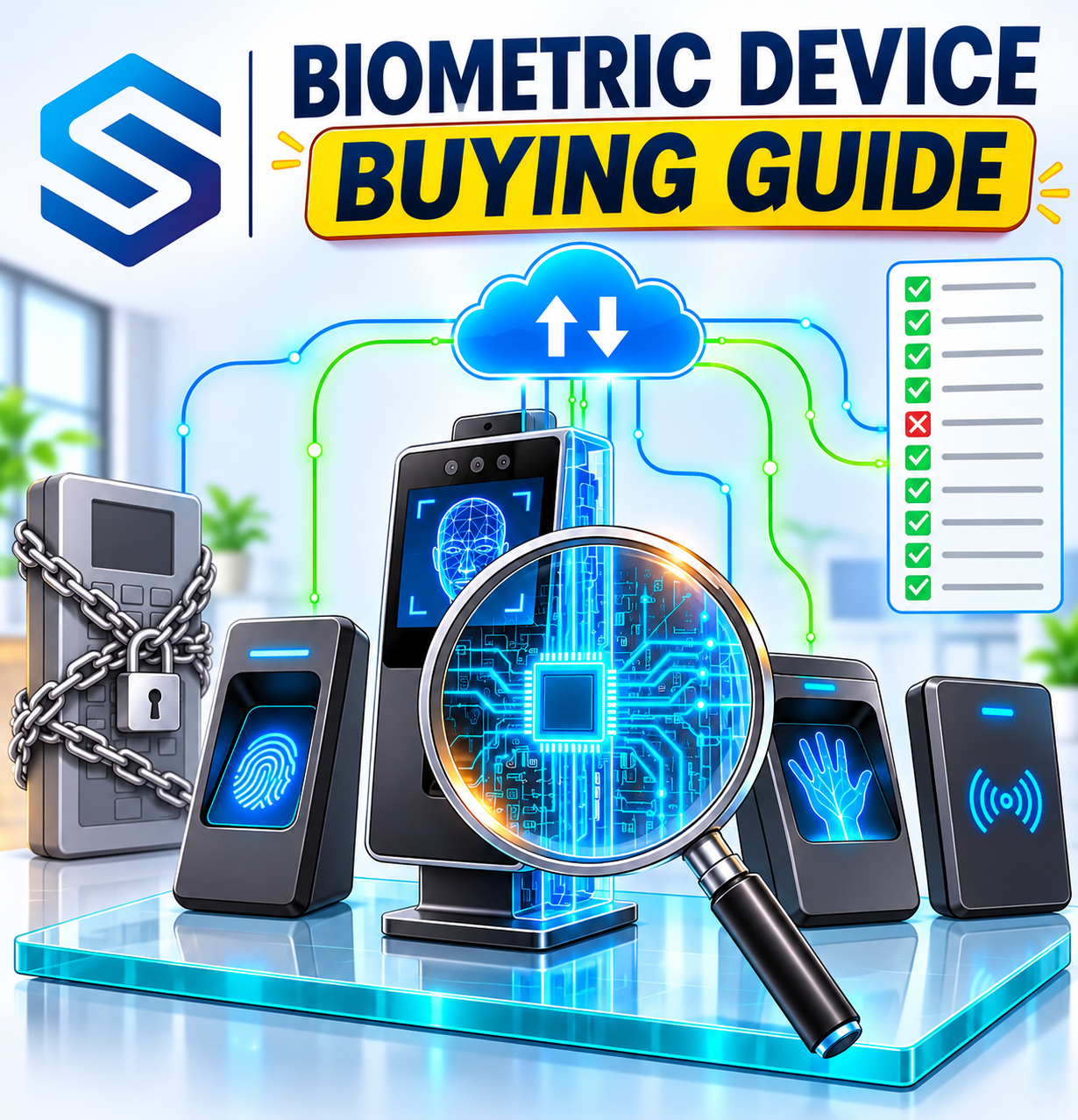
Biometric device buying guide: is the device open or closed?Is there an open API, or only a vendor SDK?Does it need a Windows PC running on site?Does the data move the way your business does?Does attendance arrive in real time, or does something have to keep asking?Can our software send commands back to the device?Will the device still be useful in five years?Will it work with other brands, and what if we change vendor?What happens when the manufacturer stops supporting this model?Does it suit the people and places that will use it?Which input types does it support, and do they suit our sites?Will it work on our network without special changes?Can you trust it with biometric data?Where are biometric templates stored, and how are they deleted?How is data protected, and which privacy frameworks is it aligned with?Will it fit how your business works next?Most biometric devices are bought on three things: price, matching speed, and how the screen looks in the brochure. The questions that decide whether the purchase works out are rarely asked in the showroom. Can our software get the data out? What happens when the vendor drops this model? Will it still fit our systems in five years? This biometric device buying guide gives you twelve questions to put to any vendor, what a good answer sounds like, and the red flags that should make you pause.
|
Why these questions, and not matching speed? Most modern devices verify a fingerprint or face fast enough for everyday use, so speed rarely separates good purchases from bad ones. What separates them is everything around the device: how data leaves it, how your software controls it, and how long it stays useful. A device is a five-year decision, not a one-day one. |
01 · OPENNESS
Biometric device buying guide: is the device open or closed?
The first two questions decide whether the device can talk to the rest of your business at all. Get these wrong and every later integration becomes a workaround.
|
Is there an open API, or only a vendor SDK? |
Think of an API as a published menu: any developer can order from it. An SDK is more like a private kitchen you have to install in your own building, usually with a specific programming language, a specific operating system, and the vendor's licence terms. Many devices offer only an SDK, which means your software team must build and maintain code around the vendor's library for as long as you own the device.
Ask whether the device, or a gateway that supports it, exposes a documented web API that sends and receives standard formats such as JSON over HTTPS, so any modern software can use it.
|
A GOOD ANSWER A documented web API using JSON over HTTP or HTTPS, with public documentation your developers can read before you buy. |
A RED FLAG "Our SDK supports that" with no web API, or documentation only available after purchase. |
|
Does it need a Windows PC running on site? |
Many older biometric systems depend on a Windows computer on site running the vendor's software or SDK. That PC becomes a single point of failure: when it is switched off, updated, or replaced, attendance stops flowing. It also ties you to an operating system your cloud software may not use at all.
|
A GOOD ANSWER The device connects to a cloud gateway by itself, or only needs a lightweight connector, with no vendor software to maintain. |
A RED FLAG Attendance only works while a particular Windows PC is running the vendor's program. |
02 · DATA FLOW
Does the data move the way your business does?
Once you know the device is open, the next questions are about direction and timing: how data comes out, and how instructions go in.
|
Does attendance arrive in real time, or does something have to keep asking? |
There are two ways to get attendance out of a device. Polling is like checking your letterbox every ten minutes to see if post has arrived. Push is like a doorbell: the device tells your software the moment something happens. Polling creates delays, wasted requests, and gaps if a check fails. Push delivers each punch as it happens. Our guide to webhooks versus polling explains the difference in detail
Ask to see an example of what the device actually sends. With Cams, for example, a verification arrives at your server as a Callback API request like this one:
{
  "RealTime": {
    "OperationID": "9nu1wak5616p",
    "LabelName": "Burj Khalifa",
    "SerialNumber": "ZHM11xxxxxxxx",
    "PunchLog": {
      "Type": "CheckOut",
      "Temperature": "36.8",
      "FaceMask": false,
      "InputType": "Fingerprint",
      "UserId": "2",
      "LogTime": "2020-09-17 07:48:22 GMT +0530"
    },
    "AuthToken": "COJJ7eiIPBGUfmIQPvh2PJWWDLX7OuKs",
    "Time": "2020-09-17 04:19:03 GMT +0000"
  }
}
|
Your server replies { "status": "done" }. A good vendor can show you their equivalent in minutes.
|
A GOOD ANSWER Each verification is pushed to your server in real time, in a documented format you can see before buying. |
A RED FLAG Data has to be exported, downloaded on a schedule, or collected by polling the device. |
|
Can our software send commands back to the device? |
Attendance is only half the story. When someone joins, leaves, or changes role, the device must change too. If the only way to add or remove a user is to walk up to the device or open the vendor's desktop program, every staff change becomes a manual job, and leavers can keep access for days.
Ask whether your HR or ERP software can add users, delete users, and update access by sending commands to the device. In Cams, this is the RESTful API, the command direction, which typically completes in around 15 seconds. Keep the two directions separate in your head: push for data coming out, commands for instructions going in.
|
A GOOD ANSWER Your software can add, update, and delete users remotely through a documented command API. |
A RED FLAG User changes can only be made at the device or in the vendor's own desktop software. |
03 · LONGEVITY
Will the device still be useful in five years?
|
Will it work with other brands, and what if we change vendor? |
Most businesses end up with more than one brand of device: an older model at head office, a different one at a new branch, something else from an acquisition. If each brand needs its own software, you are running several attendance systems instead of one. Lock-in is usually a design choice by the vendor, not a technical limit, as we explain in vendor lock-in is a design choice.
Ask whether the device can be managed through a multi-brand platform. If your device model is verified and listed under Native Push on developer.camsbiometrics.com, it can be integrated using Native Push. If the model is not listed as verified, you can explore integration through Hybrid Push, subject to device compatibility. This flexibility allows you to integrate devices from different vendors without being restricted to a single brand.
|
A GOOD ANSWER The device works through a multi-brand platform. |
A RED FLAG "It only works with our software", with no path to integrate other brands. |
|
What happens when the manufacturer stops supporting this model? |
Manufacturers retire models, stop updating SDKs, or leave markets. When that happens, devices that still work perfectly can become unusable because nothing will talk to them any more. We cover what to do in that situation in what to do when your manufacturer discontinues support, but it is better to ask before you buy.
Ask how long the model will be supported, and whether there is a way to keep using it through an independent gateway if the vendor's own software is withdrawn.
|
A GOOD ANSWER A clear support period, and an integration route that does not depend only on the manufacturer's own software. |
A RED FLAG No stated support period, and an integration that would stop working if the vendor's software disappeared. |
04 · FIT FOR YOUR SITES
Does it suit the people and places that will use it?
|
Which input types does it support, and do they suit our sites? |
Fingerprint is not the right answer everywhere. Factory and construction workers can have worn or dirty fingerprints. Hospital staff wear gloves. Busy entrances need speed without touching a shared surface. Some members of staff or customers may prefer not to enrol a biometric at all.
Ask which inputs the device supports, for example fingerprint, face recognition, palm vein, RFID card, PIN, and QR or barcode, and whether you can mix them. Then test each input with real people in real conditions, not just in the vendor's demo room.
|
A GOOD ANSWER Several input types, including a non-biometric fallback, and a willingness to let you test on site. |
A RED FLAG One input type only, and results quoted from the brochure rather than your conditions. |
|
Will it work on our network without special changes? |
Network requirements are where many installations stall. Some devices need a fixed public IP address and port forwarding at every site, which your IT team or landlord may not allow. Branches on ordinary broadband often have an IP address that changes.
Ask what the device needs from the network at each site. For comparison, Cams supports both static and dynamic IP, and for sites without a public IP, a Hybrid Connector connects outward to the Gateway, as explained in connecting devices without a public IP.
|
A GOOD ANSWER Works with dynamic IP, and offers a way to connect sites with no public IP. |
A RED FLAG Every site needs a fixed public IP and inbound port forwarding. |
05 · DATA PROTECTION
Can you trust it with biometric data?
|
Where are biometric templates stored, and how are they deleted? |
A biometric template is the mathematical pattern a device creates from a fingerprint or face, not a photograph. Even so, it is sensitive personal data, and you need to know where it lives: on the device, on a server, in the cloud, or in several places at once.
Just as important is deletion. When someone leaves, their template should be removed from every device, from your own software, without anyone visiting each site. In Cams, for example, the DeleteUser operation removes a user and all their biometric templates from the device:
{
  "Delete": { "User": { "UserID": "User123" } },
  "OperationID": "1jxpjeoasu8wl",
  "AuthToken": "COJJ7eiiPBGUfmIQPvh2PJWWDLX7OuKs",
  "Time": "2020-09-11 16:15:31 GMT +0530"
}
|
The device answers with a capitalised { "Status": "done", "OperationID": "1jxpjeoasu8wl", "StatusCode": 0 }.
|
A GOOD ANSWER A clear answer on where templates are stored, and remote deletion of a user and their templates from your software. |
A RED FLAG Vague answers about storage, or deletion that can only be done device by device. |
|
How is data protected, and which privacy frameworks is it aligned with? |
Ask how data is protected on its way from the device to your software, how requests are authenticated, and which privacy frameworks the system is designed around. Be careful with wording: a product that is aligned with a framework is not the same as a certification, and good vendors are precise about the difference.
As a reference point, Cams sends data as JSON over HTTP or HTTPS, validates an auth token on requests, offers optional AES-256 encryption, and is aligned with GDPR, CCPA/CPRA, LGPD, and PDPA, and with ISO 27001 practices. Whichever vendor you choose, your organisation remains responsible for its own consent and retention policies.
|
A GOOD ANSWER Encrypted transport, token-based authentication, and precise, honest wording about privacy frameworks. |
A RED FLAG No detail on how data is protected in transit, or broad claims nobody can back with documents. |
06 · THE FUTURE
Will it fit how your business works next?
|
Is it ready for AI assistants? |
Businesses are starting to use AI assistants for routine HR and operations questions: who is on site, who was late this week, which leavers still have access. An AI assistant can only help if the attendance system is built for software to use, with an open API, structured data, and ideally a standard connection for AI tools such as MCP, the Model Context Protocol.
Ask whether the system can connect to AI assistants, and how. Cams, for example, offers native MCP integration for Claude, Gemini, and ChatGPT, and describes itself as the first B2A, or Business-to-AI, biometric platform. Our AI-ready checklist for biometric systems goes further.
|
A GOOD ANSWER An open API and a documented way for AI assistants to connect, such as MCP. |
A RED FLAG No API, so the only way to reach the data is through the vendor's own screens. |
|
Can we pilot it with our real software before we commit? |
Every vendor's demo works. What matters is whether the device works with your software, your network, and your people. Before a large order, run a small pilot: a few devices, one or two sites, connected to the system you actually use for HR, payroll, or access.
A pilot also tests the vendor. Notice how quickly they answer technical questions, whether the documentation matches reality, and whether hardware, firmware, or SDK limits appear that the brochure did not mention. Some features can be restricted by the device itself, so confirm every operation you depend on with real hardware.
|
A GOOD ANSWER A pilot with your own software, real users, and the vendor's technical team available to help. |
A RED FLAG Pressure to place a full order before anything is tested in your environment. |
Printable vendor scorecard
Take this table to every vendor meeting. Tick each question only when you have seen evidence, not just heard a promise.
| # | What to check | Vendor A | Vendor B | Vendor C |
| 1 | Open, documented web API | |||
| 2 | No Windows PC dependency | |||
| 3 | Real-time push of attendance | |||
| 4 | Remote commands from your software | |||
| 5 | Multi-brand support and verified list | |||
| 6 | Clear support period and exit route | |||
| 7 | Suitable inputs, including a fallback | |||
| 8 | Works with your network (dynamic IP, no public IP) | |||
| 9 | Clear template storage and remote deletion | |||
| 10 | Protected transport and precise privacy wording | |||
| 11 | Ready for AI assistants | |||
| 12 | Pilot with your own software |
Scoring tip: a vendor that cannot answer questions 1, 3, and 4 well will make every other answer harder to use, so weight those three most heavily.
Frequently Asked Questions
|
What is the most important question in a biometric device buying guide? Whether the device has an open, documented API. Without it, getting attendance into your HR or payroll software, sending user changes back, and connecting AI assistants all become difficult or impossible. |
|
What is the difference between a biometric API and an SDK? An API is a published interface any software can call over the web, usually with JSON. An SDK is a library you install and build around, often tied to a specific language, operating system, and vendor licence. |
|
Should attendance data be pushed or polled? Pushed, where possible. Push delivers each verification the moment it happens. Polling means repeatedly asking the device for new data, which adds delay and can miss records if a request fails. |
|
Can we use devices from different brands together? Yes, you can use devices from different brands through a multi-brand platform. If your device model is verified and listed under Native Push on developer.camsbiometrics.com, it can be integrated using Native Push. If the model is not listed as verified, you can explore integration through Hybrid Push, subject to device compatibility. This flexibility allows you to integrate devices from different vendors without being restricted to a single brand. |
|
Do we really need a pilot before buying? For any order beyond a handful of devices, yes. A pilot shows whether the device works with your software, network, and people, and reveals hardware or firmware limits that brochures rarely mention. |
Conclusion: buy the connection, not just the device
A biometric device is only as useful as the systems it can reach. The twelve questions in this biometric device buying guide shift the conversation from the brochure to the five years that follow: whether data flows out in real time, whether your software can control the device, whether it survives a vendor change, whether it protects people's data, and whether it is ready for the AI tools your teams are starting to use.
Cams Biometrics Gateway was built around those answers. It connects devices from 15+ brands to your software through one API, with no SDK installed in your infrastructure: the Callback API pushes every verification in real time, the RESTful API lets your software add, update, and remove users, and native MCP integration connects Claude, Gemini, and ChatGPT. It supports static and dynamic IP, sites without a public IP, and optional AES-256 encryption.
To explore further, visit CamsBiometrics.com, check whether the models you are considering are verified for Native Push at developer.camsbiometrics.com, and if your developers want to test an integration during a pilot, start with the AI Code Generator Prompts, which produce a working callback receiver and REST client in your chosen language.