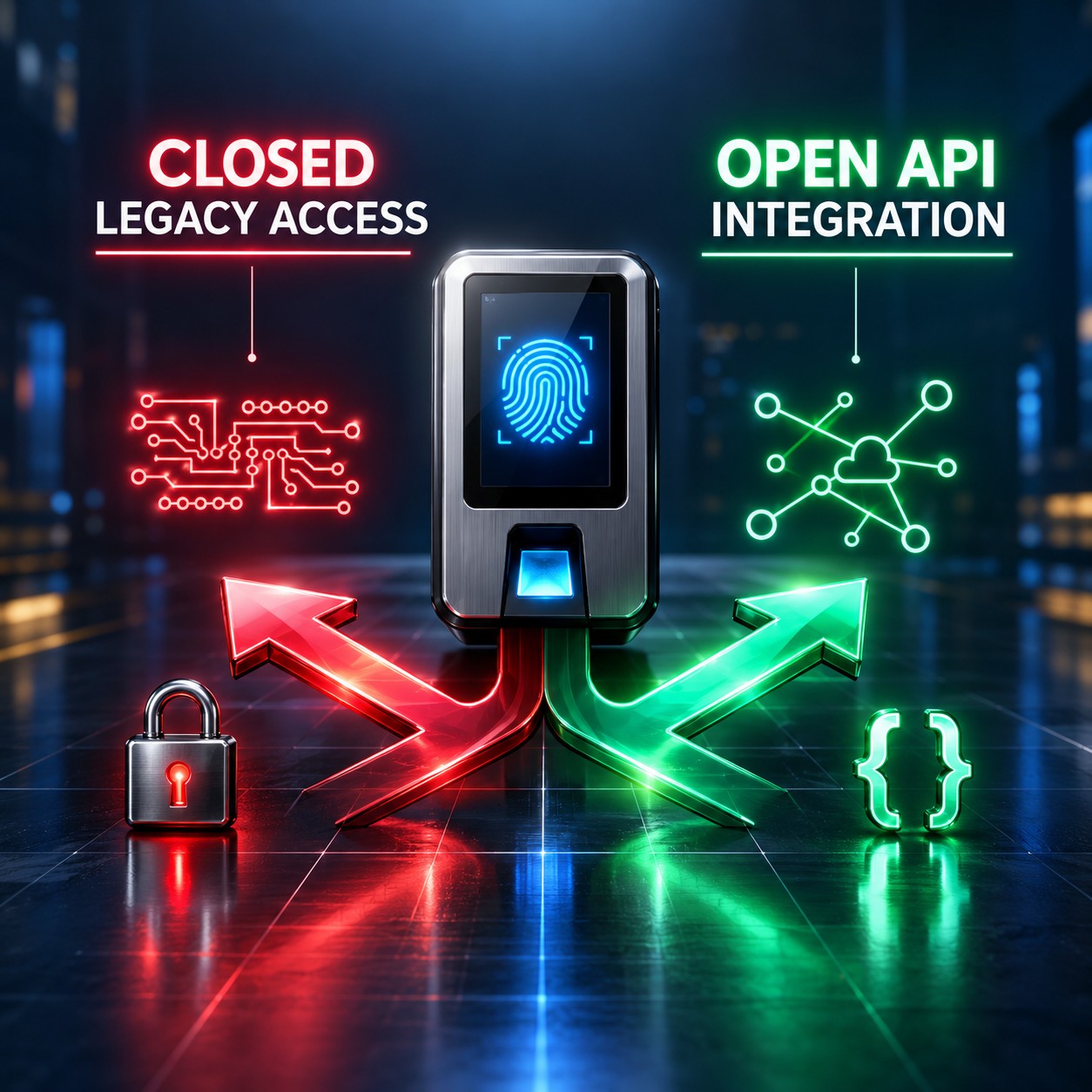





If you are reading this, your team has probably already said it. Your biometric hardware works fine. The device does exactly what it is supposed to do. But the SDK your manufacturer distributed to communicate with it is a compiled Windows DLL, it requires a specific Visual C++ runtime, it will not run in a Docker container, and your developers are on Mac or Linux. The device is not the problem. The SDK is the problem. This article explains exactly why that happens, why every workaround your team has tried eventually fails, and what the architectural alternative looks like.
The Complaints Are Consistent Across Every Engineering Team
The specifics vary but the pattern is always the same. An organisation integrates biometric hardware, discovers the SDK constraints late in the process, and spends significant engineering time working around a problem that should not exist. Here is what those complaints sound like in practice.
Why Biometric SDKs Are Windows-Only: The Real Reason
It is tempting to assume that biometric hardware communication is so complex that it requires Windows-specific system APIs. This is not the case. The real reason biometric SDKs are Windows-only is much simpler and much more frustrating: that is the environment the SDK was originally written for, and no one has since invested in changing it.
Most biometric device SDKs were written in C or C++ in the early 2000s, targeting Windows as the dominant enterprise desktop operating system of that era. The compiled output was a DLL, a Dynamic Link Library, which is a Windows-specific binary format. The communication logic, the functions that open a TCP connection to the device, decode the binary packet format, and return structured data, was compiled into this DLL and distributed to customers.
At the time, this was a reasonable decision. Enterprise software ran on Windows. Servers ran Windows. Developers used Windows. The DLL format was the standard distribution mechanism for reusable compiled code in that ecosystem. Nothing about this choice was wrong given its context.
The problem is that the context changed completely and the SDK did not. Linux became the dominant server operating system. Mac became the dominant developer workstation. Docker containers became the standard deployment unit. Cloud-native infrastructure replaced on-premises Windows servers. But the biometric SDK remained a Windows DLL, because rewriting it for cross-platform distribution requires engineering investment that the hardware manufacturer has little commercial incentive to make.
“The SDK was not designed to be hostile to Linux or Mac. It was designed for a world where Linux and Mac were not where enterprise software ran. That world no longer exists. The SDK stayed behind.”
What the Windows-Only SDK Blocks in a Modern Stack
The implications of a Windows-only SDK ripple across every layer of a modern development and deployment setup. Each blocker below represents a real constraint that engineering teams encounter when they try to integrate biometric hardware into a current-generation software stack.
The Workarounds Teams Build and Why They All Fail Eventually
Faced with a Windows-only SDK and a modern stack, engineering teams build workarounds. Each workaround solves the immediate problem while creating a new structural dependency that will cause a different problem later.
Every workaround accepts the Windows DLL as a fixed constraint and builds around it. None of them eliminates the constraint. They all add complexity, add maintenance surface, and add new failure modes. The correct solution is not to build a better workaround. It is to eliminate the DLL dependency entirely.
What the Alternative Architecture Looks Like
The Windows DLL exists because the device manufacturer needed to give developers a way to communicate with the device’s proprietary binary protocol without exposing the protocol itself. The DLL is the abstraction layer between the binary wire format and the developer’s code.
That abstraction layer does not have to be a DLL. It can be an HTTP server that speaks JSON. The server handles the binary protocol on one side and exposes a API on the other. Developers call the API using standard HTTP client libraries that run on every platform, in every language, inside every container, through every CI/CD pipeline, on every developer laptop regardless of operating system.
Windows DLL installed on a specific machine. Called using language-specific FFI or wrapper. Tied to the operating system and runtime version. Cannot be containerised. Cannot be tested in CI. Breaks on OS updates. One SDK per device brand.
Two API types, each doing a different job. The Callback API pushes real-time events from the device to your server at zero latency. The RESTful API accepts commands from your server to the device with approximately 15 seconds execution time. Both use JSON over HTTP/HTTPS with optional AES-256 encryption. Any language, any OS, fully containerisable, testable in any CI environment.
Neither API type requires the device to change. The device still speaks its proprietary binary protocol. The Biometric Gateway sits between your devices and your application, handling all protocol translation internally. Its Protocol Engine manages secure auth processing, data transaction logging, protocol translation, and offline cache and queue for when devices are temporarily unreachable. Its Standardised API Layer handles identity management, AI and MCP integration, callback dispatching, REST command routing, and data normalisation across all supported device brands.
What Changes for Your Development Team
When the SDK is replaced by a API, the practical changes to your development workflow are significant. They are not incremental improvements. They are the elimination of entire categories of friction that yyour team has normalised.
The Two API Types: What Your Developer Actually Writes
To make the contrast concrete, here is how the two API types work in practice. The RESTful API is called by your server to send a command to the device. The Callback API is the reverse: the Gateway calls your server to push a real-time event. Your developer writes a receiver for one and a caller for the other. Both use JSON over HTTP/HTTPS. Neither requires a DLL, a Windows machine, or any SDK installation.
{
  "RealTime": {
    "OperationID": "9nu1wak5616p",
    "LabelName": "Burj Khalifa",
    "SerialNumber": "ZHM11xxxxxxxx",
    "PunchLog": {
      "Type": "CheckOut",
      "Temperature": "36.8",
      "FaceMask": false,
      "InputType": "Fingerprint",
      "UserId": "2",
      "LogTime": "2020-09-17 07:48:22 GMT +0530"
    },
    "AuthToken": "COJJ7eiIPBGUfmIQPvh2PJWWDLX7OuKs",
    "Time": "2020-09-17 04:19:03 GMT +0000"
  }
}
{ "status": "done" }
The API call is made using any HTTP library in any language: Python’s requests, Node’s fetch, Go’s net/http, cURL in a shell script. It works identically on a Mac laptop, a Linux CI runner, a Docker container on Kubernetes, and a serverless function. The Callback API payload arrives at whichever webhook endpoint your server exposes, in the same JSON format regardless of which device brand or input type generated the event. Fingerprint, face recognition, palm vein, RFID card, PIN, QR code, or barcode: the structure your server receives is always the same. No DLL. No runtime dependency. No Windows requirement. No licence file to manage.
A developer who joins your team next week can clone the repository, add the Gateway credentials to their environment file, and make their first successful call to a biometric device within minutes of sitting down. For the RESTful API they write a standard HTTP POST. For the Callback API they write a standard HTTP receiver. Neither requires a Windows machine, an SDK installer, a vendor licence key, or any knowledge of binary device protocols. They integrate with the Gateway exactly the way they integrate with any other JSON service in your stack.
Frequently Asked Questions
Conclusion: The SDK Problem Has a Clean Solution
A Windows-only biometric SDK is not a fact of life that your engineering team has to work around forever. It is the consequence of a distribution decision made two decades ago in a different infrastructure landscape. That decision can be superseded by a gateway that absorbs the binary protocol complexity and exposes the device through a standard API.
When that transition happens, the dedicated Windows VM gets decommissioned. The CI/CD pipeline gets the biometric integration back. The new developer sets up their local environment in minutes. The Docker container runs without special configuration. The Mac developers stop remoting into the one machine in the office that has the SDK licence installed. These are not small quality-of-life improvements. They are the elimination of a structural constraint that has been taxing your engineering team’s time and patience for years.
Cams Biometrics Gateway replaces the Windows SDK entirely. It connects to your biometric devices from Cams, ZKTeco, Suprema, Hikvision, Anviz, Morpho/IDEMIA, Virdi, Mantra, Nitgen, Realtime, Biomax, Secugen, eSSL, Matrix, and more, using their native protocols, with no SDK installation required anywhere in your infrastructure. It exposes 38 operations across two API types: a Callback API that pushes real-time device events to your server at zero latency, and a RESTful API that accepts commands from your server to the device. All communication is JSON over HTTP/HTTPS with optional AES-256 encryption. Native MCP integration means Claude, Gemini, and ChatGPT can call biometric operations directly. Offline cache and queue handles connectivity interruptions automatically. The Gateway works identically whether your stack runs on Linux, Mac, Windows, Docker, Kubernetes, or serverless functions. No DLL. No Visual C++ Redistributable. No dedicated Windows machine. No licence file. Explore the full API at CamsBiometrics.com about migrating your existing SDK integration.