 Cams Support Hub
Cloud vs On-Premises Biometric Systems: An Honest Comparison
On this page 12 sections
What cloud, on-premises, and hybrid really mean for biometricsCloud vs on-premises biometric systems: an honest scorecardWhen on-premises is the right choiceWhen a cloud biometric attendance system is the right choiceMyths on both sidesHybrid patterns, and how to decidePattern A: cloud gateway, your own HR softwarePattern B: on-site devices without a public IPPattern C: a mixed estate during migrationFive questions to decideFrequently Asked QuestionsConclusion: choose by situation, not by sloganMost comparisons of cloud and on-premises biometric systems are written to sell one of them. This one is not. Cloud is the better choice for many organisations, but not for all of them, and some of the strongest setups combine both. This guide explains what each model really means for a biometric attendance or access system, where each one genuinely wins, the myths on both sides, and how to decide what fits your sites, your IT team, and your rules.
01 · DEFINITIONS
What cloud, on-premises, and hybrid really mean for biometrics
The words are used loosely, so it helps to be precise. In every model the biometric device itself sits on your premises, on a wall or at a gate. What changes is where the software and data that sit behind the device live, and who looks after them.
|
ON-PREMISES Your building, your servers Attendance software and its database run on computers you own. Devices talk to them over your local network. Your IT team installs, patches, backs up, and secures everything. |
CLOUD A provider's servers, reached over the internet Devices send data over the internet to a hosted platform. The provider runs and updates the infrastructure. You use it through a browser, an app, or an API. |
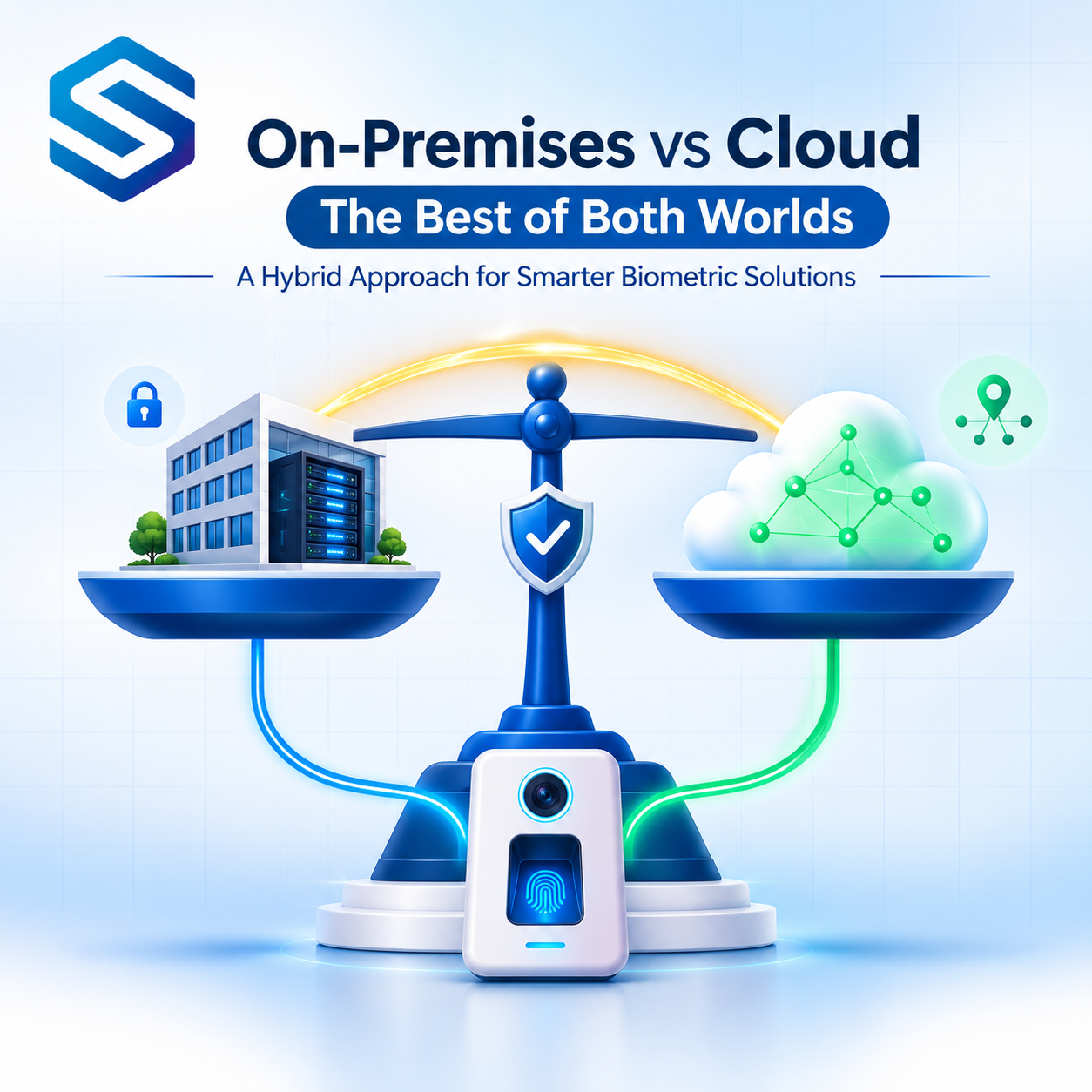
HYBRID Some of each For example, a cloud gateway that delivers data to HR software you host yourself, or on-site devices that reach the cloud through a small local connector. |
A useful comparison is running water. On-premises is like having your own well: you control it completely, but you dig it, maintain it, and test it. Cloud is like mains water: someone else maintains the network, and you pay for the service. Neither is wrong. The question is which suits your situation.
02 · SCORECARD
Cloud vs on-premises biometric systems: an honest scorecard
Here is how the two compare on the factors that matter most for biometric attendance and access. The right-hand column shows which model usually has the advantage, and where the honest answer is that it depends.
| Factor | On-premises | Cloud | Usually favours |
| Multi-site management | Each site may need its own server or a VPN back to head office | All sites report to one platform over the internet | Cloud |
| Internet outages | Local operations continue without internet | Depends on how devices and connectors handle outages; ask | Depends |
| Server maintenance | Your team patches, backs up, and replaces hardware | Handled by the provider | Cloud |
| Control over data location | You decide exactly where data sits | Depends on where the provider hosts; ask | On-premises |
| Remote access for HR and managers | Needs VPN or extra setup | Available wherever there is internet | Cloud |
| Connecting cloud HR, payroll, and AI tools | Needs extra work to expose data safely | Usually designed for it, through APIs | Cloud |
| Upfront cost | Servers, licences, installation | Lower upfront; ongoing subscription | Depends |
| Long-term cost | Hardware refresh, IT time, upgrades | Subscription for as long as you use it | Depends |
| Security | Strong if well maintained; weak if neglected | Strong if the provider is trustworthy; you depend on them | Depends |
| Isolated or air-gapped sites | Can run with no internet at all | Not suitable without a connection | On-premises |
Count the green and blue tags and cloud wins more rows. But a single row, such as a strict data-location rule or an air-gapped site, can outweigh everything else for a particular organisation. That is why the next two sections matter more than the scorecard.
03 · WHEN ON-PREMISES WINS
When on-premises is the right choice
On-premises is not old-fashioned. It is the right answer in specific situations, and an honest comparison should say so.
| 1 | Sites with no reliable internet. Remote mines, ships, some rural factories, and secure facilities may have no dependable connection. A system that needs the internet to do its core job will struggle there. |
| 2 | Strict rules on where data lives. Some government, defence, and regulated organisations must keep personal data inside their own buildings or a specific country. If a cloud provider cannot meet that rule, on-premises may be the only option. |
| 3 | Air-gapped or highly isolated networks. Some facilities do not connect sensitive systems to the internet at all, by policy. |
| 4 | A strong in-house IT team with capacity. If you already run servers well, with patching, backups, and monitoring, the extra load of an attendance server may be small. |
| 5 | A single site with stable needs. One building, one HR system, no plans to grow, and no need for remote access reduces the cloud's main advantages. |
|
The hidden cost of on-premises On-premises is often chosen because it feels cheaper or safer. It is only either of those if the servers are actually maintained. An attendance server that nobody patches, a backup nobody tests, or a single Windows PC that everything depends on can turn on-premises into the riskiest option. Our article on Windows-only SDKs explains this trap. |
04 · WHEN CLOUD WINS
When a cloud biometric attendance system is the right choice
A cloud biometric attendance system tends to win when the organisation is spread out, changing, or connected to other cloud tools.
| 1 | Several sites, or plans to grow. Every new branch connects to the same platform. There is no new server per site and no VPN to build. |
| 2 | HR, payroll, or ERP already in the cloud. If your business software is hosted, a cloud attendance system can feed it directly, without building a bridge out of your building. |
| 3 | Real-time data matters. Cloud platforms are usually built to push each verification to your software as it happens, rather than waiting for a nightly export. |
| 4 | A small or stretched IT team. No attendance servers to patch, back up, or replace. |
| 5 | Plans to use AI assistants. AI tools work through APIs and standard connections such as MCP, the Model Context Protocol, which suit hosted, API-first systems. |
As an example of the cloud approach, Cams Biometrics Gateway connects devices from 15+ brands to business software through one API, with no SDK installed in the customer's infrastructure. It uses two directions: the Callback API pushes each successful verification to your server in real time, and the RESTful API lets your software send commands back, such as adding or removing a user, typically in around 15 seconds. Data travels as JSON over HTTP or HTTPS, with auth token validation and optional AES-256 encryption, and Cams offers native MCP integration for Claude, Gemini, and ChatGPT.
The cloud's honest weaknesses are just as real: you depend on the internet and on the provider, you pay for as long as you use the service, and you need clear answers about where your data is hosted. Ask every provider about all three.
05 · MYTHS
Myths on both sides
Both camps repeat claims that do not survive a closer look.
| Myth | Reality |
| "On-premises is always more secure." | Only if it is maintained. Security depends on patching, access control, encryption, and monitoring, wherever the server sits. |
| "Cloud means we lose control of our data." | You keep control through contracts, access settings, and deletion. What you must check is where data is hosted and who can access it. |
| "If the internet drops, a cloud system stops working." | Not necessarily. Devices typically verify people locally against templates stored on the device. What happens to the delivery of punches during an outage depends on the device and connection mode, so ask the provider. |
| "Cloud is always cheaper." | Lower upfront, yes. Over five years it depends on subscriptions, IT time saved, and how many sites you have. Do the sums. |
| "On-premises is free after you buy it." | Servers, licences, upgrades, backups, and IT time all continue. Our five-year TCO guide shows how to count them. |
| "Moving to the cloud means replacing our devices." | Often not. A gateway that supports several brands can connect devices you already own, though features depend on the connection mode. |
06 · HYBRID AND DECIDING
Hybrid patterns, and how to decide
Many organisations end up with a mix, and that is often the strongest answer. Three hybrid patterns come up repeatedly.
Pattern A: cloud gateway, your own HR software
The devices connect to a cloud gateway, but the HR or payroll system that receives the data runs on your own servers. With Cams, the Callback API delivers each verification to the server URL you provide, wherever that server is hosted, and your server sends RESTful commands to the RESTful endpoint from your Cams account.
Pattern B: on-site devices without a public IP
Many sites cannot give each device a public address. A Hybrid Connector on a local computer connects outward to the Gateway, so no public IP is needed. The topology never changes the features; only the communication method does. See connecting devices without a public IP.
Pattern C: a mixed estate during migration
Organisations moving from an on-premises system rarely switch everything at once. Cams devices and devices verified at developer.camsbiometrics.com connect via Native Push, while non-verified devices connect through a Hybrid Push mode that you choose to suit your environment. Our guides to Native Push vs Hybrid modes and moving from a legacy SDK to a cloud API cover the details. A device connects either to the old SDK or the new route, never both, so plan each move as a clean cutover.
Five questions to decide
| 1 | Do any sites lack reliable internet, or run air-gapped networks? |
| 2 | Do laws or contracts require personal data to stay in your building or a specific country? |
| 3 | How many sites do you have now, and how many in five years? |
| 4 | Where does your HR, payroll, or ERP software run today? |
| 5 | Does your IT team have capacity to patch, back up, and secure another server for five years? |
If questions 1 or 2 are a firm yes for a site, that site may need on-premises or a carefully checked hybrid setup. If questions 3 to 5 point to growth, cloud software, and a stretched IT team, a cloud biometric attendance system will usually serve you better.
Frequently Asked Questions
|
What is a cloud biometric attendance system? A system where biometric devices on your premises send attendance data over the internet to a hosted platform, which then delivers it to your HR, payroll, or ERP software. The provider maintains the servers behind it. |
|
Is on-premises more secure than cloud? Not automatically. Security depends on how well the system is maintained and protected. A well-run cloud platform can be more secure than a neglected local server, and a well-run local server can be the right choice for strict environments. |
|
What happens to a cloud system when the internet goes down? Devices typically verify people locally. How and when the punches are delivered once the connection returns depends on the device and connection mode, so ask your provider for a clear answer before you buy. |
|
Can we keep our HR software on our own servers and still use a cloud gateway? Yes, that is a common hybrid pattern. The gateway pushes data to the server address you provide, and your software sends commands back through the gateway's API. |
|
Do we need to replace our devices to move to the cloud? Often not. A gateway that supports several brands can connect devices you already own. Check which connection mode each device would use, because some modes carry attendance only. |
Conclusion: choose by situation, not by slogan
There is no universal winner in cloud vs on-premises biometric systems. On-premises remains right for isolated sites, strict data-location rules, and organisations with the IT capacity to run it well. A cloud biometric attendance system is usually the better fit for multi-site businesses, cloud-based HR and payroll, small IT teams, and anyone planning to use AI tools. And for many organisations, a hybrid of the two is the honest answer.
Cams Biometrics Gateway is built for the cloud and hybrid side of that choice. It connects devices from 15+ brands, including many you already own, to your software through one API, with no SDK in your infrastructure. The Callback API pushes each verification in real time to wherever your software runs, the RESTful API sends commands back, the Hybrid Connector serves sites without a public IP, and native MCP integration connects Claude, Gemini, and ChatGPT.
To explore further, visit CamsBiometrics.com, check which devices connect through Native Push at developer.camsbiometrics.com, and if you want to see how a hybrid setup would look in your own environment, generate a working callback receiver and REST client with the AI Code Generator Prompts.