Step-by-Step Integration Guide: Connect Claude AI with Cams Biometric System

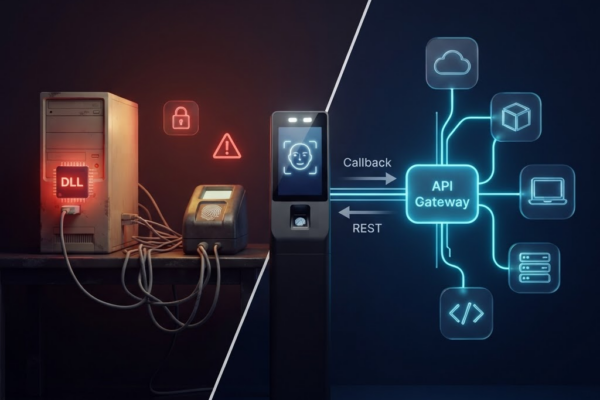
Follow these detailed steps to seamlessly integrate your Claude AI with the Cams Biometric system using a custom connector. This setup enables you to access real-time biometric data, monitor system status, and perform management tasks through natural language commands. If you’re using Claude AI and want to directly connect it with your Cams Biometric system,…

Read More
How Unigaz Connected Biometric Devices Across 10 Countries to Their Cloud-Based HRMS—Within 24 Hours

Seamless Multi-Country Biometric Attendance Integration for Unigaz with OrangeHRM : A Case Study

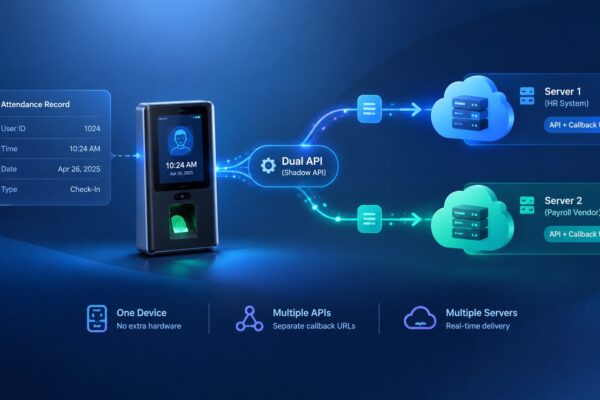
How Unigaz Connected Biometric Devices Across 10 Countries to Their Cloud-Based HRMS – Within 24 Hours 🔎 Overview Client: Unigaz GroupIndustry: Energy & Gas DistributionHeadquarters: Middle East & AfricaIntegrated HRMS: OrangeHRMBiometric API Provider: Cams Biometrics Countries Covered: 🚩 Business Challenge Unigaz operates in over 10 countries with decentralized teams, making manual attendance tracking inefficient and…

Read More

Next-Gen Remote Biometric Device Management Using AI Assistants

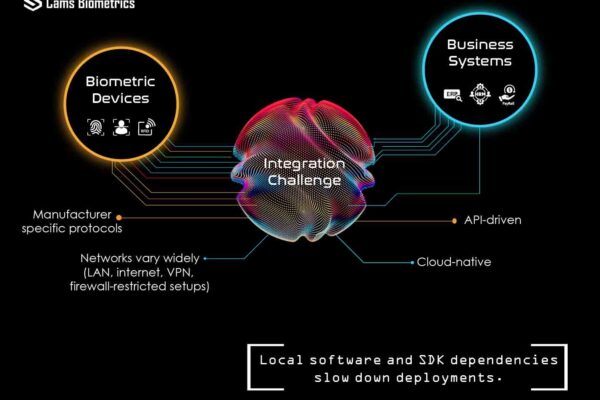
Managing 50, 100, or 500 biometric devices has always been a dashboard marathon – login, scroll, filter, check logs, repeat. For partners handling multiple client accounts, it’s even worse. That changes today. With our new MCP (Model Context Protocol) integration, clients and partners can now monitor devices from anywhere using any AI assistant, without even…

Read More
ZkTeco Web API

How to Integrate ZKTeco Biometric Attendance System with Cloud Application through Push SDK?

Biometric attendance systems are increasingly becoming essential for modern businesses seeking streamlined operations and enhanced security. The integration of ZKTeco biometric devices with cloud applications can be achieved smoothly using the Cams Biometrics API, which supports a variety of devices including those from ZKTeco. Cams Biometric Machines If you own biometric machines from Cams (listed…

Read More
How to Lock Biometric Machine Settings: Admin Guide to Prevent Unauthorized Access

How to Lock Biometric Machine Settings: Admin Guide to Prevent Unauthorized Access

Biometric machines are used to record employee attendance—but did you know that anyone can access the settings if the machine is not protected? This guide explains how to lock your biometric device menu so that only authorized admins can access it—while everyone else can still mark their attendance as usual. This feature is supported in almost all major brands, including: 🔐 What…

Read More
Canteen biometric system

Real-Time Canteen Management with Cams Biometrics Web API: Automate Food Selection and User Access Control

Introduction In today’s fast-paced environments, canteen management requires efficiency, security, and real-time responsiveness. Cams Biometrics revolutionizes canteen operations with its Web API, seamlessly integrating user data and food selection processes in real-time. This article explores how the Cams Biometrics Web API enhances the CAN10 Canteen Token Management System, providing a robust solution for automated food…

Read More

Understanding the Importance of DHCP Configuration in Biometric Devices

Enabling DHCP (Dynamic Host Configuration Protocol) in the device plays a crucial role in simplifying network configuration processes. When DHCP is enabled, the device automatically receives essential network parameters, including an IP address, subnet mask, gateway, and DNS server address, without requiring manual intervention. Enabling DHCP offers several benefits, primarily revolving around convenience and efficiency….

Read More

Punches Not Transmitting and Queuing Up – Common Causes and Solutions

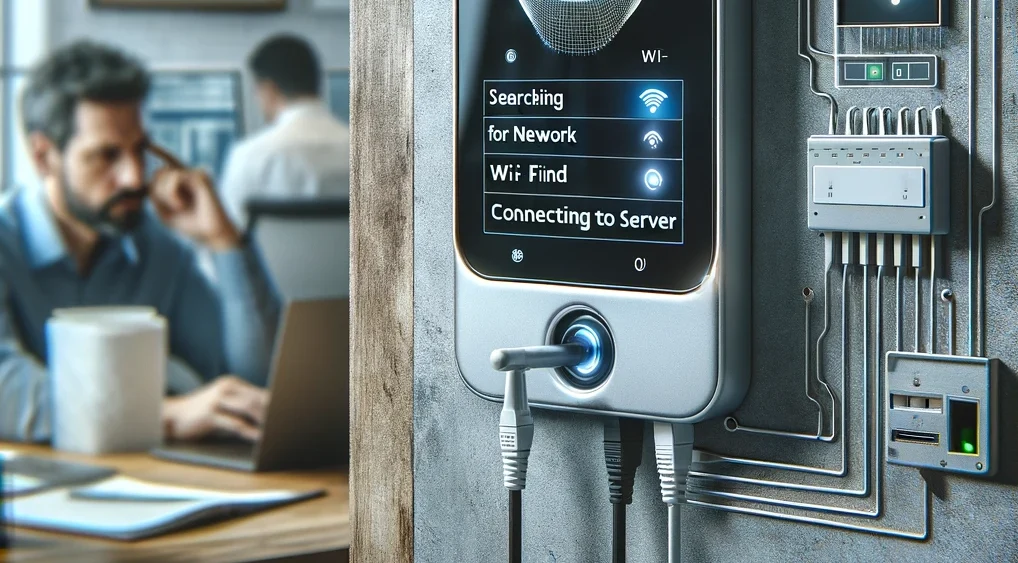
Introduction: If your device is connected to the internet but you’re encountering difficulties with machine data reaching your server, several steps can be taken to diagnose and resolve the issue. Follow the comprehensive troubleshooting guide below to ensure seamless data transmission: Troubleshooting Steps: Conclusion: By diligently following these troubleshooting steps, you can effectively address connectivity…

Read More
RSS
Pinterest
fb-share-icon
LinkedIn
LinkedIn
Share
Instagram
Telegram
WhatsApp
Reddit
Copy link
URL has been copied successfully!