




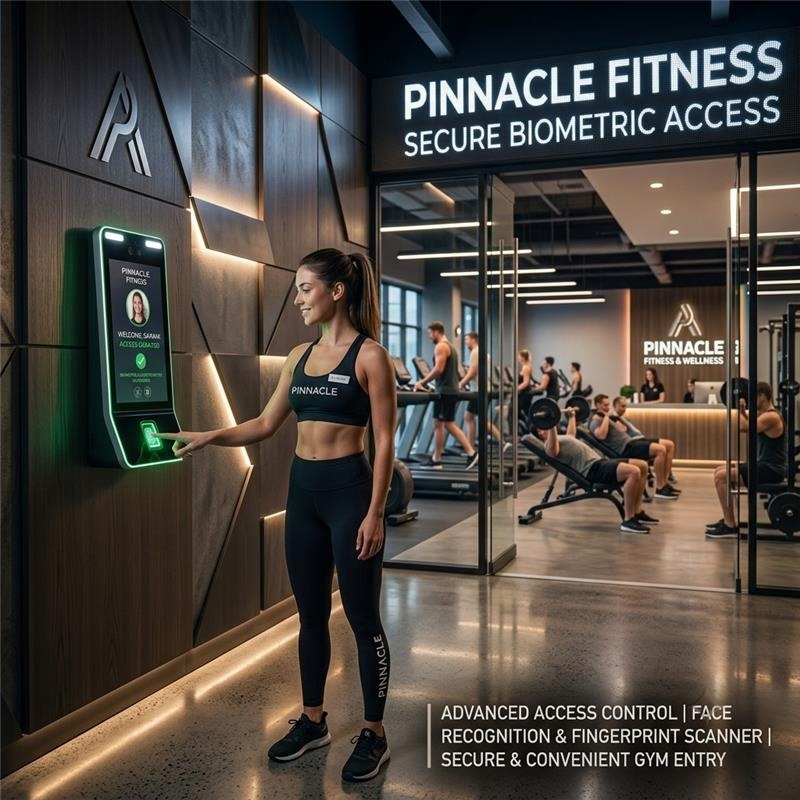
Most gyms still run membership access the same way they did a decade ago: a front-desk laptop, a spreadsheet of who’s paid, and a staff member manually buzzing people in. It works, until it doesn’t expired memberships slip through, front-desk lines build up at peak hours, and every new signup means another five minutes of manual data entry.
Cams GymBio34 is built to remove that friction entirely. It’s a dedicated biometric access terminal face recognition, fingerprint, and RFID card support in one unit paired with a REST API that lets your own membership software control exactly who gets in, when, and for how long.
This post walks through what the device offers on the hardware side, how the API lets you automate the full membership lifecycle, and how the two come together in a real gym workflow. Whether you’re a gym owner evaluating access control, or a developer building the membership platform behind it, the goal is the same: make entry seamless for members and effortless for staff.
What’s in the hardware
GymBio34 is a dedicated biometric attendance and access system designed specifically for gyms, fitness centers, and wellness facilities. It combines face recognition, fingerprint scanning, and RFID support in a single unit, and it’s built to keep performing even in low-light environments, a practical advantage in gyms where lighting changes between early-morning and late-evening sessions.
- Multi-mode authentication: face, fingerprint, and card, so members can use whichever method suits them. A member who prefers a quick face scan and one who prefers a card tap are both covered by the same device.
- Anti-spoofing security: a dual camera system that blocks photo- or video-based spoofing attempts, so a member can’t share access by holding up a picture of someone else.
- 5-inch touchscreen: 720×1280 with WDR (wide dynamic range), so the display stays readable in gym lighting, including near windows or bright overhead lights.
- 5,000 capacity: for faces, fingerprints, and cards, comfortably covering small studios through mid-size gyms.
- Turnstile / boom barrier ready: for gyms that want a hard physical gate at the entrance, not just a logged entry.
- Inbuilt Wi-Fi, with an optional 13.56MHz RFID reader for card-based members.
- Multi-language display: English, Spanish, Arabic, Thai and more (let us know your language before ordering if it’s not English).
The contactless nature of face recognition also makes for a more hygienic entry experience a genuine plus in a shared, high-traffic space where members are already touching equipment throughout their workout.
Why this matters for membership operations
The hardware solves the physical access problem. The part that actually changes how a gym runs day-to-day is the API sitting behind it. Every enrollment, every subscription renewal, every trial pass and every access restriction can be driven entirely by your own software no one has to walk over to the device.
That matters because gym operations are rhythmic: memberships start on set dates, expire on set dates, get paused, get upgraded, and get cancelled. When the device follows the same rules as your billing system automatically, staff stop being the enforcement layer and the front desk can focus on greeting members rather than checking their status.
It isn’t limited to gyms and fitness centers, either. Anything built on the same idea people gaining access for the period they’ve subscribed to, can run on the same device and API. If you want to build a subscription-based access system of your own, the enrollment, subscription dates, access time windows, and enable/disable controls described below work the same way, whatever the type of facility.
The API: what you can actually automate
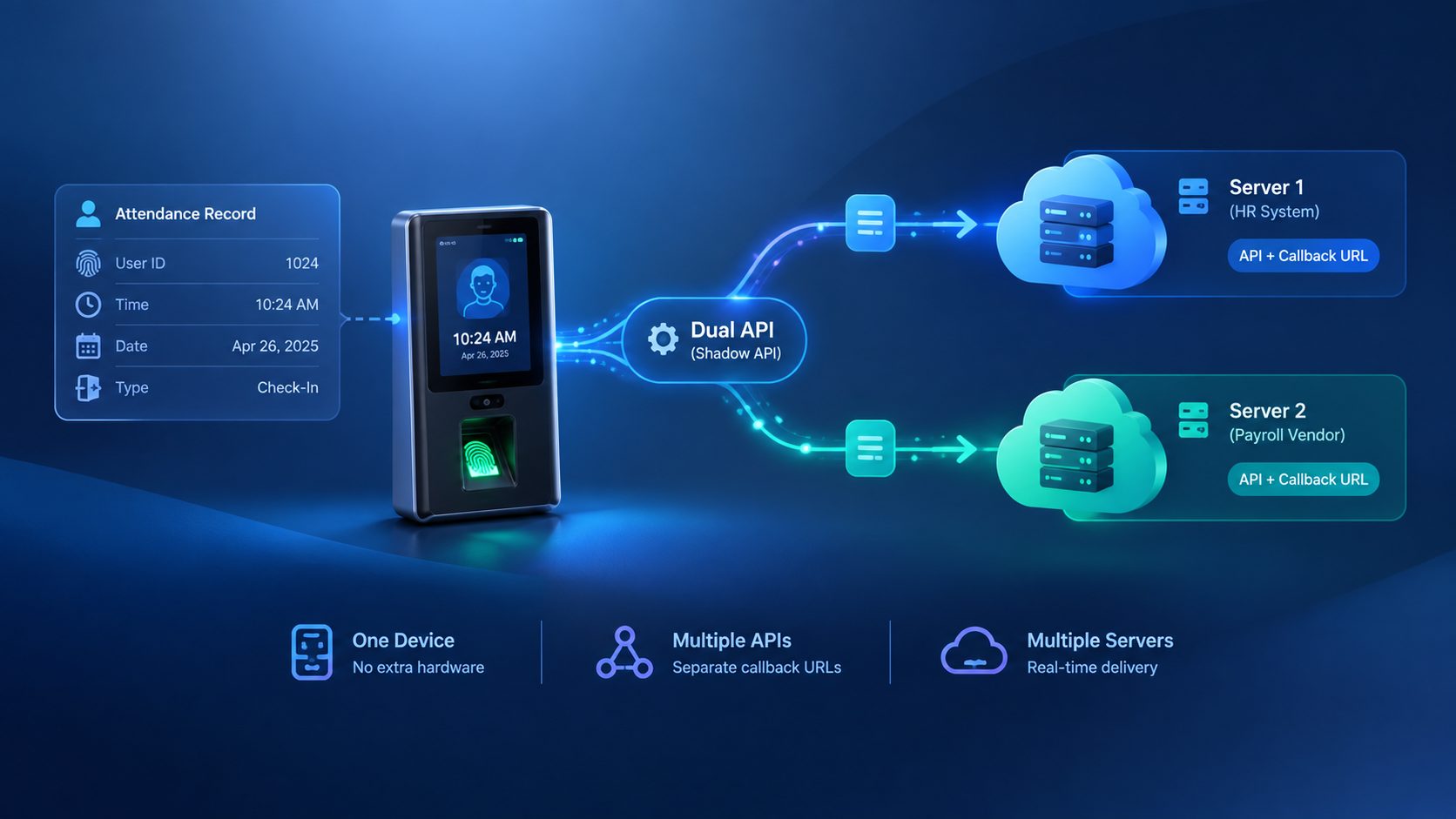
GymBio34 exposes robust API capabilities for user management. The four headline capabilities are User Enrollment (adding users, with photo, remotely), Subscription Management (assigning start and end dates that control access), Remote Authentication (verifying users through real-time server calls), and User Replication (syncing user data across machines automatically). The sections below look at each in practice.
How a request is structured
Every request follows the same envelope: an action block (Add, Update, or Create) describing what to change, plus an OperationID that identifies the request, an AuthToken that authorizes it, and a Time stamp. When a request succeeds, the response echoes the OperationID back with a status:
{
  "Status": "done",
  "OperationID": "1jxpjeoasu8wl",
  "StatusCode": 0
}
Because the same OperationID comes back in the response, your software can match each response to the request that triggered it handy when you’re firing several updates in quick succession, such as renewing a batch of memberships at once.
1. Enroll members remotely
The Add User request registers a new member ID, name, and user type without anyone standing in front of the device. A member who signs up through your website or app at 11pm can already be enrolled by the time they walk in the next morning.
Users can be added with a range of authentication methods: password, card, card and password, card and fingerprint, face, or a user photo, among others. That flexibility means a gym can offer different entry experiences to different membership tiers for example, card-only access for a basic plan and face recognition for premium members all managed through the same request format.
{
  "Add": {
    "User": {
      "UserID": "1",
      "FirstName": "Manu",
      "LastName": "Mona",
      "UserType": "User"
    }
  },
  "OperationID": "1jxpjeoasu8wl",
  "AuthToken": "<your-auth-token>",
  "Time": "2026-09-25 11:09:09 GMT +0530"
}
2. Tie access to subscription status
Subscription Management and Access Time let you set a member’s valid access period directly a precise start and end date and time. When a membership isn’t active, the device already knows: it won’t just silently deny entry, it’ll display “Invalid Start Date” or “Invalid End Date” right on screen, so front-desk staff don’t have to guess why someone got turned away.
Access Time is also how you handle changes to an existing member. Renewing a membership, extending a promotion, or correcting a start date is a single update to the user’s access period, no manual intervention at the device for each change.
{
  "Update": {
    "AccessTime": {
      "UserID": "20",
      "Start": "2026-09-25 00:00:00",
      "End": "2026-10-25 23:59:59",
      "WindowIndex": "1"
    }
  },
  "OperationID": "1jxpjeoasu8wl",
  "AuthToken": "<your-auth-token>",
  "Time": "2026-09-25 16:39:29 GMT +0530"
}
3. Restrict access to specific hours
Some gyms sell off-peak or time-boxed memberships, a cheaper plan that’s only valid 6–9am, say. Access Time Window lets you define specific time slots during which users are allowed to use the system, and it supports multiple windows in a single entry (for example 06:00–09:00 alongside 16:00–16:40). The device then enforces the plan automatically instead of relying on staff to police it.
The result is strict adherence to access policy without extra effort: a member on a morning-only plan simply can’t get in at 6pm, and nobody at the front desk has to have an awkward conversation about it.
{
  "Create": {
    "AccessTimeWindow": [
      "06:00-09:00;16:00-16:40;17:00-17:39",
      "06:00-09:00",
      "06:00-09:00;13:00-18:00;19:00-19:09"
    ]
  },
  "OperationID": "1739709146327-2f24oyqel",
  "AuthToken": "<your-auth-token>",
  "Time": "2026-09-25T12:32:26.327Z"
}
4. Enable and disable access instantly
Enable User is built for trial passes and short-term access, grant someone entry for exactly as long as they need it, without a permanent activation. It gives administrators temporary access control, flexible user management, and confidence that only authorized users get in within the permitted timeframe.
Disable User does the reverse: restrict access the moment a membership is cancelled or suspended, without permanently deleting the user. That last point matters, because the enrollment stays on the device, re-enabling a returning member later is a quick update rather than a fresh enrollment. If a disabled member tries to log attendance anyway, the system marks them as an “Invalid User.”
{
  "Update": {
    "User": {
      "UserID": "1",
      "Access": "disable"
    }
  },
  "OperationID": "1jxpjeoasu8wl",
  "AuthToken": "<your-auth-token>",
  "Time": "2026-09-25 11:09:09 GMT +0530"
}
Switching a user back on uses the same request with the value set to "enable".
5. Verify access in real time
Remote Authentication enables real-time verification of user access through a connected server. Rather than relying only on what’s stored on the device, your own system can take part in the access decision as it happens which strengthens security and keeps your membership rules in one authoritative place.
6. Keep multiple locations in sync
User Replication automatically synchronizes user data across multiple machines, keeping records consistent and reducing errors. It’s useful for gym chains where a member should be able to badge in at any branch, not just the one they signed up at, and for larger facilities that run more than one entrance device.
Clear feedback at the door
GymBio34’s advanced display notifications give members real-time feedback the moment they authenticate. A valid subscription shows “Success.” A membership that hasn’t started yet shows “Invalid Start Date,” and one that has lapsed shows “Invalid End Date.” A disabled account shows “Invalid User.”
These messages do quiet but valuable work: members immediately understand whether the problem is an expired plan or something else, which cuts down on confused conversations at the front desk and speeds up the line for everyone behind them.
Putting it together: a typical member journey
- A new member signs up through your website and uploads a photo. Your backend fires an Add User request, they’re enrolled before they ever set foot in the gym.
- Their payment confirms a 1-month plan, so your backend sets their Access Time to a 30-day window.
- They walk up to GymBio34, look at the camera or scan a finger, and the device shows “Success” no card, no front-desk check-in.
- Day 31 arrives without a renewal. No API call needed, the device already shows “Invalid End Date” and denies entry on its own.
- They renew a week later. One Access Time update, and they’re back in instantly, no re-enrollment required.
Every one of those steps happens through the API. Staff never touch the device to manage a single membership.
Common gym scenarios, solved
- Free trial pass: enroll the visitor, then use Enable User (or a short Access Time period) to grant entry for the trial window. When it ends, access closes on its own.
- Off-peak membership: assign an Access Time Window such as 06:00–09:00 so the plan is enforced by the device itself.
- Membership freeze or cancellation: use Disable User to close access immediately while keeping the member’s enrollment for a possible return.
- Multi-branch chain: enroll once and let User Replication carry the record across devices, so members aren’t tied to a single location.
- Controlled physical entry: pair the device with a turnstile or boom barrier so that a failed authentication means a closed gate, not just a log entry.
Practical notes for developers
- Numerical User IDs only. GymBio34 supports numerical user IDs, so map your membership system’s member IDs to numeric values when enrolling.
- Manage via UI or API. Everything can be configured through the device UI or the API, so you can start manually and automate progressively.
- Match responses to requests. Use the OperationID echoed in each response to confirm which of your requests succeeded.
- Plan for connectivity. With inbuilt Wi-Fi, the device connects without extra networking hardware, which keeps installs simple.
- Sample requests and responses for the full Web API are available in the documentation linked below, so you can test against the exact formats before building.
Licensing options
GymBio34 is available on Yearly or Lifetime licensing, so the commitment scales with the size and stage of your facility a single studio doesn’t need the same plan as a multi-branch chain rolling it out everywhere at once.
A yearly license fits an established facility that prefers to plan ahead year by year, and a lifetime license is a long-term investment for operators who want to settle on a solution and run with it.
Get started
If you’re building or upgrading a membership platform and want access control that’s actually driven by your own logic not a standalone device you have to manage separately GymBio34 is designed for exactly that. It’s a long-term investment that adds sophistication and operational efficiency to member management, with professional-grade build, easy integration, and real-time sync.
- Product page & specs: Cams GymBio34
- Full Web API documentation: Biometric Web API
- Questions on integration? Drop them in this forum, we’re happy to help you map your membership flow to the API.