The requirement
A client running a restricted room (e.g. a server room, vault, or lab) needed a simple but strict rule enforced at the door:
Only one person may be inside the room at a time. The next person should not be let in until the current occupant has checked out.
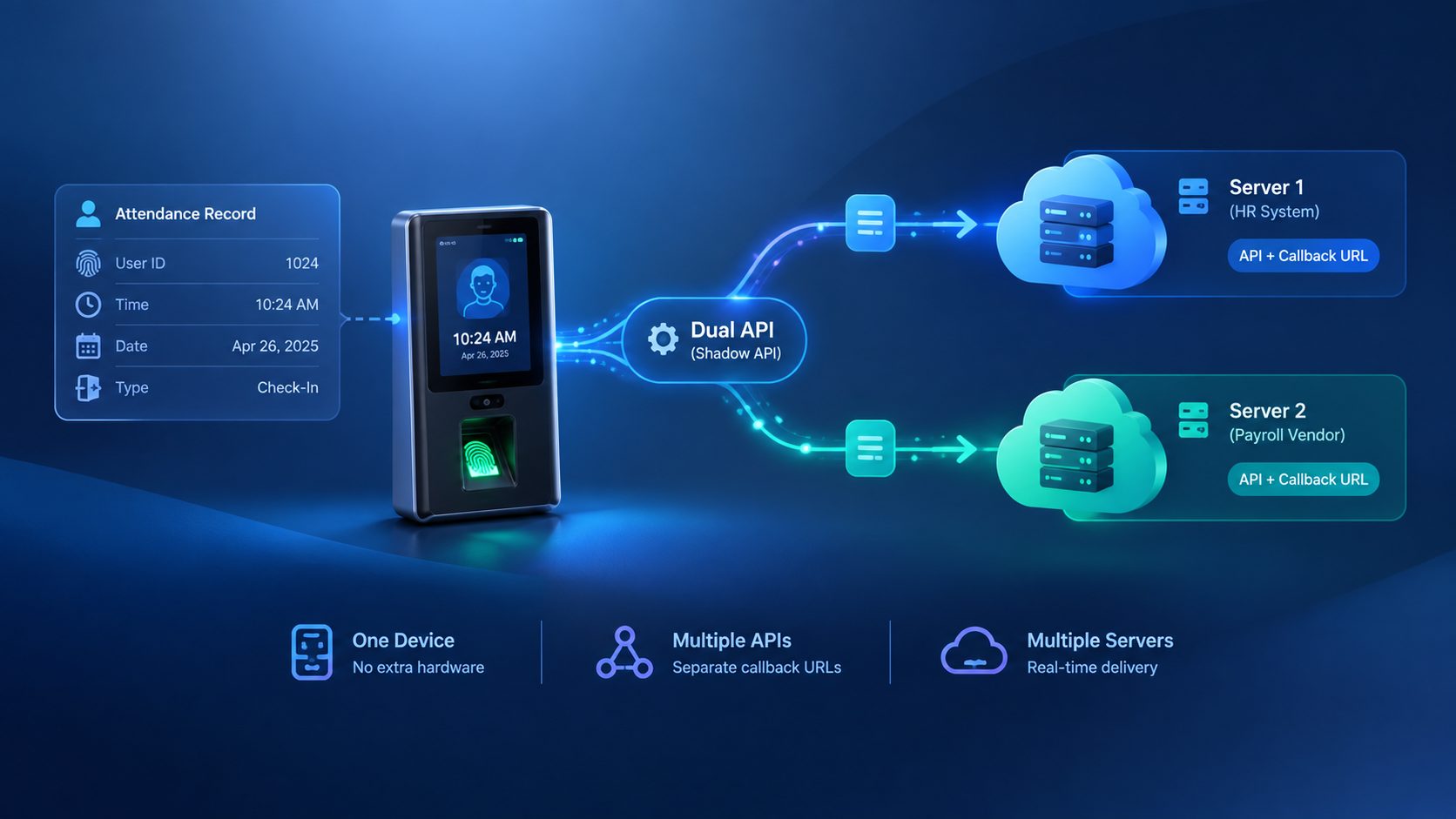
The Cams device handles identity verification, and Server Approval extends that by letting your own software add the “is anyone already inside?” logic on top , deciding, in real time, whether a verified user should actually be let in.
Why Server Approval fits
By default (Server Approval disabled), the device grants access as soon as it verifies the user locally , your software finds out afterward. That’s fine for simple logging, but it can’t prevent entry.
With Server Approval enabled, the device pauses after local verification and waits for your software to confirm the punch before it opens the door. That round trip is what lets you inject business logic , like “is anyone already inside?” , into the access decision itself, instead of just recording it after the fact.
How the flow works

- A user punches at the device.
- The device verifies them locally, then sends a JSON request to your registered callback URL.
- Your software checks its own occupancy state and responds:
{"status": "done"}→ device accepts the punch and opens the door.{"status": "reject"}→ device denies access and keeps the door closed.
- On check-out, your software updates occupancy state so the next check-in is evaluated correctly.
Walking through it with two users
User X checks in. Device verifies X, calls back, your software finds the room empty, and returns done. X enters. Your software marks the room occupied.
User Y tries to check in while X is still inside. Device verifies Y, calls back , same as any other punch. Your software sees the room is still occupied and returns reject. The device denies Y and the door stays shut. Y is never let in until your software says otherwise.
X checks out. Your software records the check-out and clears the occupancy flag.
Y tries again. Same callback flow, but this time your software sees the room is vacant and returns done. Y enters.
The device’s role never changes , it always verifies the person and asks your software what to do next. The only thing that changes between “reject” and “done” is what your software knows about who’s currently inside.
Implementation notes
- The occupancy check is entirely your responsibility , the device has no memory of who’s inside. A simple flag or record per room is enough for a single-occupancy space; multi-room or multi-capacity setups need a small state table keyed by room/device.
- Make sure check-out events are reliably captured, since a missed check-out will permanently lock the room even after the user has left.
- Test the callback path locally before going live , see our companion guide on testing Cams API callbacks locally with tunneling tools for setting up ngrok/Cloudflare Tunnel/localhost.run against your dev environment.
What to plan around: connectivity and callback responses
Server Approval depends on a live round trip between the device and your server, and on your server always answering correctly. Two conditions are worth designing around:
The device is offline. It cannot send the verification callback in real time, so your software never gets a chance to respond done or reject. The device shows a “Disconnected” message and refuses the punch outright , it does not fall back to local-only access.
Your callback returns something other than {"status": "done"} or {"status": "reject"}. An invalid or unexpected response gets stuck in the queue, and the device will not push any subsequent punch data to your callback until it’s resolved , so the door stays closed, not just for that user but for everyone after them, until your callback starts responding correctly again.
In other words, the one-person-at-a-time guarantee is only as strong as the device’s network connection and the reliability of your callback responses. For production deployments, factor both into your setup , e.g. wired connections over Wi-Fi or alerting on extended offline periods, and strict validation to make sure your callback always returns a well-formed done/reject response, even on error paths.
Result
With Server Approval enabled and a minimal occupancy flag in the client’s software, the one-person-at-a-time requirement was enforced entirely through existing device capabilities , no additional hardware, and no changes needed on the device side beyond a configuration toggle.