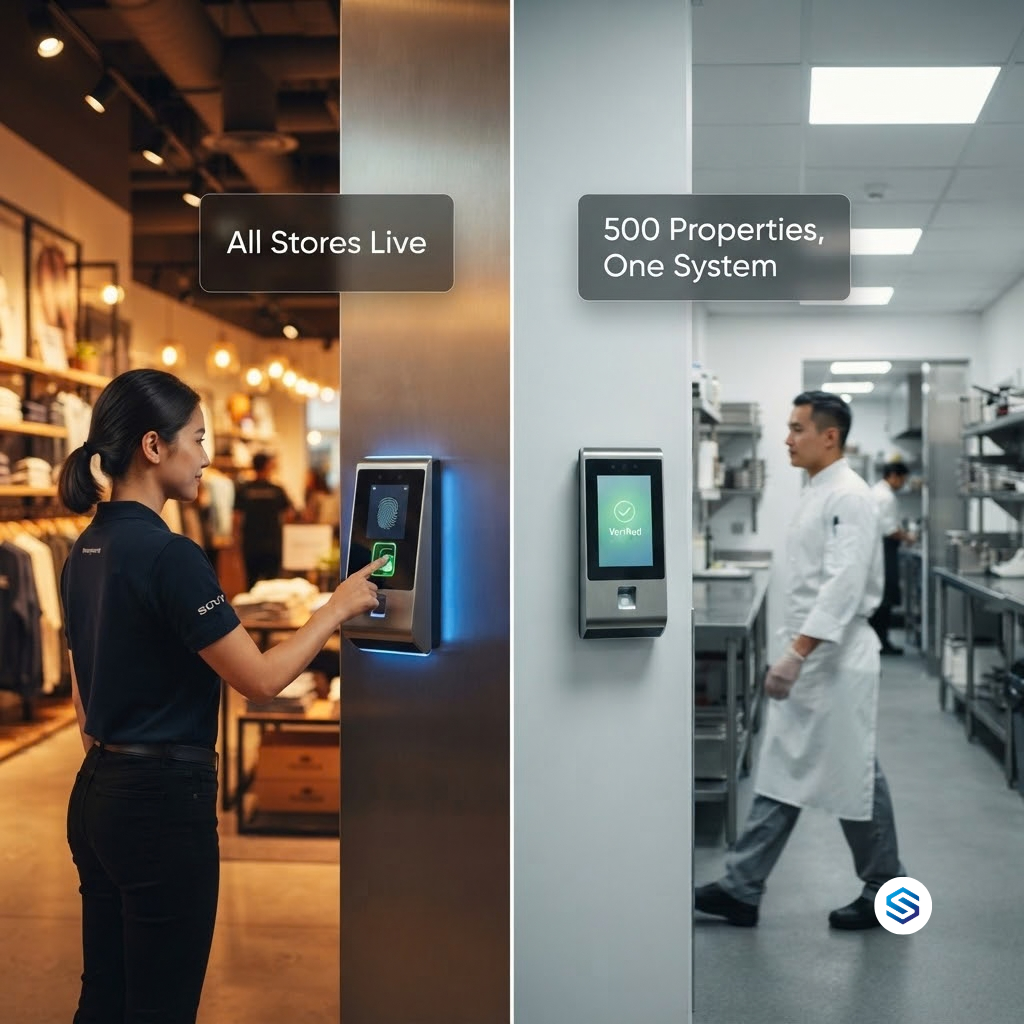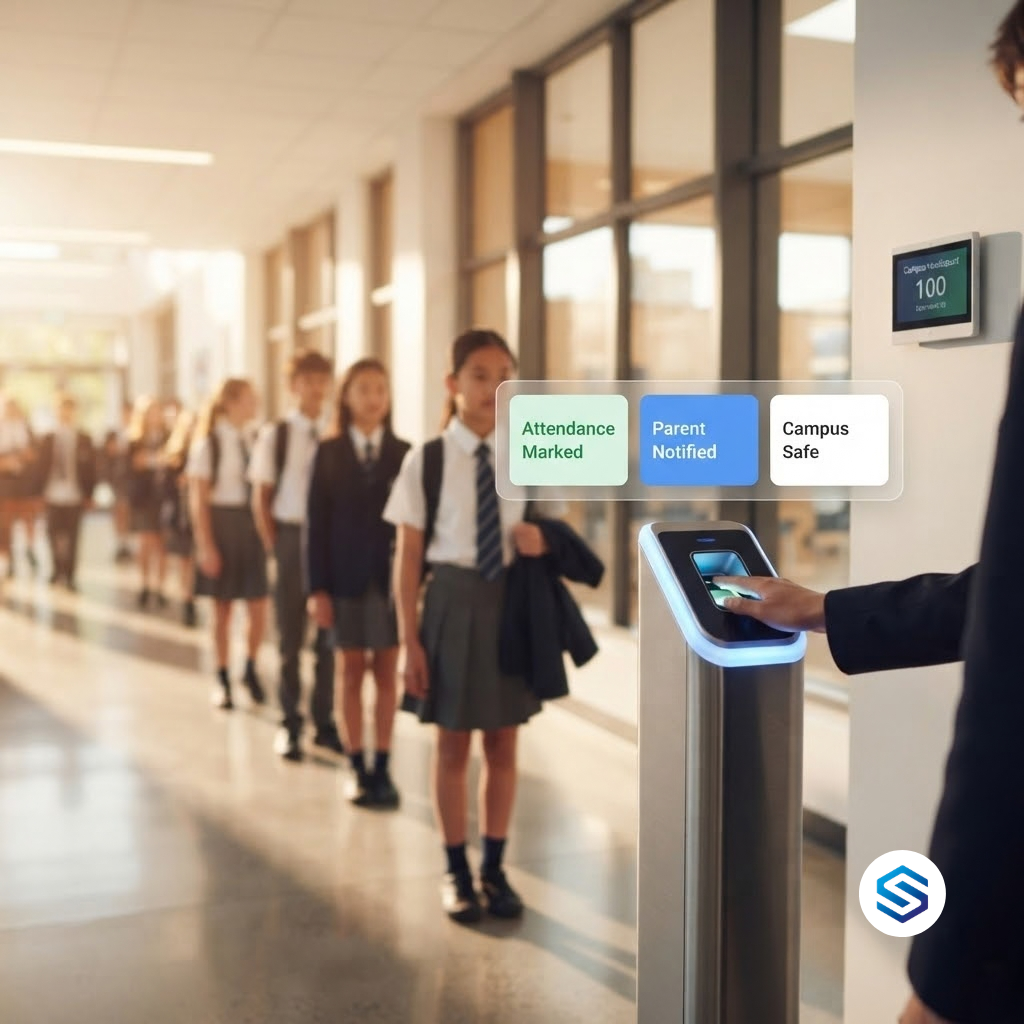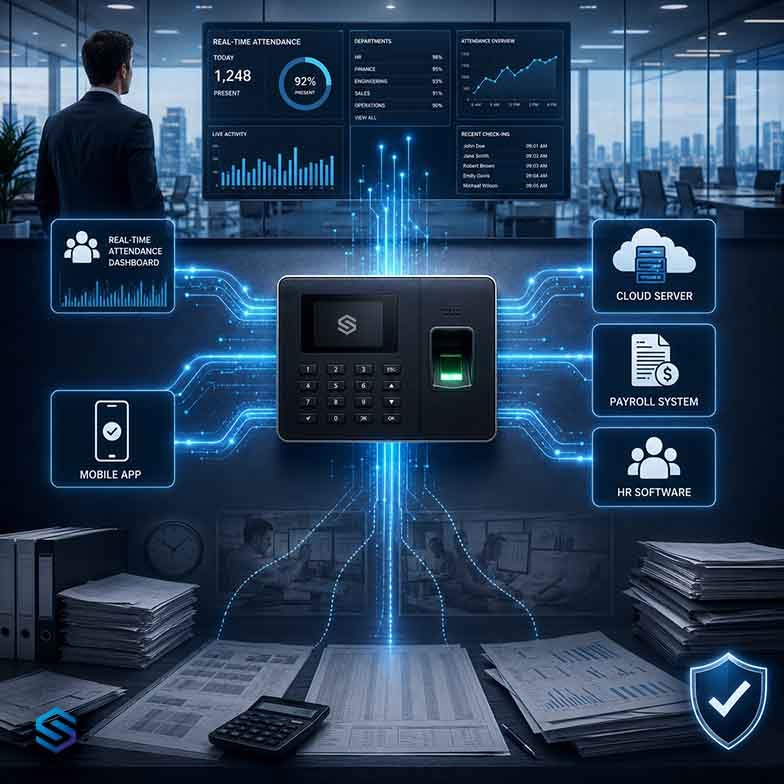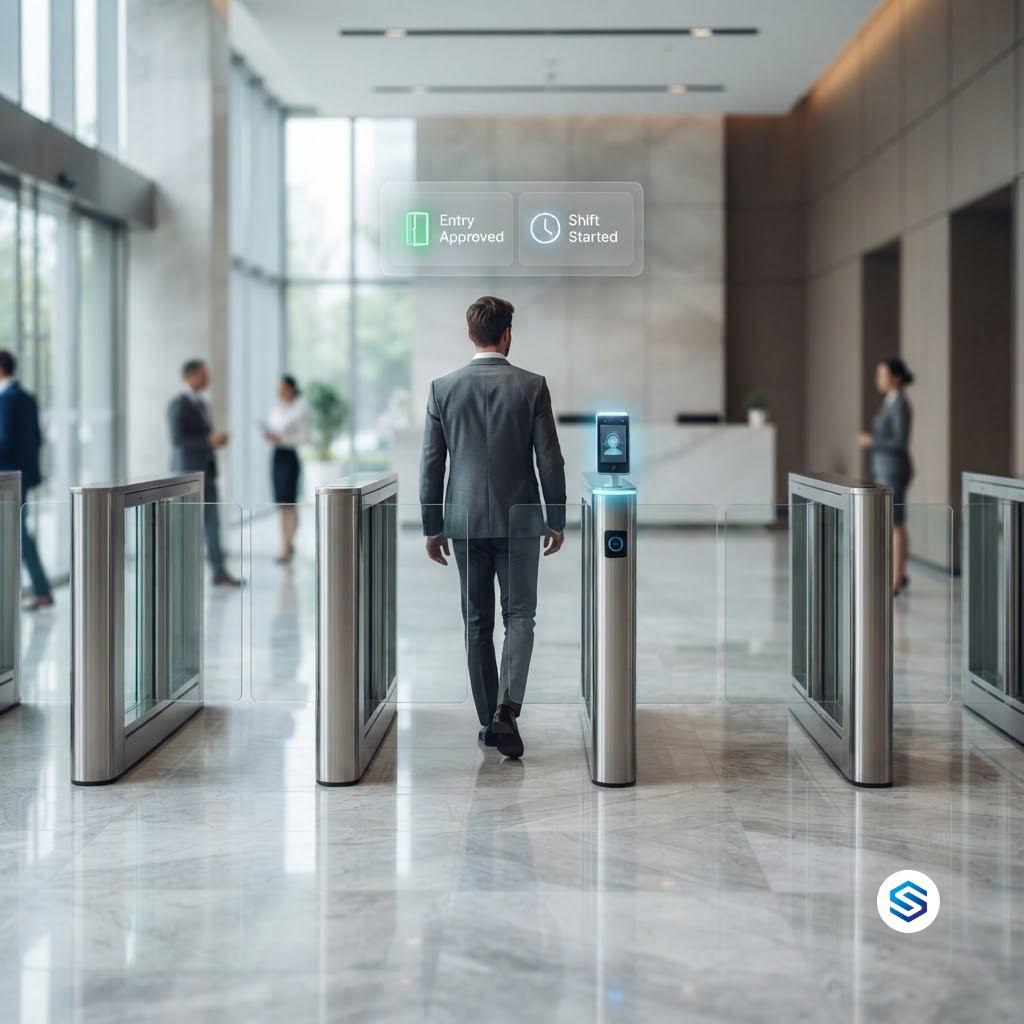
In most organisations, the door and the time clock are two different systems. Security owns access control. HR owns attendance tracking. Each has its own devices, its own enrolment process, its own database, and its own idea of who is in the building. Yet both are answering versions of the same question: who is this person, and where are they right now? A single biometric scan can answer both at once. This article explains why access control and attendance tracking are converging, what organisations lose by keeping them apart, and how Cams Biometrics turns one verified identity event into both an access decision and an attendance record.
01 · How the Split Happened
Two Systems, Two Departments, One Person
Access control and attendance tracking grew up in different parts of the organisation. Access control came from physical security: locks, card readers, turnstiles, and alarm panels, managed by facilities or the security team. Attendance tracking came from payroll: punch cards, time clocks, and timesheets, managed by HR. Each department bought the tools it needed, from the vendors it knew, to solve its own problem.
The result, in many buildings today, is two separate devices mounted near the same entrance. An employee taps a card to open the door, then walks three metres and presses a finger on a time clock. Two actions, two devices, two databases, for one person arriving at work. Nobody designed it this way on purpose. It is simply what happens when two departments solve overlapping problems independently.
| Access control | Attendance tracking | |
|---|---|---|
| Owned by | Security or facilities | HR or payroll |
| Question it answers | Should this person be allowed through this door? | When did this person start and finish work? |
| Typical device | Card reader, door controller, turnstile | Time clock or attendance terminal |
| Data it keeps | Door events and access permissions | Check-in and check-out times |
| Who gets enrolled | Everyone who needs to enter | Everyone who needs to be paid |
Look at the last row. The people enrolled in both systems are, for the most part, exactly the same people. That overlap is where the cost of separation begins.
02 · Duplication, Conflicts, and Gaps
The Hidden Cost of Running Them Separately
Running access control and time attendance as separate systems rarely fails loudly. It fails quietly, through duplicated effort, records that disagree with each other, and gaps that only appear when something goes wrong.
Every person is enrolled twice
A new employee is registered in the access control system by security, then registered again in the attendance system by HR. If biometrics are used in both, their fingerprint or face is captured twice and stored in two places. Every change, a new role, a new site, a name correction, has to be made twice by two teams who may not talk to each other that day.
The two systems disagree about the same day
The door log shows an employee entered at 09:12. The attendance system shows a check-in at 08:58, because a colleague clocked in for them, or because they arrived with a group and the door was already open. Which record is true? When payroll disputes or investigations happen, two systems that should agree become two competing versions of events.
Offboarding happens in one system but not the other
This is the most serious gap. HR removes a departing employee from payroll and attendance on their last day. Their access permissions sit in a different system, maintained by a different team, and stay active until someone notices. A former employee with working door access is not an attendance problem. It is a security incident waiting to happen.
|
Separate systems Two enrolments for every person Biometric data stored in two places Door logs and attendance records can conflict Offboarding must be done twice, by two teams Two sets of devices to buy, install, and maintain No single answer to who is in the building now |
Converged system One enrolment per person One controlled copy of biometric data One verified event behind both records One offboarding action removes all access One device per entry point does both jobs One live view of who has entered and left |
|
A note on data protection Storing the same biometric data in two separate systems doubles the places it must be secured, audited, and deleted on request. Under frameworks like GDPR, CCPA/CPRA, LGPD, and PDPA, data minimisation is a core principle. A converged access control and attendance system is not just more efficient. It reduces the number of places sensitive biometric data lives. |
03 · What Convergence Actually Means
One Identity, One Event, Two Outcomes
Convergence does not mean merging the security team into HR, or forcing one department to give up control of its rules. It means recognising that the core event both systems depend on is the same: a verified person presenting themselves at a specific point at a specific time. Capture that event once, verify it biometrically, and let each system use it for its own purpose.
|
1. Verified scan An employee scans a fingerprint, face, or palm at the entrance terminal. The device verifies who they are. |
→ |
2. Access outcome The door opens for a valid, enrolled person. Access logic stays with the device or with your server. |
→ |
3. Attendance outcome The same verified event is pushed to your HRMS or ERP, where it becomes a check-in record. |
The key word is same. The access record and the attendance record are not two readings that might disagree. They are two uses of one verified event. If the door opened for someone, the attendance system knows exactly who, exactly when, and exactly where, because it received the very event that opened the door.
|
Access control asks: may this person enter? Attendance asks: when did this person arrive? A verified biometric scan answers both questions in the same moment. |
Your software decides what counts as attendance
Not every door scan should count as a check-in. A scan at the main entrance probably should. A scan at the server room door probably should not. In a converged setup, each biometric event arrives with a LabelName identifying the device location. Your HRMS or ERP applies its own rules to decide which locations count towards attendance, which ones are only access events, and how to treat the first and last scan of the day. The biometric layer delivers the verified event. Your software decides what it means.
04 · Use Cases
Where a Converged System Changes What Is Possible
Once access and attendance run on the same verified events, organisations can do things that are difficult or impossible with two disconnected systems. The table below shows the most valuable use cases, and what each one depends on.
| Use case | What becomes possible | What it depends on |
|---|---|---|
| Zone-based time tracking | Know how long staff spent in a lab, warehouse, or clean room, not just in the building | Scans at zone entry and exit points, each with its own LabelName |
| Emergency headcount | Your software can list who has entered and not yet exited when an evacuation is called | Both entry and exit scans flowing to one system |
| Contractor control | Contractors get access only during their scheduled days, and their hours on site are recorded | Time-limited enrolment managed through one API |
| Restricted area rules | Your server can approve or reject entry based on live conditions, such as room occupancy or shift status | Server Approval, where the device asks your server before granting access |
| Instant offboarding | One action in HR removes the person from every door and every attendance device | A single user record driving both systems |
| Audit and investigations | One timeline of where a person was and when, from verified events | One source of truth instead of two logs |
Server Approval: letting your business rules decide who enters
Some access decisions cannot be made by the device alone, because they depend on information only your business systems hold. Is this person scheduled to work today? Is the room already occupied? Has their safety certification expired? With Server Approval, the device verifies the person’s identity and then asks your server whether to let them in. Your server checks its own rules and replies to approve or reject the entry.
This is convergence in its most complete form. Attendance data and business rules from your software directly shape access decisions at the door, in real time. A one-person-at-a-time rule for a high-security room, for example, can be enforced by your server checking whether the room is already occupied before approving the next entry.
|
Biometrics verifies people, not doors A biometric scan proves who scanned. It does not, on its own, stop a second person from walking through an open door behind them. Where tailgating matters, pair converged biometrics with physical controls such as turnstiles or interlocking doors, and use Server Approval rules for areas where only one person should be inside at a time. |
05 · The Cams Solution
How Cams Gateway Brings Access and Attendance Together
Cams Biometrics Gateway is the layer that makes converged access control and attendance practical across any number of doors, sites, and device brands. It connects to your biometric devices, verifies identity events, and delivers them to the business systems that need them, while letting those systems manage the devices in return.
| Capability | How it supports convergence |
|---|---|
| Callback API | Pushes every verified scan to your HRMS, ERP, or security software in real time, with zero latency |
| RESTful API | Lets your HR system add, update, and remove users across every door and attendance device, with commands executing in around 15 seconds |
| Server Approval | Lets your server approve or reject entry based on your own business rules |
| LabelName and SerialNumber | Identify exactly which door, zone, or site each event came from |
| Multi-brand support | Connects 15+ device brands through one API, so mixed hardware still behaves as one system |
| Multiple input types | Fingerprint, face recognition, palm vein, RFID card, PIN, and QR or barcode, all in the same event format |
| Offline cache and queue | Keeps events safe during connectivity drops and delivers them when the connection returns |
| MCP integration | Lets AI agents such as Claude, Gemini, and ChatGPT work with access and attendance operations |
One enrolment, used everywhere
When a new employee joins, your HR system makes a single RESTful API call to Cams Gateway. That person is added to the devices they need, whether those devices control doors, record attendance, or both. Group devices in the Cams web portal, and the same user record can be synchronised across every device in the group.
|
RESTful API, your HR system adds a new user {
"Add": {
"User": {
"UserID": "1",
"FirstName": "Manu",
"LastName": "Mona",
"UserType": "User"
}
},
"OperationID": "1jxpjeoasu8wl",
"AuthToken": "COJJ7eiIPBGUfmIQPvh2PJWWDLX7OuKs",
"Time": "2020-09-17 11:09:09 GMT +0530"
}
|
|
RESTful API, response from the Gateway {
"Status": "done",
"OperationID": "1jxpjeoasu8wl",
"StatusCode": 0
}
|
One event, delivered to the systems that need it
When that employee scans at the entrance, the Gateway pushes one Callback event to your configured endpoint. The same payload structure arrives regardless of which device brand or input type recorded it.
|
Callback API, request sent to your server by the Gateway {
"RealTime": {
"OperationID": "9nu1wak5616p",
"LabelName": "Burj Khalifa",
"SerialNumber": "ZHM11xxxxxxxx",
"PunchLog": {
"Type": "CheckOut",
"Temperature": "36.8",
"FaceMask": false,
"InputType": "Fingerprint",
"UserId": "2",
"LogTime": "2020-09-17 07:48:22 GMT +0530"
},
"AuthToken": "COJJ7eiIPBGUfmIQPvh2PJWWDLX7OuKs",
"Time": "2020-09-17 04:19:03 GMT +0000"
}
}
|
|
Callback API, response your server must return { "status": "done" }
|
Your software reads UserId to identify the person, LabelName to know which door or zone they used, Type to know whether it was a check-in or check-out, and LogTime for the verified timestamp. From that single event, your HRMS can record attendance and your security software can log the access, both from the same verified source.
|
Where alerts and decisions belong Cams Gateway delivers verified identity events and, with Server Approval, asks your server for access decisions. Late arrival notices, overtime flags, occupancy alerts, and evacuation lists are all produced by your own software, using the data the Gateway delivers. Your rules stay in your systems. The Gateway makes sure those rules are working with verified data. |
Frequently Asked Questions
|
Do we need to replace our existing access control and attendance devices? Not necessarily. Cams devices and devices verified at developer.camsbiometrics.com connect via Native Push with full API support. Non-verified devices connect through a Hybrid Push mode you choose to suit your environment. Some API features depend on the device model and firmware, so confirm your specific hardware with the Cams team before planning a rollout. |
|
Can security and HR still keep their own rules? Yes. Convergence happens at the identity and event level, not at the rules level. HR can keep its shift and payroll rules in the HRMS, and security can keep its access policies in its own system. Both simply work from the same verified events. |
|
Will every door scan count as attendance? Only if your software is set up that way. Each event carries a LabelName for the device location, so your HRMS or ERP decides which doors count towards attendance and which are treated as access events only. |
|
What happens if a site loses its internet connection? Devices keep working locally, and the Gateway’s offline cache and queue holds events during interruptions. When the connection returns, events are delivered with their original timestamps, so both access logs and attendance records stay complete. |
|
How is biometric data protected in a converged system? All communication is JSON over HTTP/HTTPS with auth token validation, and optional AES-256 encryption. Converging two systems also means fewer copies of biometric data to protect. Cams operations are aligned with GDPR, CCPA/CPRA, LGPD, and PDPA, and with ISO 27001 practices. |
Conclusion: One Person, One Identity, One System
Access control and attendance tracking were never really separate problems. They were the same problem, owned by two departments. Keeping them apart means enrolling every person twice, storing biometric data twice, reconciling records that disagree, and hoping offboarding happens in both places on time.
Converging them on a single verified identity event fixes all of that at once. One enrolment. One scan. One timeline. Two outcomes: a door that opens for the right person, and an attendance record that reflects what actually happened.
Cams Biometrics Gateway is built for exactly this. It connects biometric devices from more than 15 brands, including Cams, ZKTeco, Suprema, Hikvision, Anviz, eSSL, Morpho/IDEMIA, Virdi, Mantra, Nitgen, Realtime, Biomax, Secugen, and Matrix, through one API. The Callback API delivers verified events to your HRMS, ERP, and security systems in real time. The RESTful API lets one enrolment drive every door and every attendance device. Server Approval lets your own business rules decide who enters. All of it runs on JSON over HTTP/HTTPS, with optional AES-256 encryption and no SDK installation. Explore the API at CamsBiometrics.com about converging your access control and attendance tracking.