
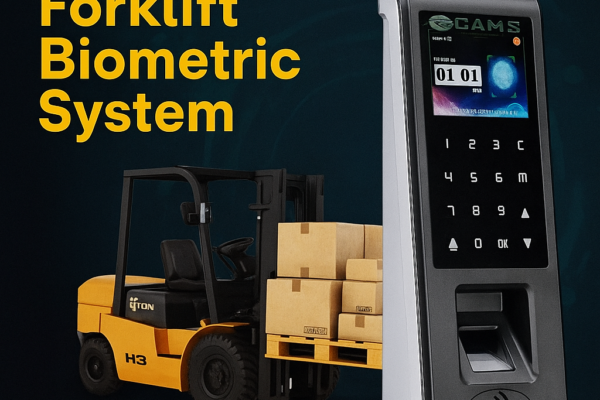
Cams Forklift Biometric Access Control System
Overview of the Cams Forklift Biometric System: fingerprint and face ignition control for forklifts and industrial vehicles, managed via the Cams Web API.







Overview of the Cams Forklift Biometric System: fingerprint and face ignition control for forklifts and industrial vehicles, managed via the Cams Web API.
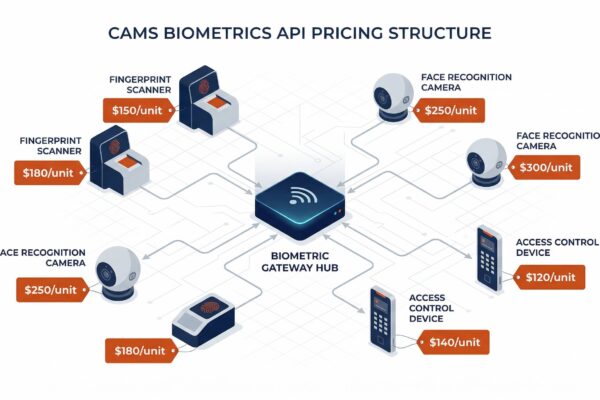
How Cams Biometrics API charges apply per device: activation, yearly license, protocol update, hybrid connector, software integration, and renewal rules.
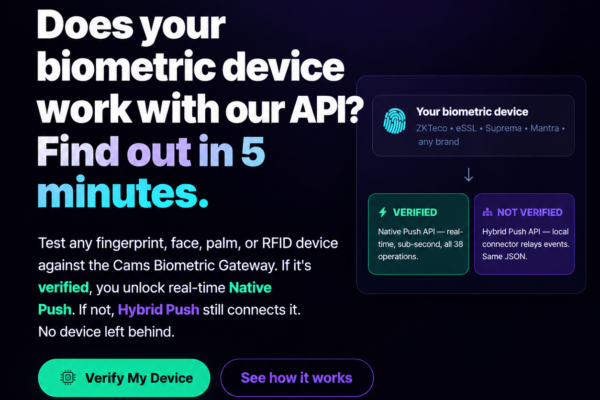
This page helps you configuring your biometric machines to connect with the web server. The following screens are taken from Cams biometric machines. Some of the machines of ZKTeco will also same as Cams machines. In the following examples we have shared has screens of two different versions. If you have different software than what…
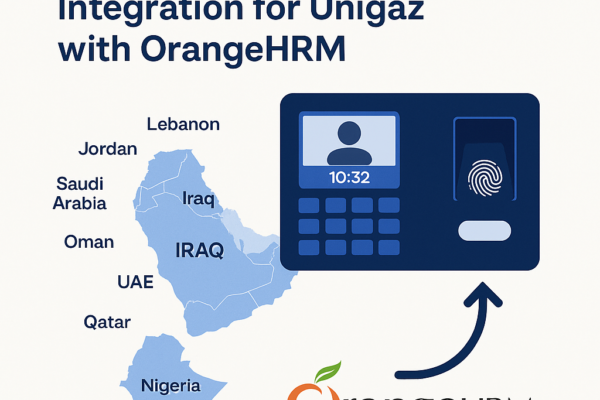
Case study of how Unigaz connected biometric devices in multiple countries to OrangeHRM through the Cams Biometrics Web API, with timeline and results.

How two-way API communication pushes employee data to devices at other branches, so staff moving between campuses need no biometric re-enrollment.
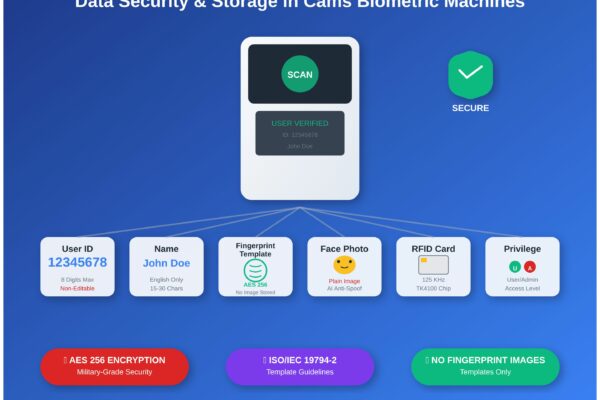
What Cams biometric machines store (user ID, name, fingerprint template, face photo, RFID card) and how that data is protected, enrolled and managed.
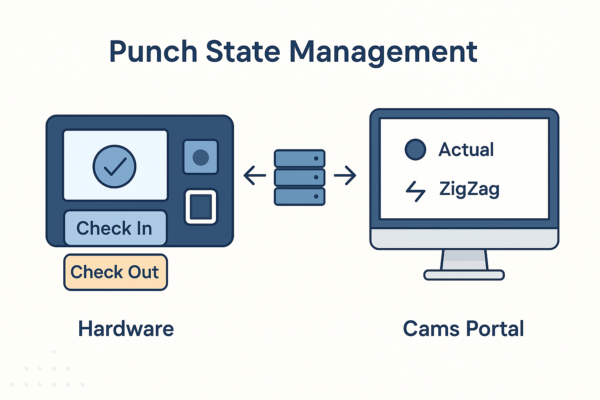
How Cams Biometrics sets IN/OUT punch states: device-level selection, Actual, First In Rest Out and ZigZag modes, and limits such as 24-hour punch history.

How biometric attendance devices connect to SAP SuccessFactors Time Tracking through Cams Biometrics APIs: push-based data flow and best practices.

Step-by-step first-time setup: prerequisites, the Device Status dashboard, callback URL, auth token and direction settings, and checking the data flow.
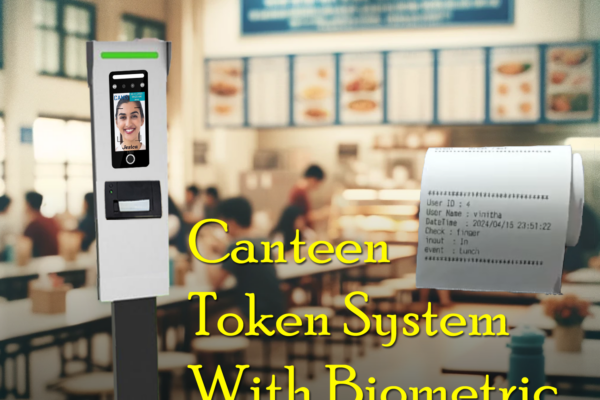
How the Cams Biometrics Web API links CAN10 canteen machines to a server in real time for food selection, token generation and user access control.














