
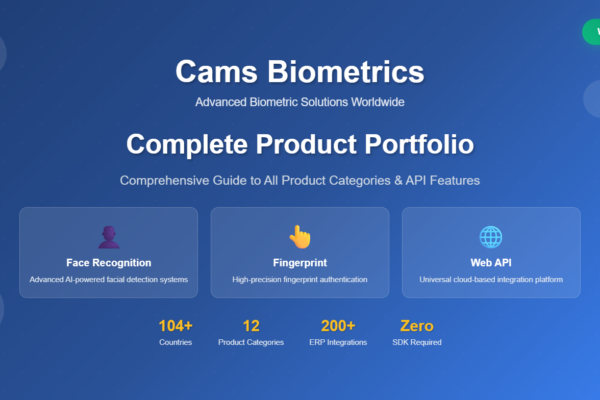
Cams Biometrics Product Categories and Line Overview
Overview of Cams Biometrics face, fingerprint and access-control products, protocol engines, web API features and ERP/HRMS integrations.






Overview of Cams Biometrics face, fingerprint and access-control products, protocol engines, web API features and ERP/HRMS integrations.
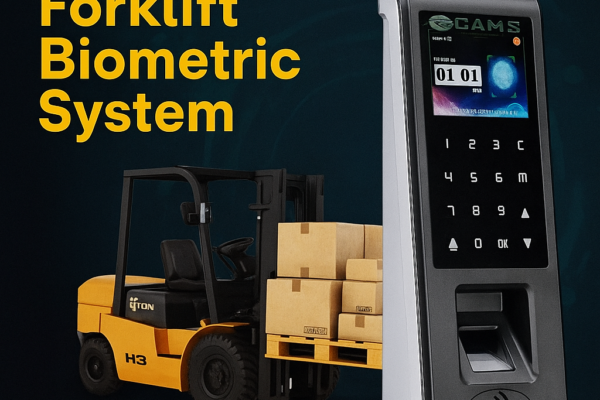
Overview of the Cams Forklift Biometric System: fingerprint and face ignition control for forklifts and industrial vehicles, managed via the Cams Web API.
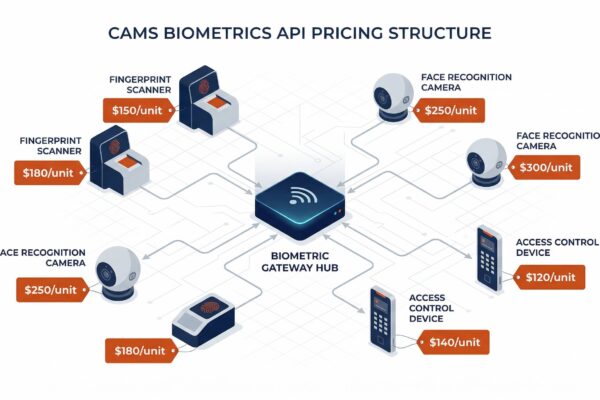
How Cams Biometrics API charges apply per device: activation, yearly license, protocol update, hybrid connector, software integration, and renewal rules.
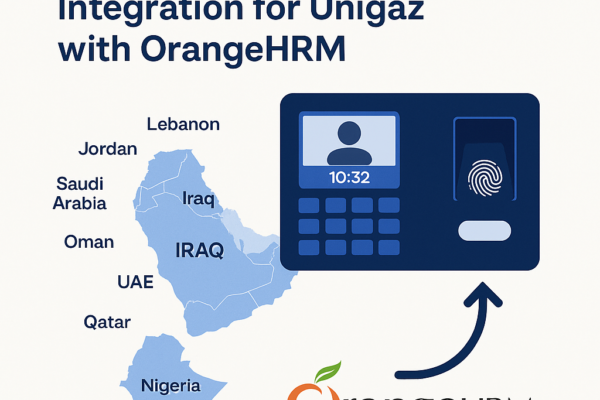
Case study of how Unigaz connected biometric devices in multiple countries to OrangeHRM through the Cams Biometrics Web API, with timeline and results.
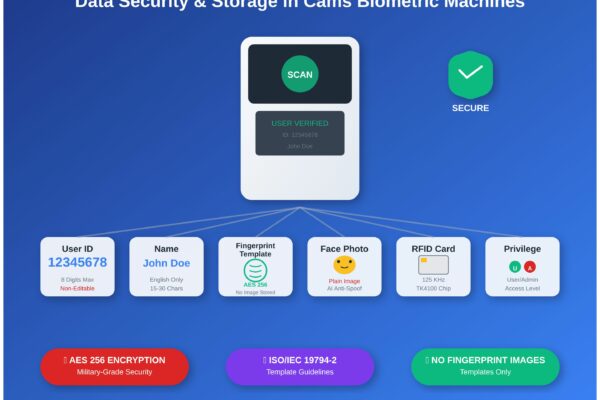
What Cams biometric machines store (user ID, name, fingerprint template, face photo, RFID card) and how that data is protected, enrolled and managed.
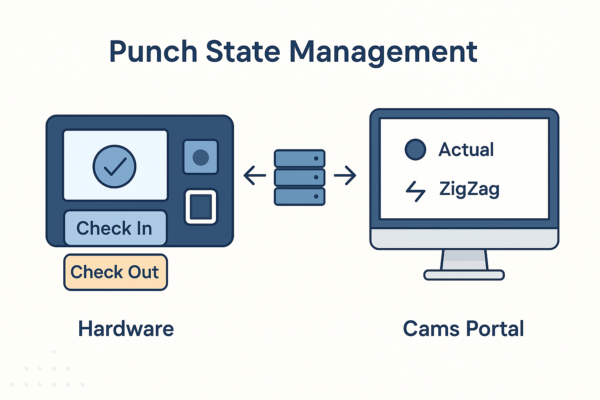
How Cams Biometrics sets IN/OUT punch states: device-level selection, Actual, First In Rest Out and ZigZag modes, and limits such as 24-hour punch history.

Step-by-step first-time setup: prerequisites, the Device Status dashboard, callback URL, auth token and direction settings, and checking the data flow.
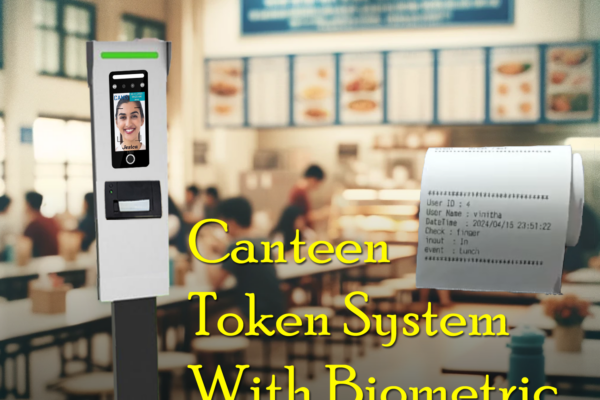
How the Cams Biometrics Web API links CAN10 canteen machines to a server in real time for food selection, token generation and user access control.

Compares the Cams Biometric API with SDK-based and other biometric integration methods: real-time push, two-way user management, and no port forwarding.
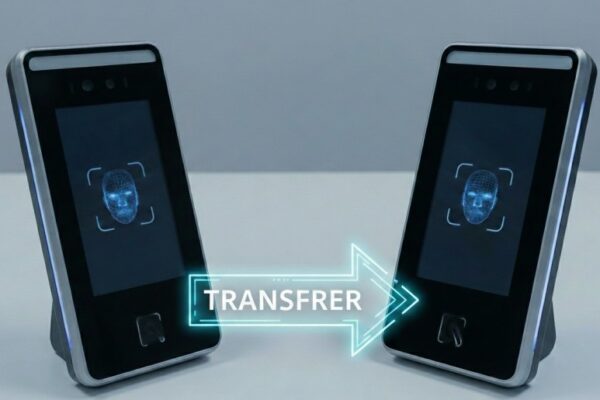
When and how an API license moves from a damaged Cams or third-party biometric device to a replacement, with pro-rated license and activation steps.














