
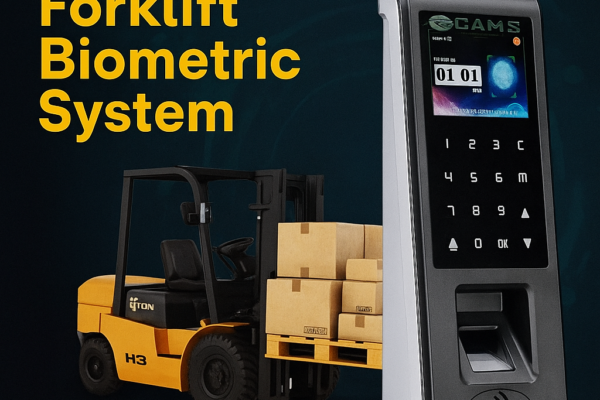
Cams Forklift Biometric Access Control System
Overview of the Cams Forklift Biometric System: fingerprint and face ignition control for forklifts and industrial vehicles, managed via the Cams Web API.






Overview of the Cams Forklift Biometric System: fingerprint and face ignition control for forklifts and industrial vehicles, managed via the Cams Web API.
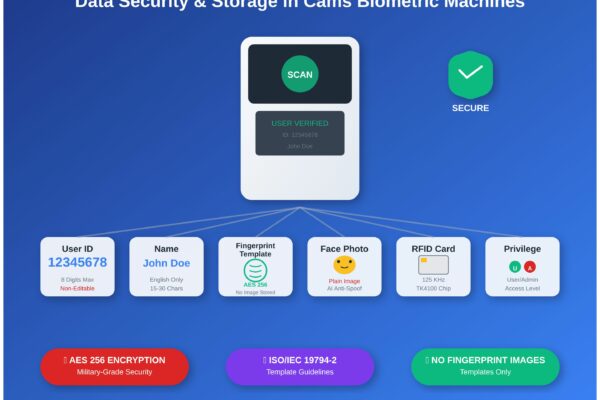
What Cams biometric machines store (user ID, name, fingerprint template, face photo, RFID card) and how that data is protected, enrolled and managed.
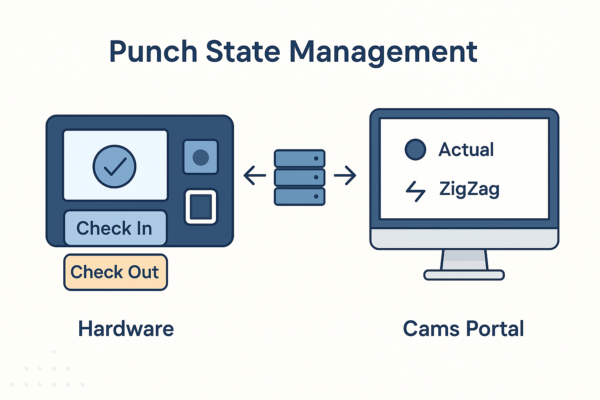
How Cams Biometrics sets IN/OUT punch states: device-level selection, Actual, First In Rest Out and ZigZag modes, and limits such as 24-hour punch history.
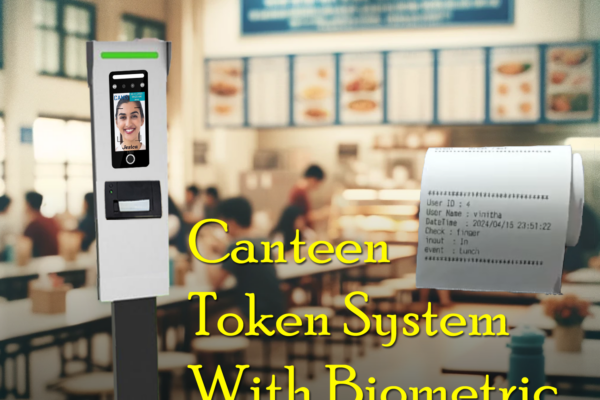
How the Cams Biometrics Web API links CAN10 canteen machines to a server in real time for food selection, token generation and user access control.

How to regain admin access on a locked biometric attendance machine: remote unlock for Cams devices, options for ZKTeco, eSSL and Identix, and prevention.

Steps to connect a biometric device to Razorpay, for Cams Biometrics devices and existing devices such as ZKTeco, using the Cams Biometrics API.

If a biometric device loses its time after a restart, the internal CR1220 3V button cell battery likely needs replacing. Here is what to do.

A spoof attack uses a photo or video to fool facial recognition. See how infrared scanning and depth analysis help Cams devices reject fake faces.

What the Duplicate Punch Duration setting does, why it blocks repeated punches within a set time, and when to disable it to record every punch.

Biometric devices that restart repeatedly often have a weak power adapter. Learn the 12V-2A and 12V-4A adapter recommendations and what to do next.














