

Biometric Re-Enrollment Case Study: Multi-Branch Enterprises
How two-way API communication pushes employee data to devices at other branches, so staff moving between campuses need no biometric re-enrollment.






How two-way API communication pushes employee data to devices at other branches, so staff moving between campuses need no biometric re-enrollment.
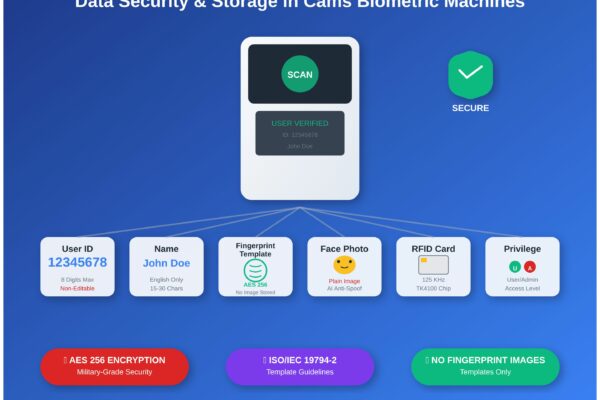
What Cams biometric machines store (user ID, name, fingerprint template, face photo, RFID card) and how that data is protected, enrolled and managed.
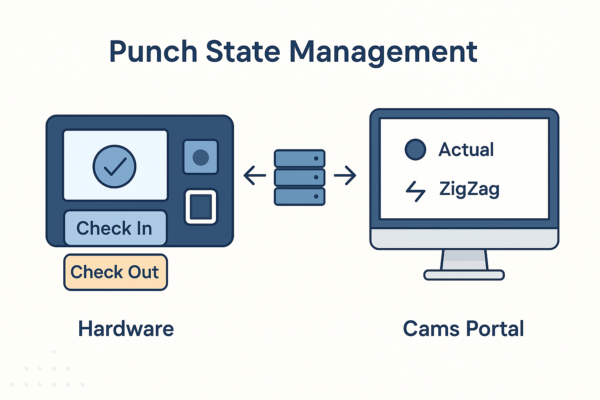
How Cams Biometrics sets IN/OUT punch states: device-level selection, Actual, First In Rest Out and ZigZag modes, and limits such as 24-hour punch history.

How biometric attendance devices connect to SAP SuccessFactors Time Tracking through Cams Biometrics APIs: push-based data flow and best practices.

Step-by-step first-time setup: prerequisites, the Device Status dashboard, callback URL, auth token and direction settings, and checking the data flow.
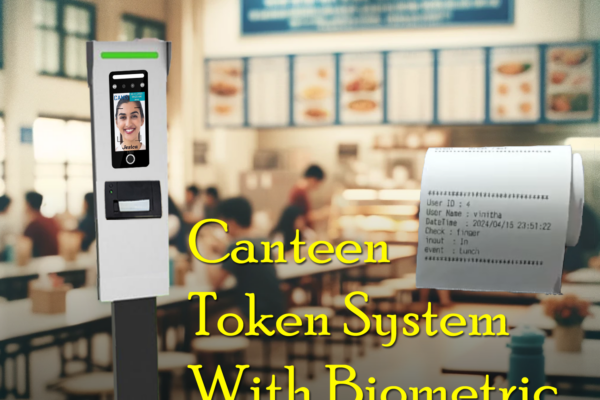
How the Cams Biometrics Web API links CAN10 canteen machines to a server in real time for food selection, token generation and user access control.

Compares the Cams Biometric API with SDK-based and other biometric integration methods: real-time push, two-way user management, and no port forwarding.
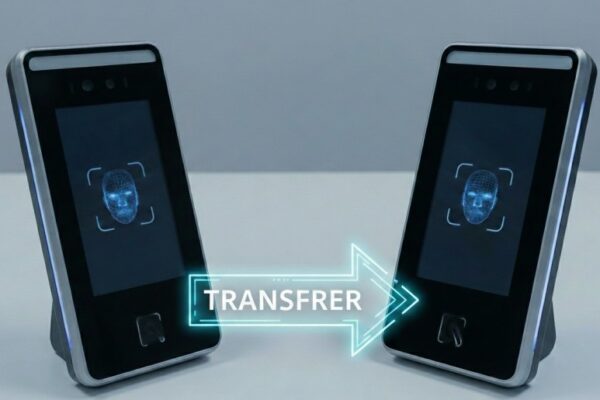
When and how an API license moves from a damaged Cams or third-party biometric device to a replacement, with pro-rated license and activation steps.

How to regain admin access on a locked biometric attendance machine: remote unlock for Cams devices, options for ZKTeco, eSSL and Identix, and prevention.
Steps to connect a biometric device to Razorpay, for Cams Biometrics devices and existing devices such as ZKTeco, using the Cams Biometrics API.














