
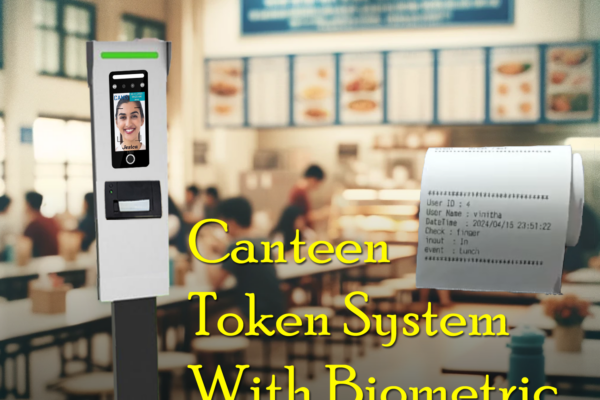
Real-Time Canteen Management with the Cams Biometrics Web API
How the Cams Biometrics Web API links CAN10 canteen machines to a server in real time for food selection, token generation and user access control.






How the Cams Biometrics Web API links CAN10 canteen machines to a server in real time for food selection, token generation and user access control.

Compares the Cams Biometric API with SDK-based and other biometric integration methods: real-time push, two-way user management, and no port forwarding.
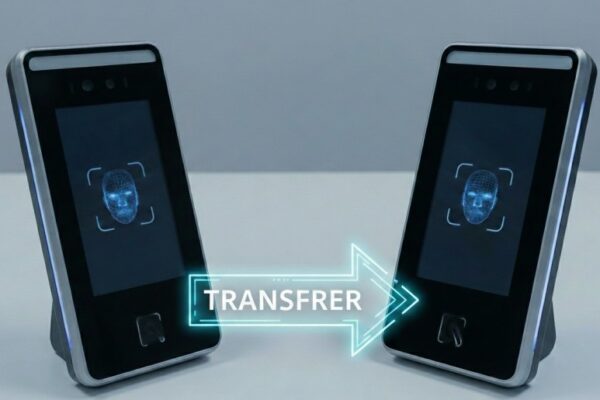
When and how an API license moves from a damaged Cams or third-party biometric device to a replacement, with pro-rated license and activation steps.
Steps to connect a biometric device to Razorpay, for Cams Biometrics devices and existing devices such as ZKTeco, using the Cams Biometrics API.

Steps to diagnose missing data in your ERP: involve your ERP provider, then record a test attendance entry and check it on the Device Status page.
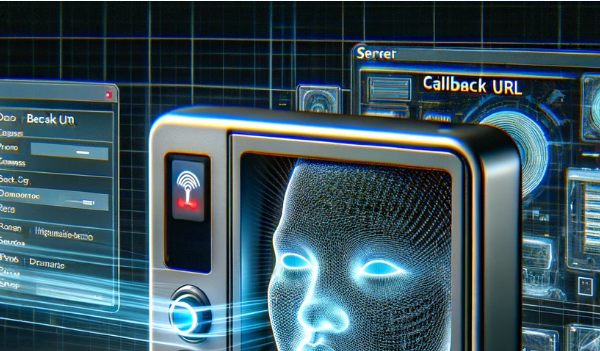
Learn what a callback URL (webhook) is, how to create and secure an endpoint that accepts HTTP POST requests, and how to test it with Postman or cURL.

Troubleshoot biometric punches that do not reach your server: check device status, server URL and response, retry rules, and how to restart the queue.

How to connect ZKTeco biometric attendance devices to a cloud application with the Cams Biometrics API: verify the device, set up the network, callbacks.














