


Support
Comprehensive User Guide for API Configuration with Biometric Machines and Admin Tools – A First Time Setup Guide
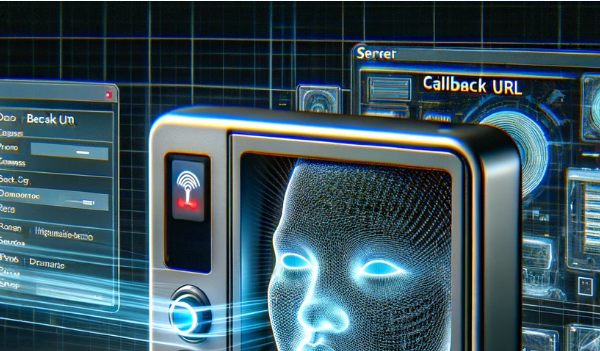
Setting up the API integration with your biometric machine for the first time is a crucial step to ensure seamless communication between your device and your server. This guide provides a comprehensive, step-by-step walkthrough to configure the server endpoint, link your biometric machine to the API, and validate the data flow. Whether you’re a developer…
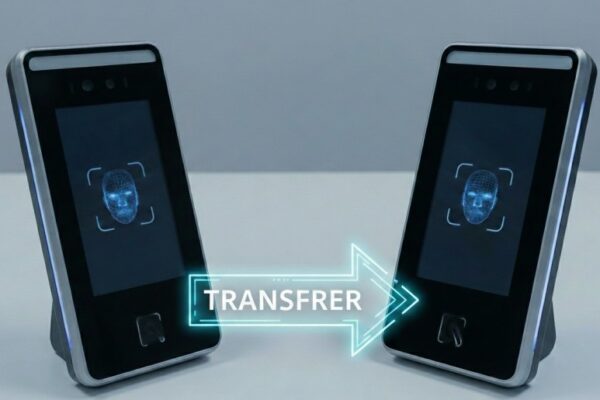
Moving API License Between Biometric Devices
Understanding Device Migration in Cams Biometrics Platform When working with biometric infrastructure, hardware failures are an inevitable reality. Understanding how to properly migrate your API license from a damaged device to a replacement unit is crucial for maintaining business continuity while ensuring compliance with the platform’s technical requirements. Technical Prerequisites for Migration Device Status Requirements…
Recovering Admin Rights on Biometric Machines: What to Do When You’re Locked Out
It’s not uncommon—an admin leaves the company, or no one remembers which user has admin rights on your biometric attendance machine. Now, you’re locked out of the menu and can’t manage users or settings. Giving attendance still works, but you can’t add/remove users or change any device settings. Recovering admin access can be easy or…
Step-by-Step Guide to Integrating Biometric Devices with RazorPay
Integrating a biometric machine with RazorPay involves distinct steps for different devices, such as Cams Biometrics and ZKTeco. Here’s a detailed guide to help you through the process: For Cams Biometrics Devices: For Existing Devices like ZKTeco: General Tips: This tutorial aims to make the integration process as clear as possible, ensuring that your biometric…
How to Fix Time Resetting Issues While Restarting Your Biometric Device
If your device’s time settings are resetting upon restart, the issue might be with the internal button cell battery, specifically a CR1220 – 3V. This battery is crucial as it maintains the internal clock and preserves the time settings even when the device is powered off or restarted. To address this issue, you should replace…
Resolving Missing Data Problems in Your ERP System
When experiencing missing data in your ERP system, it’s essential to initiate a thorough investigation with the help of your ERP provider. The provider can access detailed system logs and settings that are crucial for diagnosing the root cause of the data issues. This approach ensures that any systemic or technical anomalies within the ERP…
Is It Possible to Record Attendance Through Photos or Video Calls?
A spoof attack in facial biometric systems occurs when someone attempts to trick the system using a false representation of a face, such as a photo, video, or a different substitute for an actual human face. This can lead to unauthorized access or fraudulent attendance records, impacting the security and accuracy of biometric data management….
Optimizing Attendance Accuracy: Understanding and Managing Duplicate Punch Duration in Biometric Systems
When utilizing a biometric attendance system, it’s important to understand how the “Duplicate Punch Duration” feature functions. This setting helps prevent the recording of multiple attendance entries by the same user within a specific, predefined time frame. If this feature is activated, any additional punches made by the same user during this period are not…
Optimizing Power Supply for Biometric Devices: A Comprehensive Guide to Preventing Restarts
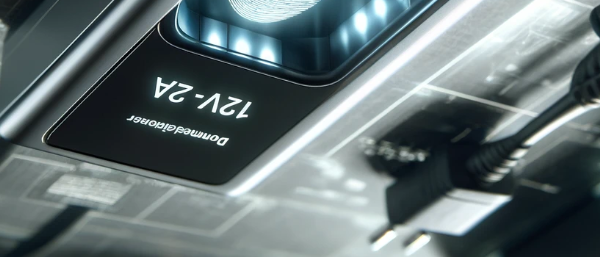
When experiencing issues with a biometric device that restarts repeatedly, it is important to first assess the power supply, as it is a common culprit. The power adapter used must meet specific current ratings to ensure stable operation of the device. For standard attendance machines, a 12V-2A adapter is typically recommended, which provides sufficient power…
Troubleshooting Random Offline Issues in Biometric Attendance Devices
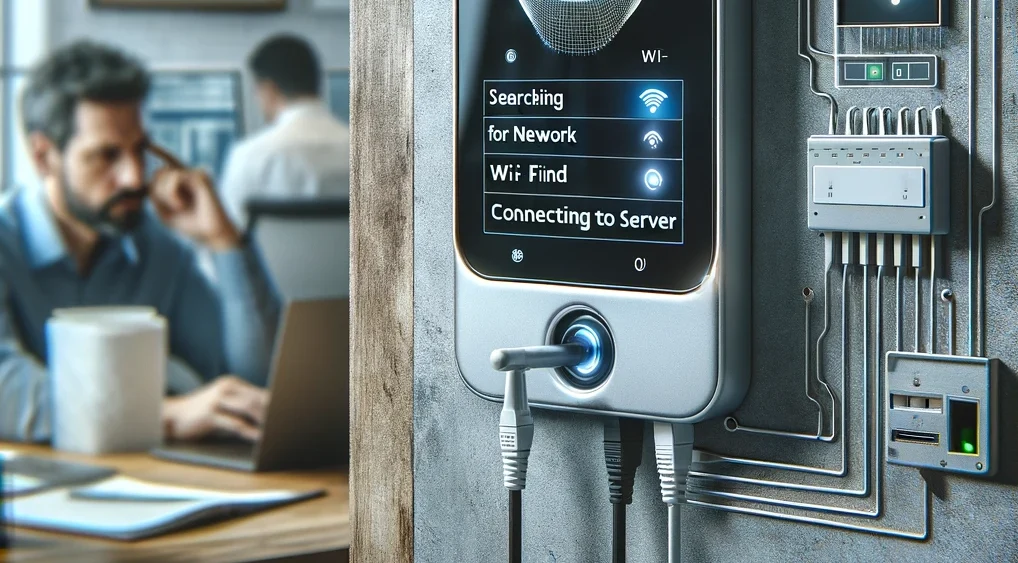
When a biometric attendance device consistently shows an offline status despite a stable internet connection, there are two primary areas to investigate: Addressing these issues involves a systematic approach to determine whether the cause is related to the device or the network, thereby enabling effective resolution of connectivity problems. This kind of targeted troubleshooting is…